
guntomycedd - Minecraft Skins & Skin History
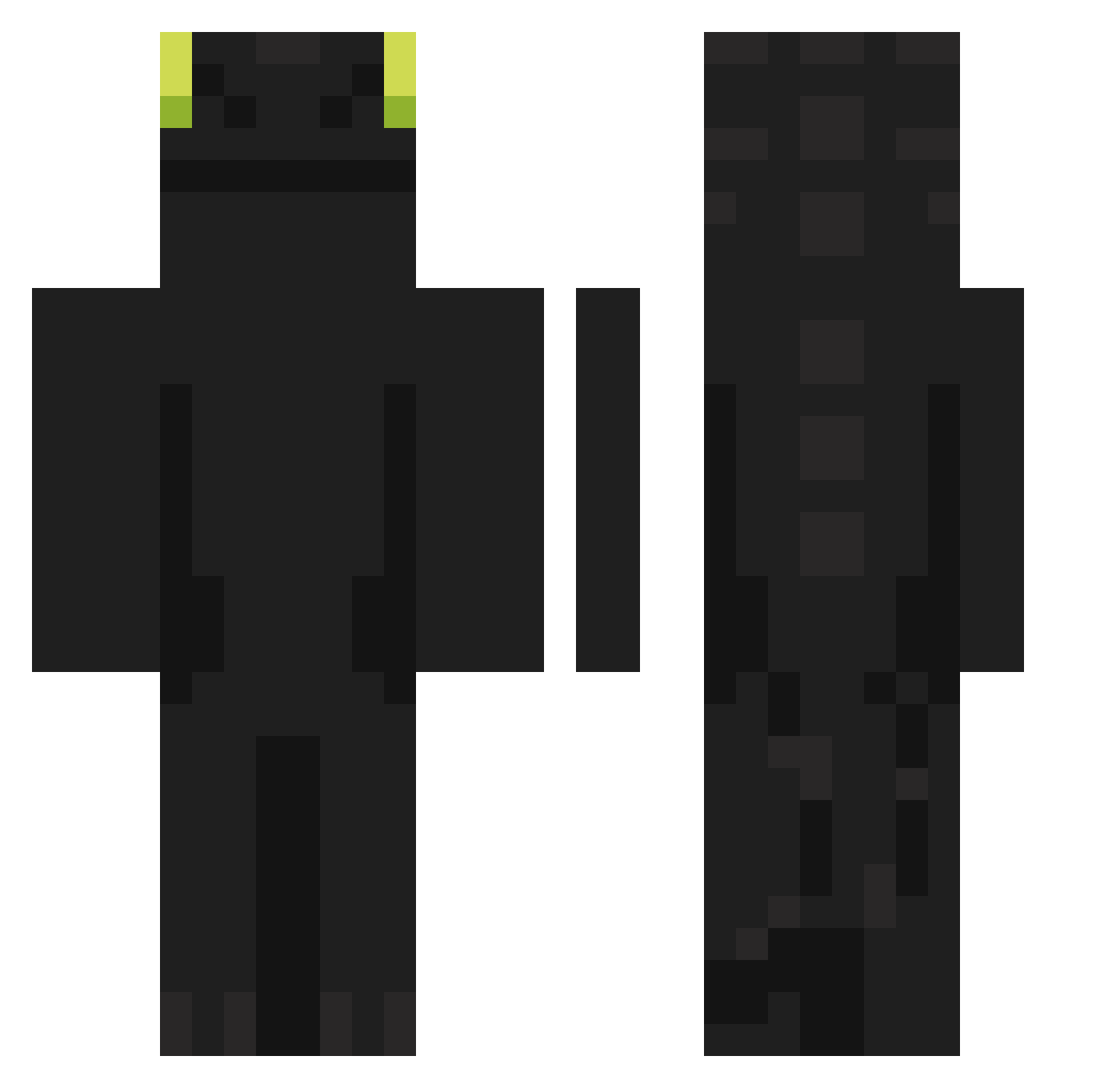
Current Minecraft skin of the player guntomycedd, loaded from the official Mojang API. Rotate the 3D model with your mouse or finger, then download the skin as a PNG file and use it in Minecraft: Bedrock Edition or Java Edition for free. When guntomycedd changes their skin, this page updates automatically and the old skin stays in the history below.
Other players with this skin (1104)
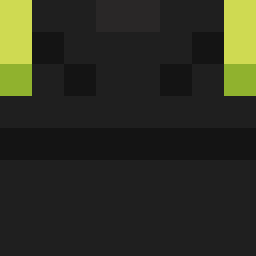
guntomycedd was the 944th player we have seen with this skin, first spotted on 04.11.2026. The same skin was seen on these players. Open a nickname to see their current skin and skin history.
 Hero240409 HOMTEA onzerol opcapybara Gui_AS choo0713 minarada PiperDz HAMiltun Tostato318 TravChang live2203 criticexe daifuQu_ grubby1100 PL_Jonas Technoblade_45 G4N4T Wiktor_789 TheKingBariL Evasor_ yWeedL frank04831 Ryzen4070 feixingnaiyou cxnvic godrzlover safgga Asafusa DragonFlame1087 MrRaptory Wildedraak Ginzunazuz triqack AdrianSlt noamsifin123 jeon0eda obsidianmoon07 Gotuna Rogizler NameOlive355262 black0303 Tetsumesu eden2xz icehotcoffee LaBestiaXexual Zerche jungwon0482 Kuroidri Brenin211_ lizarrd0908 sLap42 QS5BN rudydestroyer102 Eggyamado SterbenXl Jaccolatte DONPOTAS05 burtumz_ Khalilium
More Night Fury Minecraft skins
How to install the guntomycedd skin
- Press the Download button above to save the skin as a PNG file.
- Minecraft: Bedrock Edition (PE): open the Dressing Room from the main menu (or tap your character → Edit Character), go to Classic Skins → Owned, press the + (new skin) button, choose the downloaded PNG and pick the Classic (Steve) model. Works on PC and mobile; consoles cannot import custom skins.
- Minecraft: Java Edition: open the Minecraft Launcher, go to the Skins tab, click New Skin, load the PNG, pick the Classic (Steve) model and press Save & Use. You can also upload it at minecraft.net → Profile → Change Skin.
The skin does not show up after import - what should I do?
Restart Minecraft and open the Dressing Room again - imported skins sometimes appear only after a restart. Also make sure you selected the imported skin and picked the Classic (Steve) model.
Which model should I choose, Classic or Slim?
This skin is designed for the Classic (Steve) model. If you pick the wrong model, the arms of the skin will look stretched or squeezed.
Is the skin of guntomycedd free to download?
Yes. Press Download, save the PNG file and use it in Minecraft: Bedrock Edition or Java Edition - no payment or registration needed. The skin also works on multiplayer servers and Realms.
More skins
Looking for more? Go back to all Minecraft skins and check the top skins of the week, month and all time, or find any player's skin by nickname.