
gremmDE - Minecraft Skins & Skin History
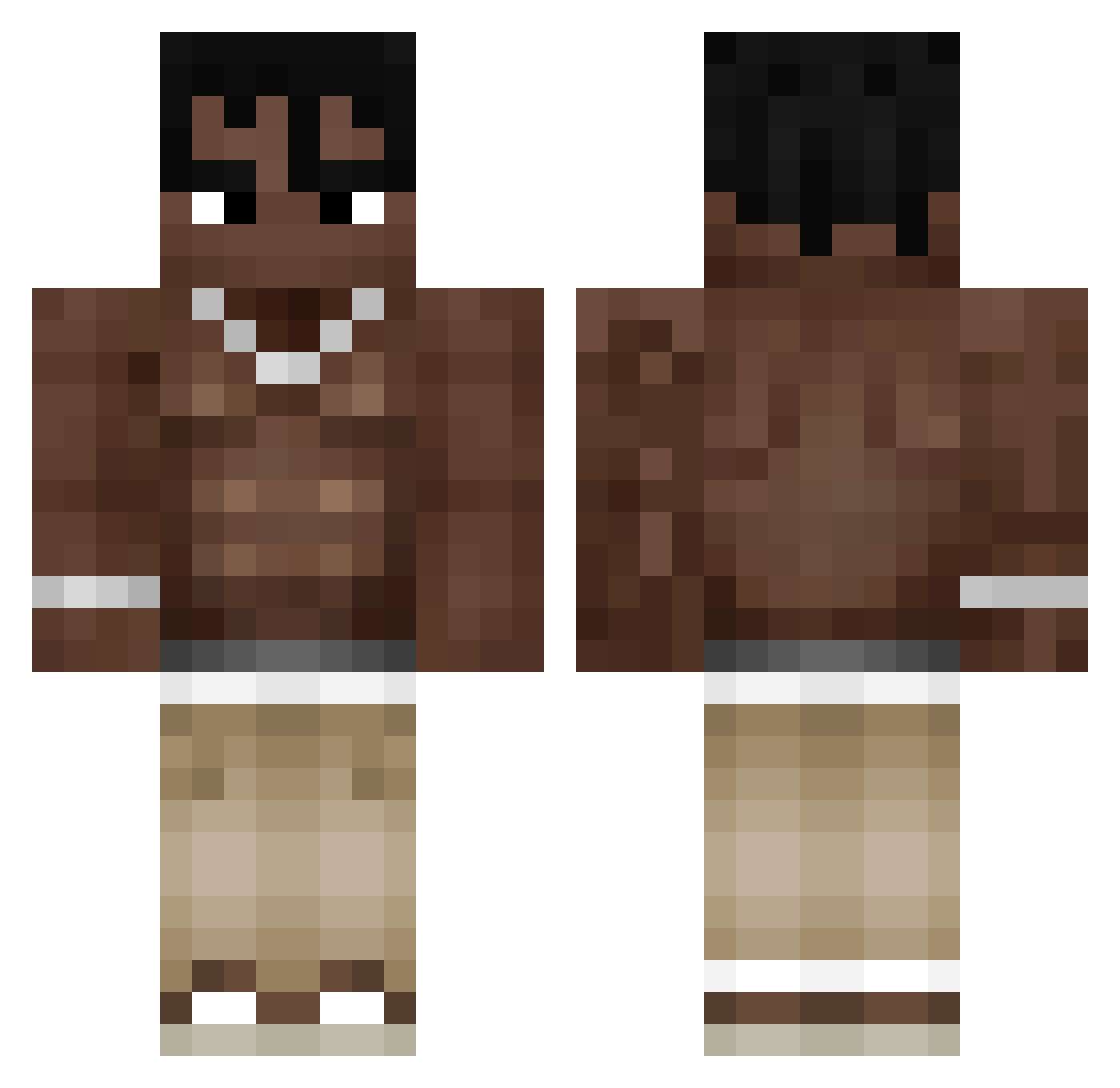
Current Minecraft skin of the player gremmDE, loaded from the official Mojang API. Rotate the 3D model with your mouse or finger, then download the skin as a PNG file and use it in Minecraft: Bedrock Edition or Java Edition for free. When gremmDE changes their skin, this page updates automatically and the old skin stays in the history below.
Other players with this skin (323)
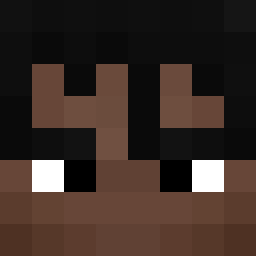
gremmDE was the 182nd player we have seen with this skin, first spotted on 22.09.2026. The same skin was seen on these players. Open a nickname to see their current skin and skin history.
 Matschauge1 Qreskaa Gabatomato Warga0 rhcruel fvcx_ OliQ281 Versus88 Travis_Kotid Versatics _AaR0N_ Blvak yang33100 bobertskifinton Pitere3210 Isomatte187 weareawesome001 dafoot26 Crys7aal Nosha6a Nicszc The_Papatun Barabolix Kxray1707 Chwissy0 matninja_1337 Kripno MemesAreCool499 Bartus2804 Kuuranoob Adm_yt21 THEO260 wavesineyes godkape Redzyn DRAGONS_IRO Maxinator3488 DampSock Expired_Pou95 Woozniakk0 WippyWop XwhyyX Flipsik22 Bailey_Is_Cool AliBaran71 Pieroforty lacerda011 Anew16 Figueira214 missionMx2 dj_pampers ogmkkm Neeenzu Gewim Adelta_Gabbo davidg12337 Reszeyy faz3nat31 stxcs21 spaceisma
More Shirtless Minecraft skins
How to install the gremmDE skin
- Press the Download button above to save the skin as a PNG file.
- Minecraft: Bedrock Edition (PE): open the Dressing Room from the main menu (or tap your character → Edit Character), go to Classic Skins → Owned, press the + (new skin) button, choose the downloaded PNG and pick the Classic (Steve) model. Works on PC and mobile; consoles cannot import custom skins.
- Minecraft: Java Edition: open the Minecraft Launcher, go to the Skins tab, click New Skin, load the PNG, pick the Classic (Steve) model and press Save & Use. You can also upload it at minecraft.net → Profile → Change Skin.
The skin does not show up after import - what should I do?
Restart Minecraft and open the Dressing Room again - imported skins sometimes appear only after a restart. Also make sure you selected the imported skin and picked the Classic (Steve) model.
Which model should I choose, Classic or Slim?
This skin is designed for the Classic (Steve) model. If you pick the wrong model, the arms of the skin will look stretched or squeezed.
Is the skin of gremmDE free to download?
Yes. Press Download, save the PNG file and use it in Minecraft: Bedrock Edition or Java Edition - no payment or registration needed. The skin also works on multiplayer servers and Realms.
More skins
Looking for more? Go back to all Minecraft skins and check the top skins of the week, month and all time, or find any player's skin by nickname.