
grapev2 - Minecraft Skins & Skin History
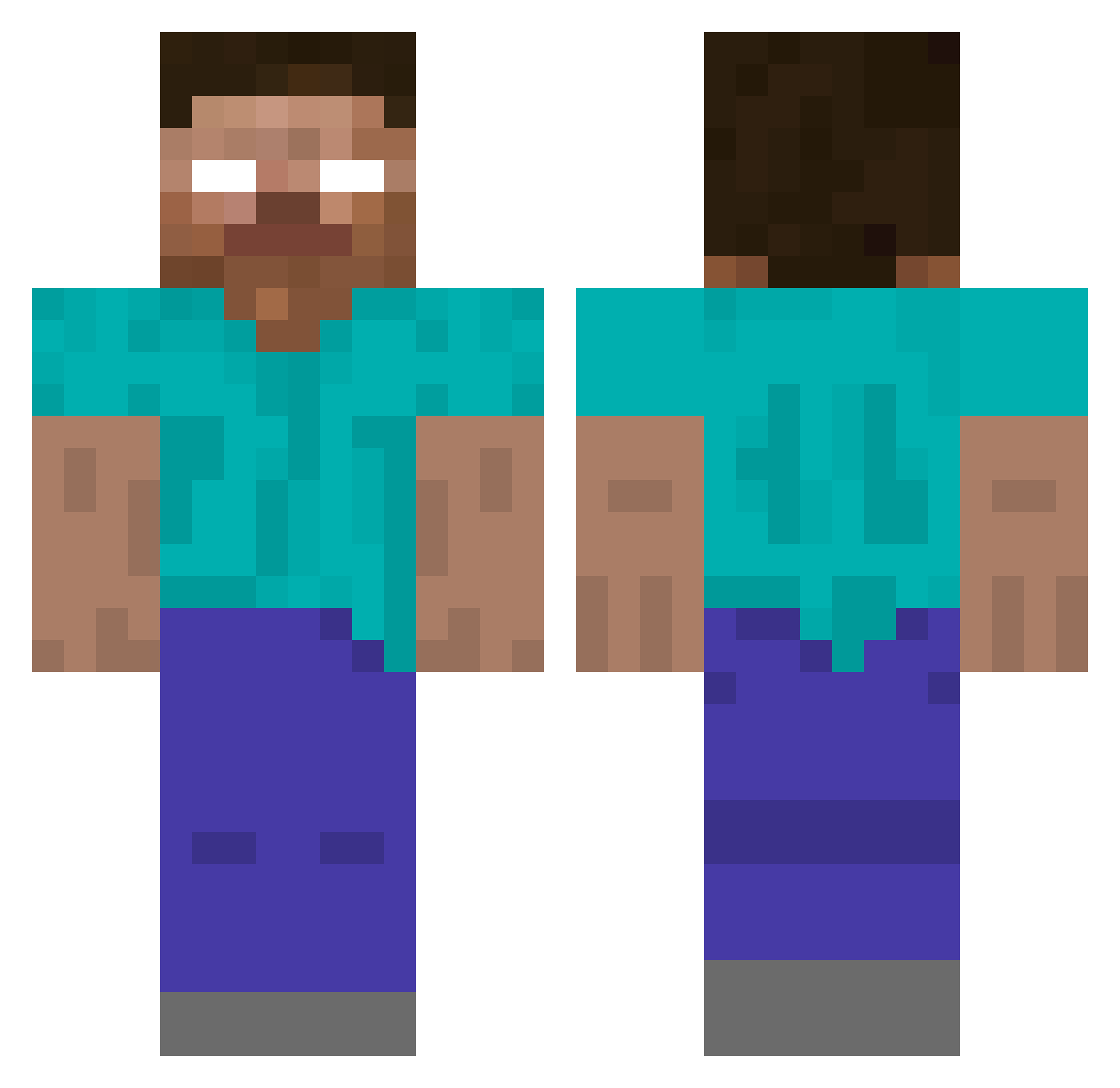
Current Minecraft skin of the player grapev2, loaded from the official Mojang API. Rotate the 3D model with your mouse or finger, then download the skin as a PNG file and use it in Minecraft: Bedrock Edition or Java Edition for free. When grapev2 changes their skin, this page updates automatically and the old skin stays in the history below.
Other players with this skin (424)
grapev2 was the 320th player we have seen with this skin, first spotted on 17.10.2026. The same skin was seen on these players. Open a nickname to see their current skin and skin history.
 Whalerolls derf1000 mmppz JLVadder leeharr TheTribe sluggo007 MstrOfExplosives oculairus juggs_1998 Patry05 Steve_negativ Huwboy Please_Enjoy GGServershosting jjm123456 justi95 kappelemerchant ZCraftWarrior JayJego Philip619 katherine532 Alessandro1966 doobster dennas23 BroManDudeGuyPhD boomermason SSJLilRich IkaIkaJohnson02 cqr98 HONGLEUNG epic_max99 The_Incinerater8 pacotaco234567 Fugui__ minimanLFC cwebb111 AJBHerobrine AlTradeuto kohwagner11 Vuit noelo2345 BHghost Matthew062002 dreylon101 IamTheBoss66778 TenzkiAlt22 RSCosworth jimmyhamada Melons7 blackek atlasQED angelmystery360 0Zack0 LUKENADIAN HaggyTrager christopherbass Mythical545 Ryguyz04 calder08
More Herobrine Minecraft skins
How to install the grapev2 skin
- Press the Download button above to save the skin as a PNG file.
- Minecraft: Bedrock Edition (PE): open the Dressing Room from the main menu (or tap your character → Edit Character), go to Classic Skins → Owned, press the + (new skin) button, choose the downloaded PNG and pick the Classic (Steve) model. Works on PC and mobile; consoles cannot import custom skins.
- Minecraft: Java Edition: open the Minecraft Launcher, go to the Skins tab, click New Skin, load the PNG, pick the Classic (Steve) model and press Save & Use. You can also upload it at minecraft.net → Profile → Change Skin.
The skin does not show up after import - what should I do?
Restart Minecraft and open the Dressing Room again - imported skins sometimes appear only after a restart. Also make sure you selected the imported skin and picked the Classic (Steve) model.
Which model should I choose, Classic or Slim?
This skin is designed for the Classic (Steve) model. If you pick the wrong model, the arms of the skin will look stretched or squeezed.
Is the skin of grapev2 free to download?
Yes. Press Download, save the PNG file and use it in Minecraft: Bedrock Edition or Java Edition - no payment or registration needed. The skin also works on multiplayer servers and Realms.
More skins
Looking for more? Go back to all Minecraft skins and check the top skins of the week, month and all time, or find any player's skin by nickname.