
gobboalberto - Minecraft Skins & Skin History
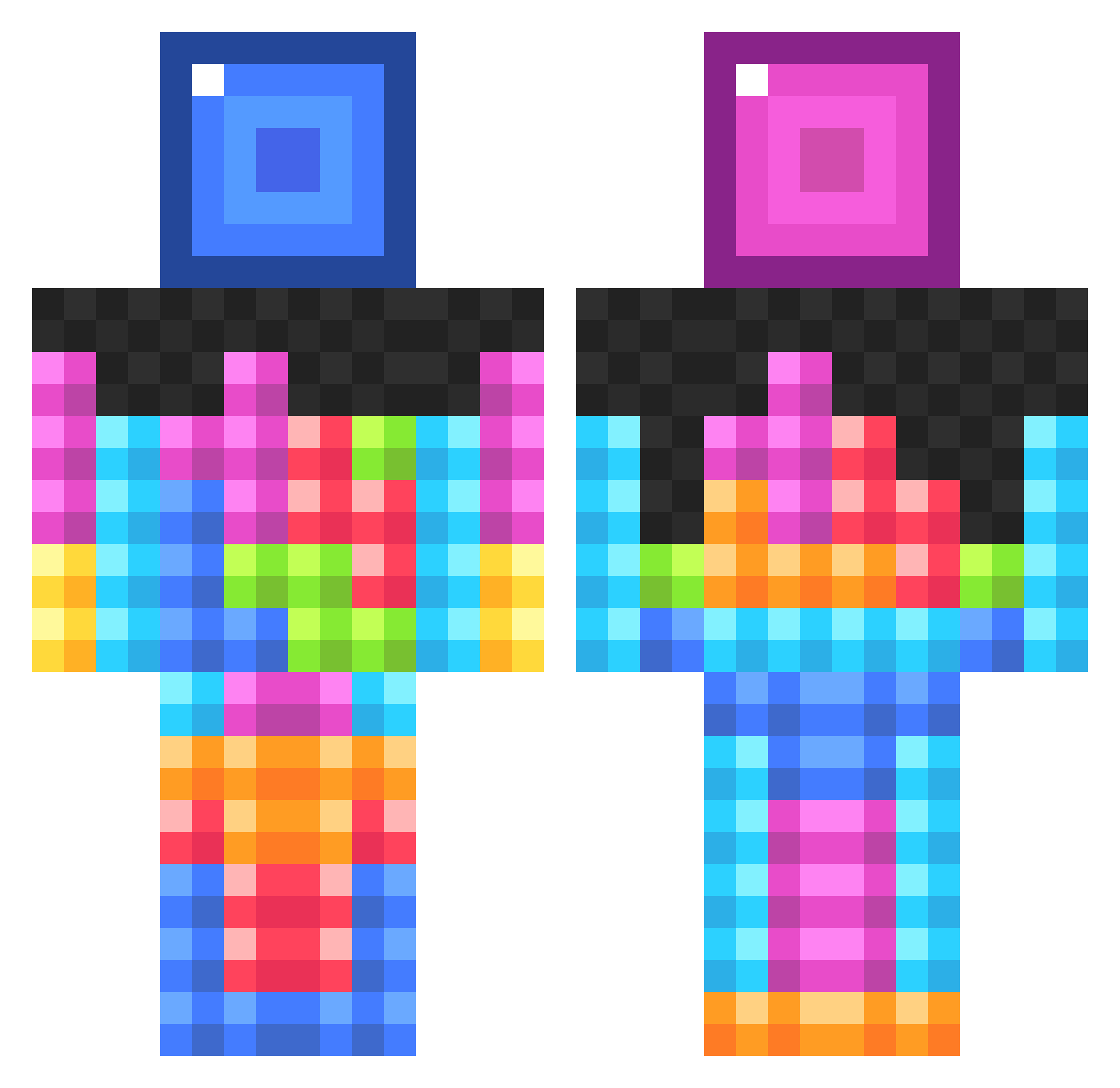
Current Minecraft skin of the player gobboalberto, loaded from the official Mojang API. Rotate the 3D model with your mouse or finger, then download the skin as a PNG file and use it in Minecraft: Bedrock Edition or Java Edition for free. When gobboalberto changes their skin, this page updates automatically and the old skin stays in the history below.
Other players with this skin (834)
gobboalberto was the 437th player we have seen with this skin, first spotted on 19.09.2026. The same skin was seen on these players. Open a nickname to see their current skin and skin history.
 Swanky_Siren mildly_confused LoopyJr Crinberry21 Coda82444 LesBowGaming2014 IGetBuckets_ LoneRanger1886 Reeceboy96 matt8g corvusnet Spanish_Donkey Jazz0l sethregib Akzelecks Topshot_connor24 Hiroshim inwardcheetah pokeemonperson22 KevWev4 TiganaUK trickzhots88 xX_macapaca_Xx keonoconnor SovietTetris Veezie cptshakey Lman1122 kinane4 4popcorn mwpratt seantkim SuperKannon smfd_a_bit Miche00 Lurido Gordelia franbon2005 chubbalobster ehj2 Avento01 Antioch7 bshaw01 perseus1321 RomanTisch NYGfan10105 cosarimi Invince tylion106 Pratnav PorkiChopi2001 Mr_Creeper54915 sassyglizzard jon_clark123 Rachel1976 SarcasticEchos Forklys tijnkarelse Soadtherapy CheezyLemonGamer
More Tetris Minecraft skins
How to install the gobboalberto skin
- Press the Download button above to save the skin as a PNG file.
- Minecraft: Bedrock Edition (PE): open the Dressing Room from the main menu (or tap your character → Edit Character), go to Classic Skins → Owned, press the + (new skin) button, choose the downloaded PNG and pick the Classic (Steve) model. Works on PC and mobile; consoles cannot import custom skins.
- Minecraft: Java Edition: open the Minecraft Launcher, go to the Skins tab, click New Skin, load the PNG, pick the Classic (Steve) model and press Save & Use. You can also upload it at minecraft.net → Profile → Change Skin.
The skin does not show up after import - what should I do?
Restart Minecraft and open the Dressing Room again - imported skins sometimes appear only after a restart. Also make sure you selected the imported skin and picked the Classic (Steve) model.
Which model should I choose, Classic or Slim?
This skin is designed for the Classic (Steve) model. If you pick the wrong model, the arms of the skin will look stretched or squeezed.
Is the skin of gobboalberto free to download?
Yes. Press Download, save the PNG file and use it in Minecraft: Bedrock Edition or Java Edition - no payment or registration needed. The skin also works on multiplayer servers and Realms.
More skins
Looking for more? Go back to all Minecraft skins and check the top skins of the week, month and all time, or find any player's skin by nickname.