
gibissa - Minecraft Skins & Skin History
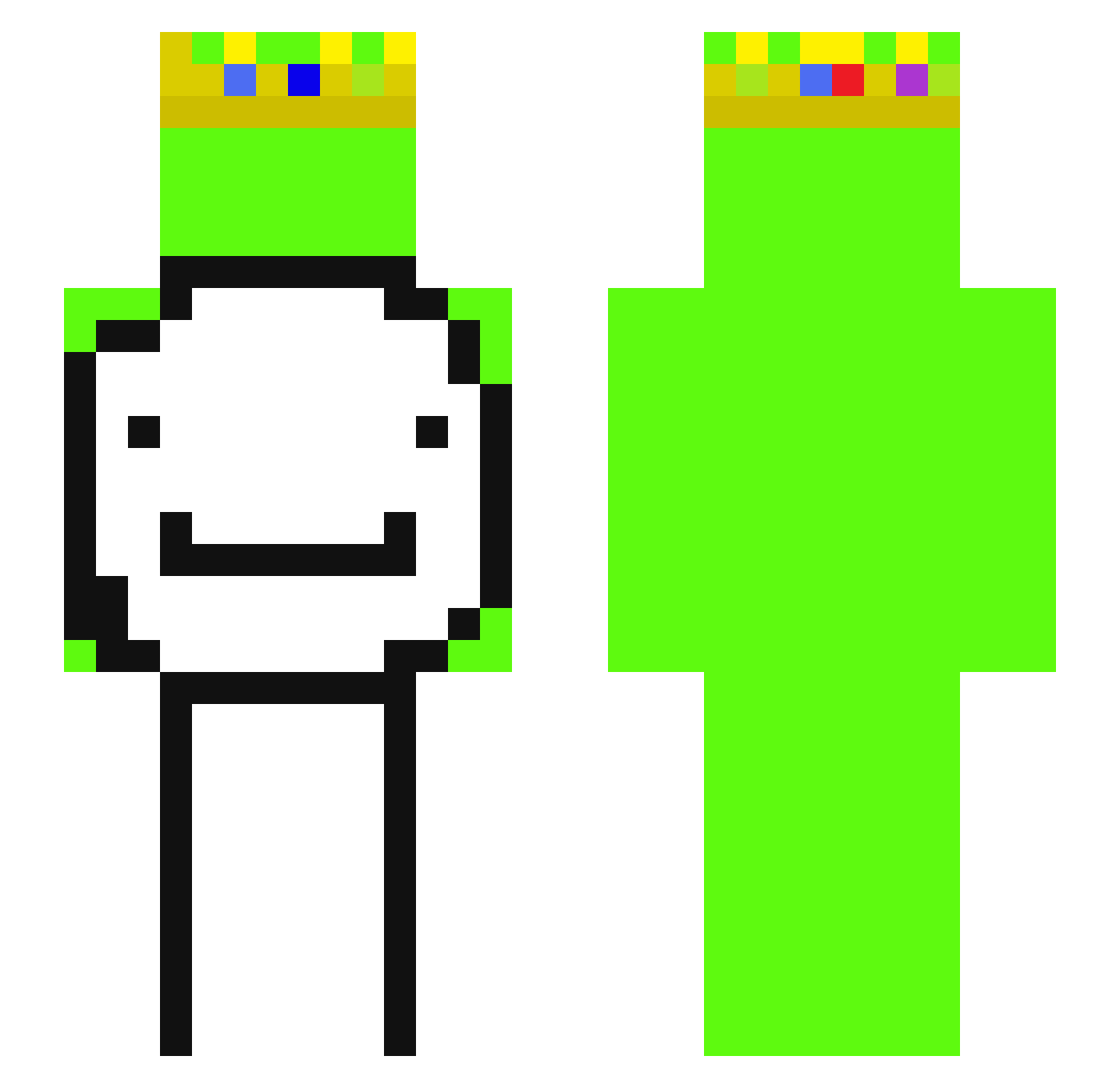
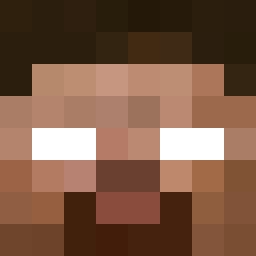
Current Minecraft skin of the player gibissa, loaded from the official Mojang API. Rotate the 3D model with your mouse or finger, then download the skin as a PNG file and use it in Minecraft: Bedrock Edition or Java Edition for free. When gibissa changes their skin, this page updates automatically and the old skin stays in the history below.
Other players with this skin (55)
gibissa was the 22nd player we have seen with this skin, first spotted on 02.09.2026. The same skin was seen on these players. Open a nickname to see their current skin and skin history.
 Dreamsimper __Big__Old__ derpderp8304 takosa31 rizz_god2457
 makaok
 Tkaczykk channelnutpog axcyzz hiro1001a BABYPACMAN2 Collinletsplay TaMiR123k XxDestroyer562 elthomii ashless13
 Moaied Subserox monkey_egoistic8 TenshiAKAngel ItzSlzxx Andelinski JerryZhangM3 Guenshi LondonGaming peach_THAIXD Demiirozaa skygame_bedwars Honziii iklob_1 Dreammmmmmm LaserHood1xx1 isab8l 789z eijeee bullae NotMeThomas kuboslav1 duntedunte _____KEY_____ harutokage stex00 xxdml apple1174 Patmat7 Riqds Muchaunbei LimitX2939 SigmaBoxer XcrabyX nojos lmaololxdlmao nocnafurja3691 monster_beer MerthanKiratli
More Dream SMP Minecraft skins
How to install the gibissa skin
- Press the Download button above to save the skin as a PNG file.
- Minecraft: Bedrock Edition (PE): open the Dressing Room from the main menu (or tap your character → Edit Character), go to Classic Skins → Owned, press the + (new skin) button, choose the downloaded PNG and pick the Slim (Alex) model. Works on PC and mobile; consoles cannot import custom skins.
- Minecraft: Java Edition: open the Minecraft Launcher, go to the Skins tab, click New Skin, load the PNG, pick the Slim (Alex) model and press Save & Use. You can also upload it at minecraft.net → Profile → Change Skin.
The skin does not show up after import - what should I do?
Restart Minecraft and open the Dressing Room again - imported skins sometimes appear only after a restart. Also make sure you selected the imported skin and picked the Slim (Alex) model.
Which model should I choose, Classic or Slim?
This skin is designed for the Slim (Alex) model. If you pick the wrong model, the arms of the skin will look stretched or squeezed.
Is the skin of gibissa free to download?
Yes. Press Download, save the PNG file and use it in Minecraft: Bedrock Edition or Java Edition - no payment or registration needed. The skin also works on multiplayer servers and Realms.
More skins
Looking for more? Go back to all Minecraft skins and check the top skins of the week, month and all time, or find any player's skin by nickname.