
ghostNiNjA23 - Minecraft Skins & Skin History
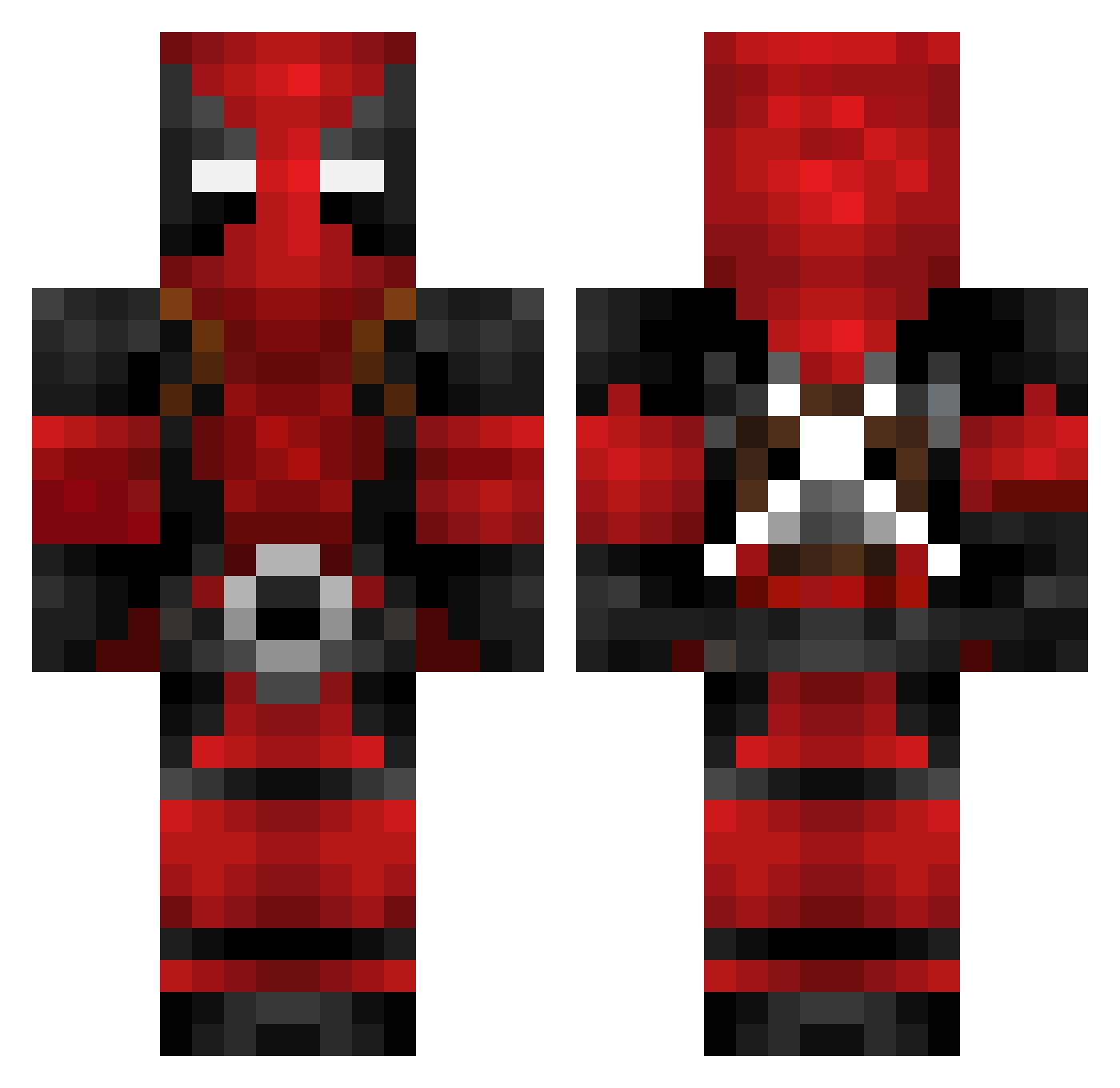
Current Minecraft skin of the player ghostNiNjA23, loaded from the official Mojang API. Rotate the 3D model with your mouse or finger, then download the skin as a PNG file and use it in Minecraft: Bedrock Edition or Java Edition for free. When ghostNiNjA23 changes their skin, this page updates automatically and the old skin stays in the history below.
Other players with this skin (133)
ghostNiNjA23 was the 92nd player we have seen with this skin, first spotted on 30.09.2026. The same skin was seen on these players. Open a nickname to see their current skin and skin history.
 Aviff not_Rooman BlueGremlin6 Mibabu Kleetis_McGeetis Philbee HI_bloody caleb101121 GSix987 BearishArtist69 mishibertus NotAGod99 _0_2 trude14 PhantomTitan42 Dejv00s TitoAdri77 Yagiz60 rekinek325 Abraima Indagogo deepfriedlobster Zompey shenkymelis Illrectifier Twofingers22 vincveg Kooss21 Denimyte ThePK92 TritonGamingAus Sastrumpa Asenkata2013 KEVINOFF7 YarexGaming04 Bshmurda livingdeadg1rll OneshoTeo Pizzaboi1944 peluu24 Confuzious mercykiller_101 Kaccz612 greenpeas3 Duncloudiscool CrazyMonster867 TescoMealDeal38 landwinner Klusto WildBoy07 Vontemorde16 EXA009 that_slowfrs DantehJS r3dninja05 KingTatos Illumin_8 kiannnn_ GonkNam joaquitoxx
More Deadpool Minecraft skins
How to install the ghostNiNjA23 skin
- Press the Download button above to save the skin as a PNG file.
- Minecraft: Bedrock Edition (PE): open the Dressing Room from the main menu (or tap your character → Edit Character), go to Classic Skins → Owned, press the + (new skin) button, choose the downloaded PNG and pick the Classic (Steve) model. Works on PC and mobile; consoles cannot import custom skins.
- Minecraft: Java Edition: open the Minecraft Launcher, go to the Skins tab, click New Skin, load the PNG, pick the Classic (Steve) model and press Save & Use. You can also upload it at minecraft.net → Profile → Change Skin.
The skin does not show up after import - what should I do?
Restart Minecraft and open the Dressing Room again - imported skins sometimes appear only after a restart. Also make sure you selected the imported skin and picked the Classic (Steve) model.
Which model should I choose, Classic or Slim?
This skin is designed for the Classic (Steve) model. If you pick the wrong model, the arms of the skin will look stretched or squeezed.
Is the skin of ghostNiNjA23 free to download?
Yes. Press Download, save the PNG file and use it in Minecraft: Bedrock Edition or Java Edition - no payment or registration needed. The skin also works on multiplayer servers and Realms.
More skins
Looking for more? Go back to all Minecraft skins and check the top skins of the week, month and all time, or find any player's skin by nickname.