
g3vxy - Minecraft Skins & Skin History
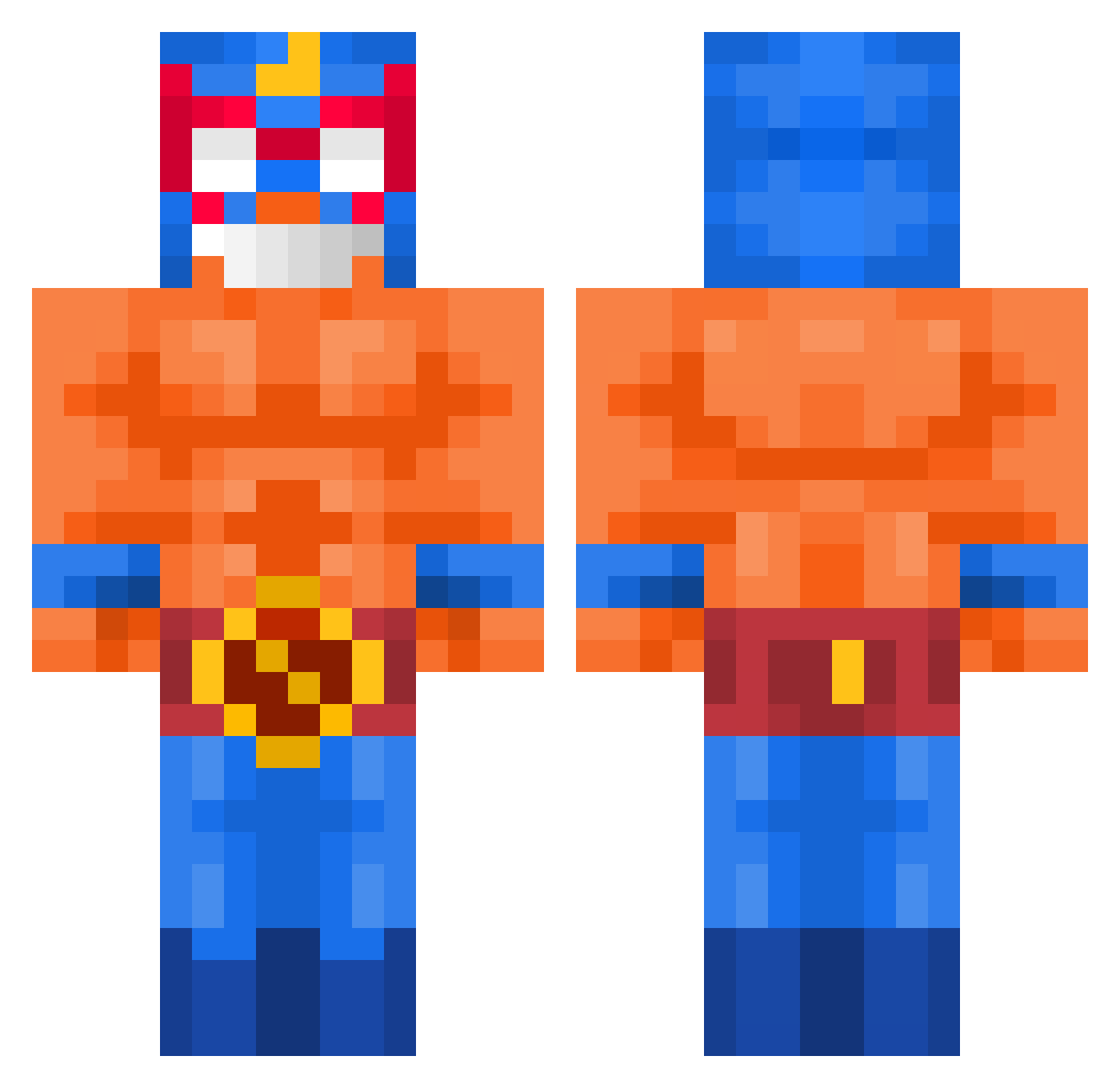
Current Minecraft skin of the player g3vxy, loaded from the official Mojang API. Rotate the 3D model with your mouse or finger, then download the skin as a PNG file and use it in Minecraft: Bedrock Edition or Java Edition for free. When g3vxy changes their skin, this page updates automatically and the old skin stays in the history below.
Other players with this skin (519)
g3vxy was the 88th player we have seen with this skin, first spotted on 11.08.2026. The same skin was seen on these players. Open a nickname to see their current skin and skin history.
 JAdonLin Joe4665 ehehgkstmdwn Mathmff Emiliobc12 maseon0304 RFG_0 siemboyhier84_ Lorenelpro LukiABC123 werh578 bongodongo G4Vn_ quondi Dogaa0 ringo0121 Dawidekot MATAO_10
 Wikeh Stinkypinky37
 Tacomuncher2 MinJiSeo Frost1225 sensei_goon_ ShenKaan RichardDH11 Pinacle6 ube_g0d LowTaperFadeBoi1 SunkenS0ul Azuoliux GILDEGOMA Sokkie2010 TWTCACA Faroba joaothegrand PabloPick PWRAsserted Allimannen Spado7 RandomCreepa gakter Svyato_gorov
 BigIsmaaaaa BloodyKeep EmanuelFig1 Kebabskey22 TROLL_KILLER Ron230411 Sigma67pro Yenox_73 _1090 Cheatmaster6 ahmetistan34 Owen_weird FuraxTheGoat Aaruun Gui07jdi Dziubarr Nathannate1516
More El Primo Minecraft skins
How to install the g3vxy skin
- Press the Download button above to save the skin as a PNG file.
- Minecraft: Bedrock Edition (PE): open the Dressing Room from the main menu (or tap your character → Edit Character), go to Classic Skins → Owned, press the + (new skin) button, choose the downloaded PNG and pick the Classic (Steve) model. Works on PC and mobile; consoles cannot import custom skins.
- Minecraft: Java Edition: open the Minecraft Launcher, go to the Skins tab, click New Skin, load the PNG, pick the Classic (Steve) model and press Save & Use. You can also upload it at minecraft.net → Profile → Change Skin.
The skin does not show up after import - what should I do?
Restart Minecraft and open the Dressing Room again - imported skins sometimes appear only after a restart. Also make sure you selected the imported skin and picked the Classic (Steve) model.
Which model should I choose, Classic or Slim?
This skin is designed for the Classic (Steve) model. If you pick the wrong model, the arms of the skin will look stretched or squeezed.
Is the skin of g3vxy free to download?
Yes. Press Download, save the PNG file and use it in Minecraft: Bedrock Edition or Java Edition - no payment or registration needed. The skin also works on multiplayer servers and Realms.
More skins
Looking for more? Go back to all Minecraft skins and check the top skins of the week, month and all time, or find any player's skin by nickname.