
frisco_yt - Minecraft Skins & Skin History
Current Minecraft skin of the player frisco_yt, loaded from the official Mojang API. Rotate the 3D model with your mouse or finger, then download the skin as a PNG file and use it in Minecraft: Bedrock Edition or Java Edition for free. When frisco_yt changes their skin, this page updates automatically and the old skin stays in the history below.
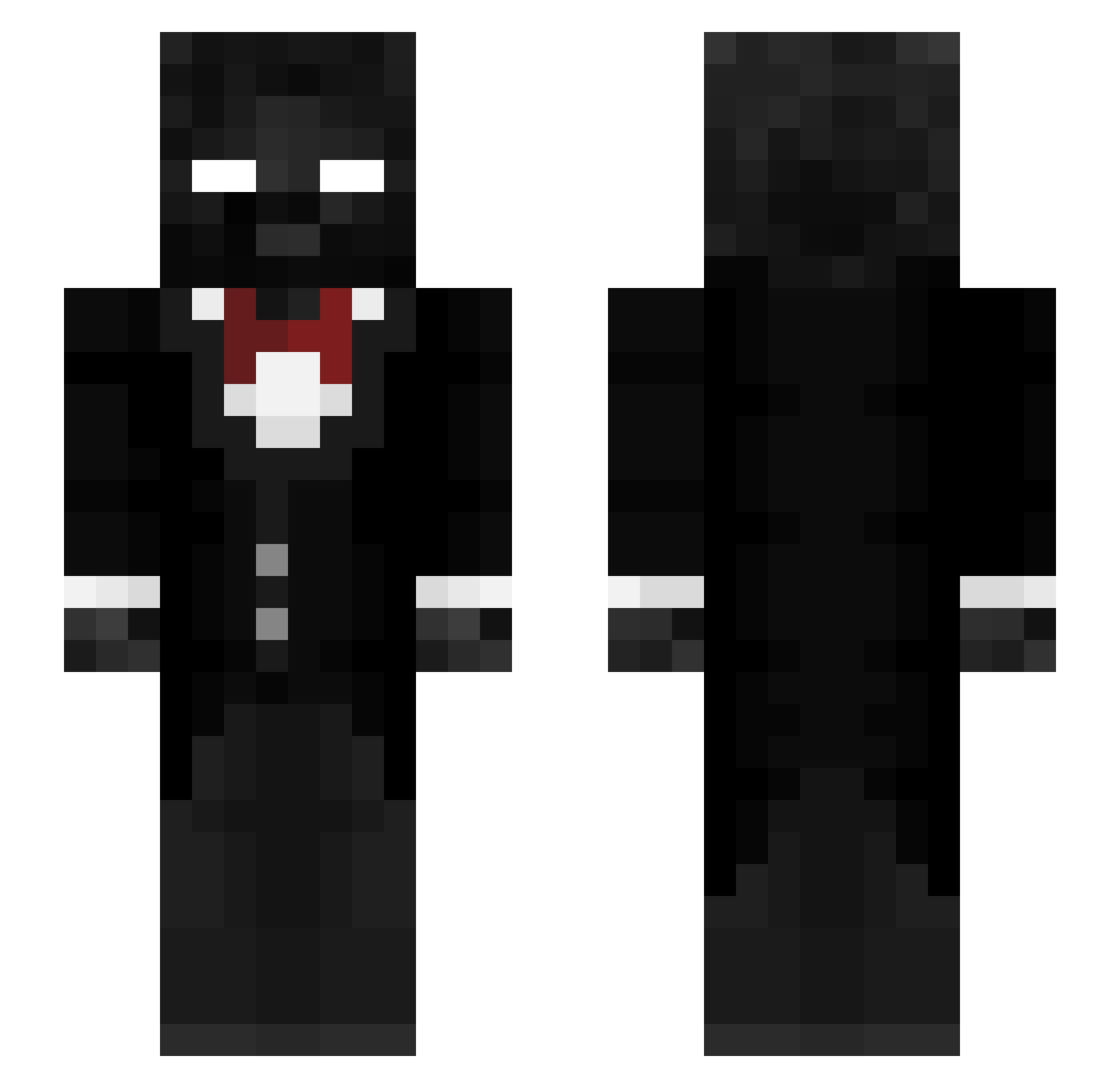
Other players with this skin (307)
frisco_yt was the 32nd player we have seen with this skin, first spotted on 06.08.2026. The same skin was seen on these players. Open a nickname to see their current skin and skin history.
 Govikings8 DavidBosssss TTVScullzy420
 dropzz__ Vylaro_Fanboy spike1213
 Sabberaffe
 Nightshadow587
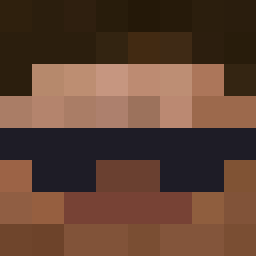 Virtive Lugdeging Galoraffe Ra3mbo777 aldo2swaggy Mysterykill58012
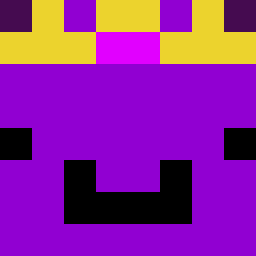 ZaniexIsHere MinuteTech_123 cryovrmi 099kk Arseintt_
 davuds4 Skatosyairr idkuser12
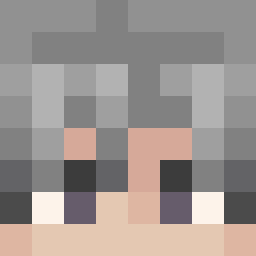 gabeguygamer inkmaster11 mapicc667 IsaacErAwesome14
 little_hYdRa38 Peanutman077 sigmaboi4040761 forQu
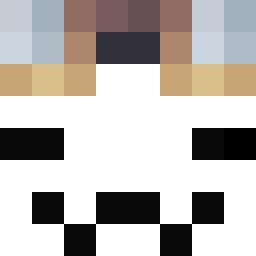 noodle_fried Devoured123 thrasher_x2
 Diwty Gekkobro
 Diamant102030 Patrick_Soto7 danepashew Rex_Dog Wildmonster_77 I3boud yoshiyooo ySmileyy lightning07016
 astrolezx KossaViggi Abdull4hHD Edwontsy
 Johannchen01
 weakid MrReivax SpaceBlockGamer azizm8 TheUnseen511 corev3088 TheCarrotThief mihailo710 NIGHTMARISH17 SlimeMC_ CHONGYUI
How to install the frisco_yt skin
- Press the Download button above to save the skin as a PNG file.
- Minecraft: Bedrock Edition (PE): open the Dressing Room from the main menu (or tap your character → Edit Character), go to Classic Skins → Owned, press the + (new skin) button, choose the downloaded PNG and pick the Slim (Alex) model. Works on PC and mobile; consoles cannot import custom skins.
- Minecraft: Java Edition: open the Minecraft Launcher, go to the Skins tab, click New Skin, load the PNG, pick the Slim (Alex) model and press Save & Use. You can also upload it at minecraft.net → Profile → Change Skin.
The skin does not show up after import - what should I do?
Restart Minecraft and open the Dressing Room again - imported skins sometimes appear only after a restart. Also make sure you selected the imported skin and picked the Slim (Alex) model.
Which model should I choose, Classic or Slim?
This skin is designed for the Slim (Alex) model. If you pick the wrong model, the arms of the skin will look stretched or squeezed.
Is the skin of frisco_yt free to download?
Yes. Press Download, save the PNG file and use it in Minecraft: Bedrock Edition or Java Edition - no payment or registration needed. The skin also works on multiplayer servers and Realms.
More skins
Looking for more? Go back to all Minecraft skins and check the top skins of the week, month and all time, or find any player's skin by nickname.