
fozzilz - Minecraft Skins & Skin History
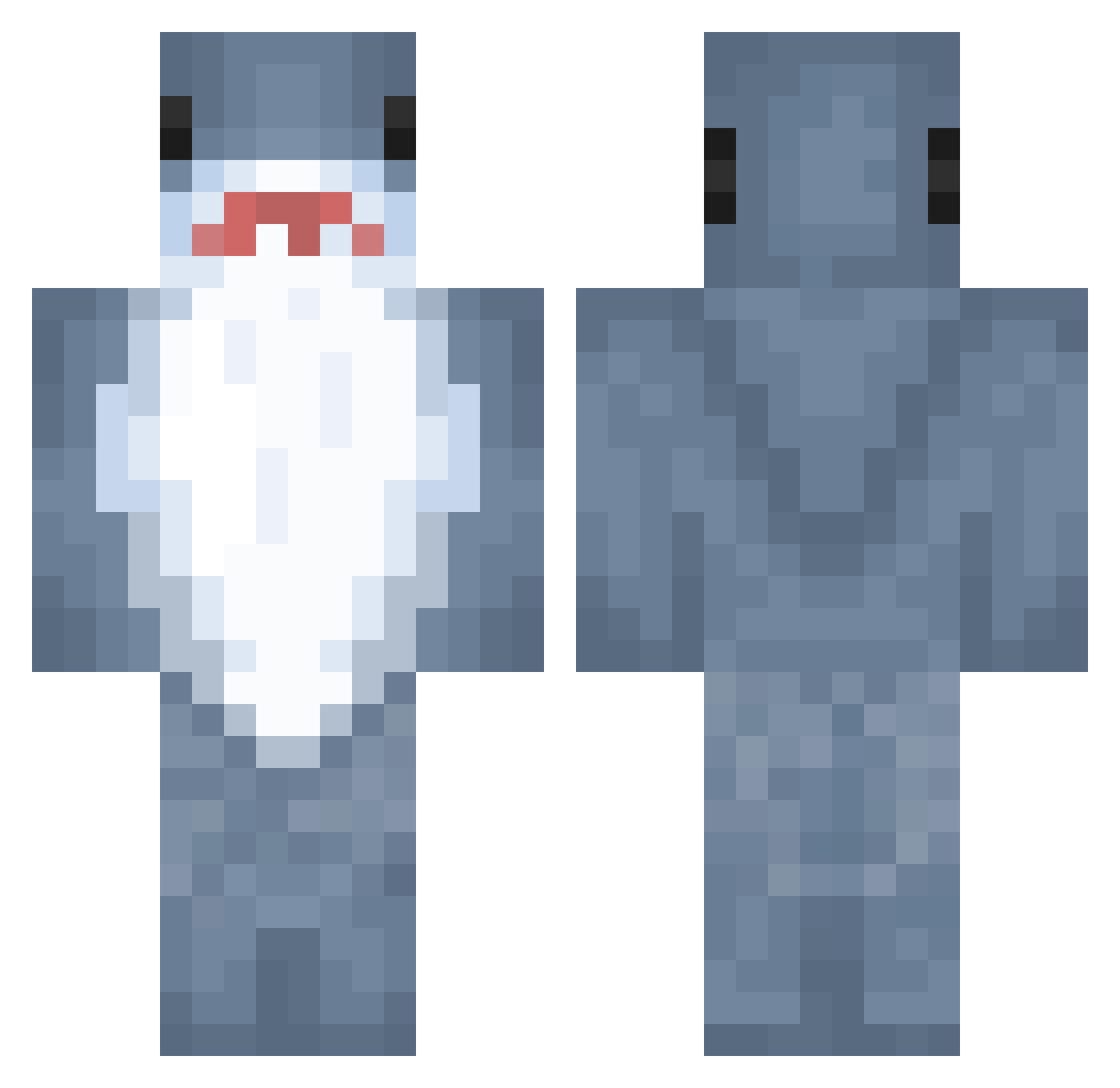
Current Minecraft skin of the player fozzilz, loaded from the official Mojang API. Rotate the 3D model with your mouse or finger, then download the skin as a PNG file and use it in Minecraft: Bedrock Edition or Java Edition for free. When fozzilz changes their skin, this page updates automatically and the old skin stays in the history below.
Other players with this skin (983)
fozzilz was the 947th player we have seen with this skin, first spotted on 05.11.2026. The same skin was seen on these players. Open a nickname to see their current skin and skin history.
 Sleepershark15 kingskywill Tag9 zhavelispirt phrogee Vollerempfang07 Maroon__ JesperRL Lowenz34 samouchee Kevonster Peanuat__ 4starced4 IrukaPZ Tulop__ hbill nonchalantpooper 0TxLHx0 Saaito kkk426 JMS0112 sky0413 brlmo28 zeltar27 bbymuping AleOtaku29 Beckland_TTV Zyngus_ leki_8 idevenk UYUP WyGADeath Tuktuk1302 Sharkus123 YEN49 qyqplus1 noobman219 baeje wesirehour SerpentineOracle savannyyy sebatex SoulSku11 TheOGCoffeeeeee walkers03 sausi CaptainDuke2011 wiczka__ TheMangoMan9494 SolrRina HuyBui08 ZMKZMK666 Nan0dAaa cebuula9 fourfour16 Henrypoons ehyj123 vh1998 Hnnqh DiamondDonkey4
More Shark Minecraft skins
How to install the fozzilz skin
- Press the Download button above to save the skin as a PNG file.
- Minecraft: Bedrock Edition (PE): open the Dressing Room from the main menu (or tap your character → Edit Character), go to Classic Skins → Owned, press the + (new skin) button, choose the downloaded PNG and pick the Classic (Steve) model. Works on PC and mobile; consoles cannot import custom skins.
- Minecraft: Java Edition: open the Minecraft Launcher, go to the Skins tab, click New Skin, load the PNG, pick the Classic (Steve) model and press Save & Use. You can also upload it at minecraft.net → Profile → Change Skin.
The skin does not show up after import - what should I do?
Restart Minecraft and open the Dressing Room again - imported skins sometimes appear only after a restart. Also make sure you selected the imported skin and picked the Classic (Steve) model.
Which model should I choose, Classic or Slim?
This skin is designed for the Classic (Steve) model. If you pick the wrong model, the arms of the skin will look stretched or squeezed.
Is the skin of fozzilz free to download?
Yes. Press Download, save the PNG file and use it in Minecraft: Bedrock Edition or Java Edition - no payment or registration needed. The skin also works on multiplayer servers and Realms.
More skins
Looking for more? Go back to all Minecraft skins and check the top skins of the week, month and all time, or find any player's skin by nickname.