
eyMoriiix - Minecraft Skins & Skin History
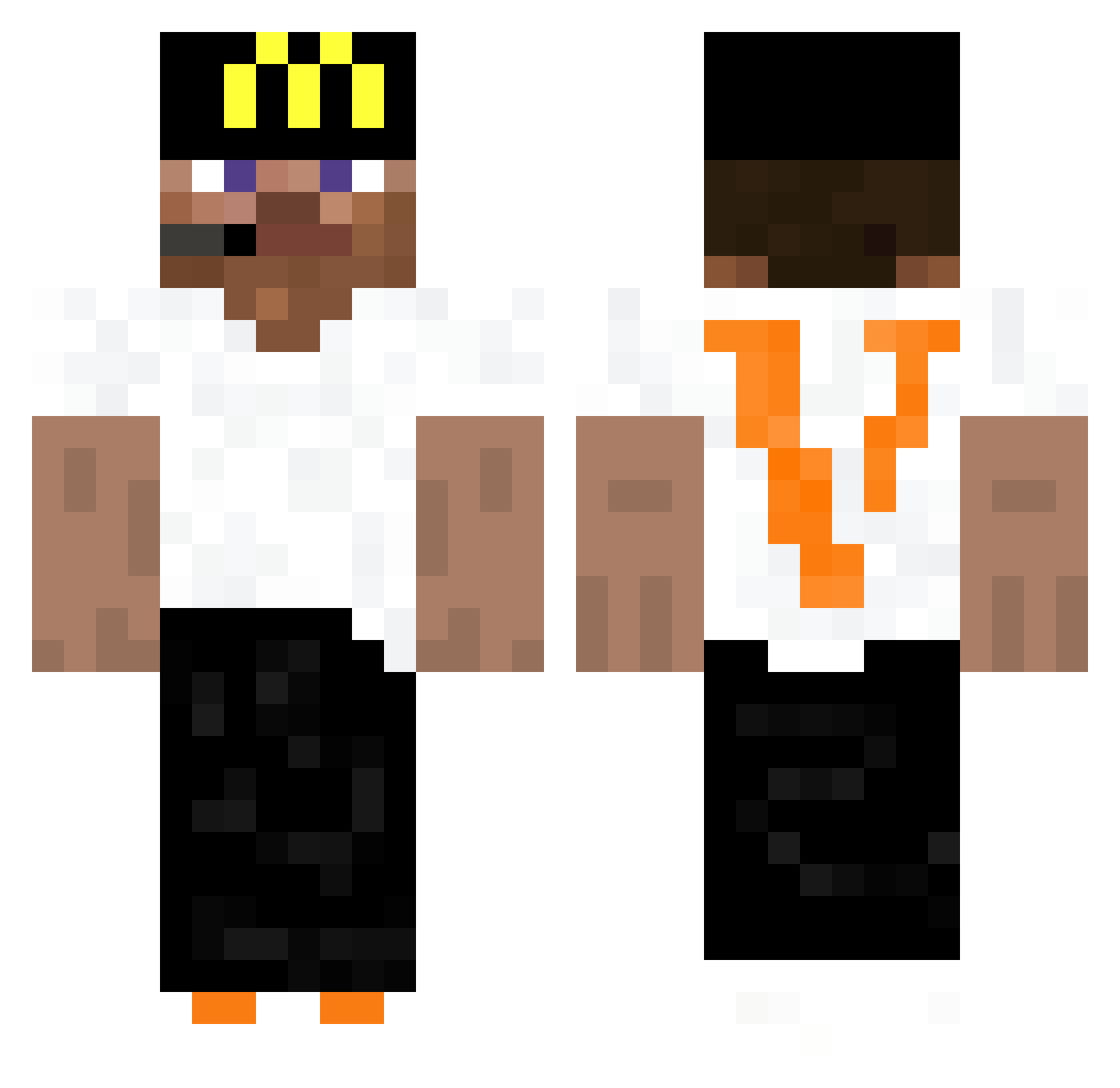
Current Minecraft skin of the player eyMoriiix, loaded from the official Mojang API. Rotate the 3D model with your mouse or finger, then download the skin as a PNG file and use it in Minecraft: Bedrock Edition or Java Edition for free. When eyMoriiix changes their skin, this page updates automatically and the old skin stays in the history below.
Other players with this skin (441)
eyMoriiix was the 156th player we have seen with this skin, first spotted on 04.09.2026. The same skin was seen on these players. Open a nickname to see their current skin and skin history.
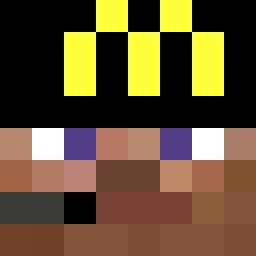 SketchHP Miketoshi19 D3rped Gabii_official KyiPhyu Az_Archaejon Bartoszewoo jaeeee__ EXCITOSO MatiasDA HellGoat73 Whorux W3bi snowie12t hyow ThDaZn Ospreythereal Hungur_Gamer Kawezu ExodiaTH AngelWingAdrian SuperBradey miggyonthebeat meppytime Berlin0x vima_gamer mellcdes lusehuzuni LaTondeuseRL500 zRaW_PvP adnanisskibidi godzilllaa Patopelon iLabyxh cbl1705 EzTape Gulaman parkingDup4lici Gollem MikeAKAMoney NFLYoungboy CuenX26 sportacuz gsdu SingeTitan Blaze_Assault66 FarinhaGT WallyBoy14 xvwr ItzRei uGuhz_ lucax380 dormindp Amine0_O ewuh zobab NopaGamer11 xGieniu BlackMabumba GABZ3R
More Headset Minecraft skins
How to install the eyMoriiix skin
- Press the Download button above to save the skin as a PNG file.
- Minecraft: Bedrock Edition (PE): open the Dressing Room from the main menu (or tap your character → Edit Character), go to Classic Skins → Owned, press the + (new skin) button, choose the downloaded PNG and pick the Classic (Steve) model. Works on PC and mobile; consoles cannot import custom skins.
- Minecraft: Java Edition: open the Minecraft Launcher, go to the Skins tab, click New Skin, load the PNG, pick the Classic (Steve) model and press Save & Use. You can also upload it at minecraft.net → Profile → Change Skin.
The skin does not show up after import - what should I do?
Restart Minecraft and open the Dressing Room again - imported skins sometimes appear only after a restart. Also make sure you selected the imported skin and picked the Classic (Steve) model.
Which model should I choose, Classic or Slim?
This skin is designed for the Classic (Steve) model. If you pick the wrong model, the arms of the skin will look stretched or squeezed.
Is the skin of eyMoriiix free to download?
Yes. Press Download, save the PNG file and use it in Minecraft: Bedrock Edition or Java Edition - no payment or registration needed. The skin also works on multiplayer servers and Realms.
More skins
Looking for more? Go back to all Minecraft skins and check the top skins of the week, month and all time, or find any player's skin by nickname.