
evbowie - Minecraft Skins & Skin History
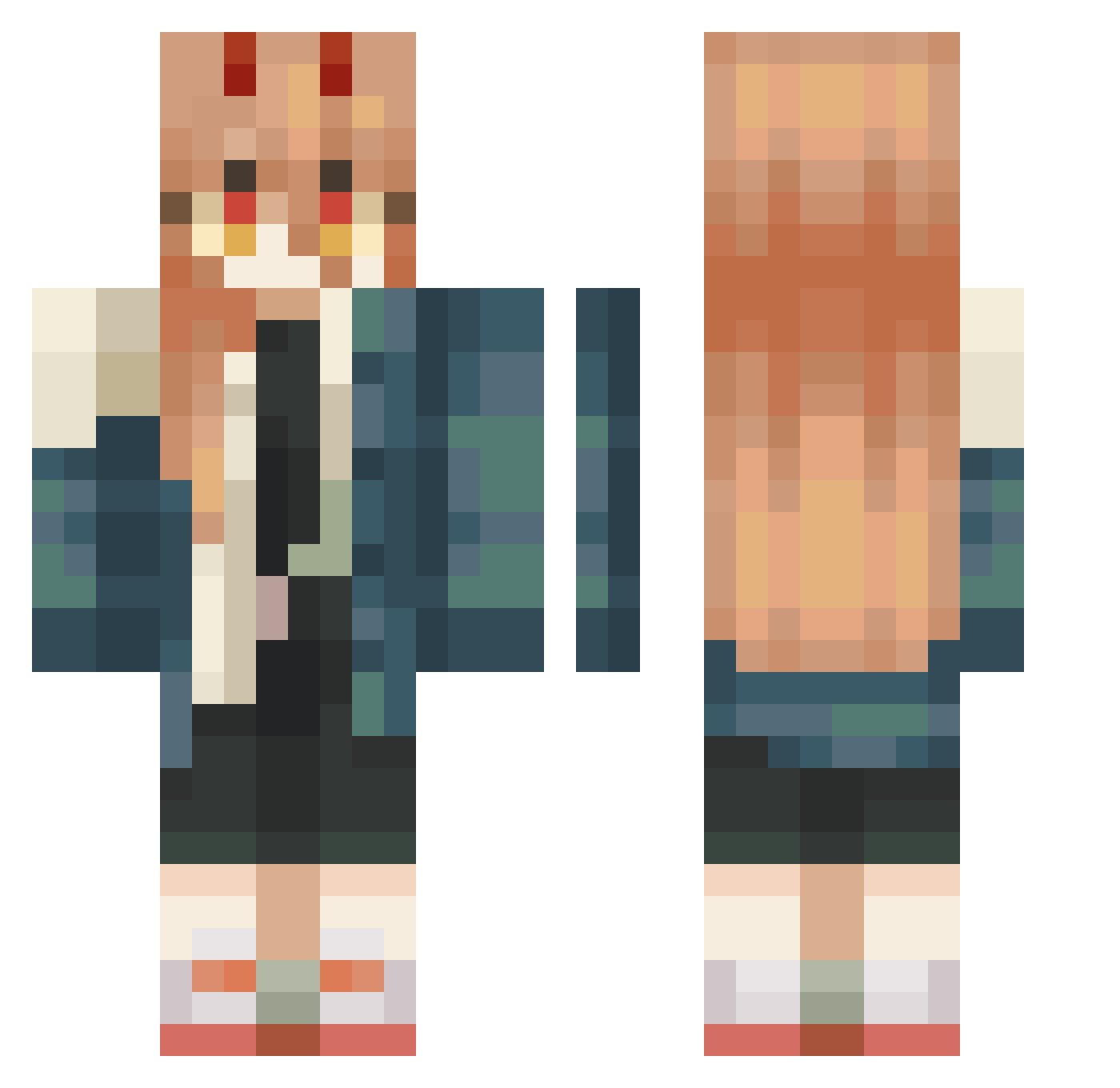
Current Minecraft skin of the player evbowie, loaded from the official Mojang API. Rotate the 3D model with your mouse or finger, then download the skin as a PNG file and use it in Minecraft: Bedrock Edition or Java Edition for free. When evbowie changes their skin, this page updates automatically and the old skin stays in the history below.
Other players with this skin (446)
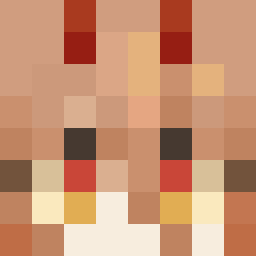
evbowie was the 26th player we have seen with this skin, first spotted on 28.07.2026. The same skin was seen on these players. Open a nickname to see their current skin and skin history.
 4epuh El_Dies28 luo_dao_zhang Horn_Hunter ElllSha Grayscale14 Szajbus665 FrostBiteIsTaken AdetHFearwhale Michel_Lil_Monk Rethishaaa 0omikeo0 vicky_exe Gaspar_MC viennaify Schytheron LuhuriaS JinMist Mahoumori COLTBZ Manolitortue UnluckilyAGoose SaToRi_BraVo Enasi_ JackieMiller kangjojo Hatsuya_27 KaGa921 siennazombie alixdei eclisepower MeaBorowski ranswan 2GE _Ikanaide
 fgudbhsja Toaster1002 Uutan20 Junho_04
 itsazami_ veruna344 Bernaxis borasismycity Chatter_wawa Ezhevika98 milkspecialist Sak1_ Kat41002 Cheffin_InThe6ix SpoofButter DaZreX_tm Durant_35 opanaopana
 NxZrS YinNgG_02 ediblesp00n chiken__tender shqtzzz BommDiaaaa httpninis
More Power Minecraft skins
How to install the evbowie skin
- Press the Download button above to save the skin as a PNG file.
- Minecraft: Bedrock Edition (PE): open the Dressing Room from the main menu (or tap your character → Edit Character), go to Classic Skins → Owned, press the + (new skin) button, choose the downloaded PNG and pick the Classic (Steve) model. Works on PC and mobile; consoles cannot import custom skins.
- Minecraft: Java Edition: open the Minecraft Launcher, go to the Skins tab, click New Skin, load the PNG, pick the Classic (Steve) model and press Save & Use. You can also upload it at minecraft.net → Profile → Change Skin.
The skin does not show up after import - what should I do?
Restart Minecraft and open the Dressing Room again - imported skins sometimes appear only after a restart. Also make sure you selected the imported skin and picked the Classic (Steve) model.
Which model should I choose, Classic or Slim?
This skin is designed for the Classic (Steve) model. If you pick the wrong model, the arms of the skin will look stretched or squeezed.
Is the skin of evbowie free to download?
Yes. Press Download, save the PNG file and use it in Minecraft: Bedrock Edition or Java Edition - no payment or registration needed. The skin also works on multiplayer servers and Realms.
More skins
Looking for more? Go back to all Minecraft skins and check the top skins of the week, month and all time, or find any player's skin by nickname.