
didxowjd - Minecraft Skins & Skin History
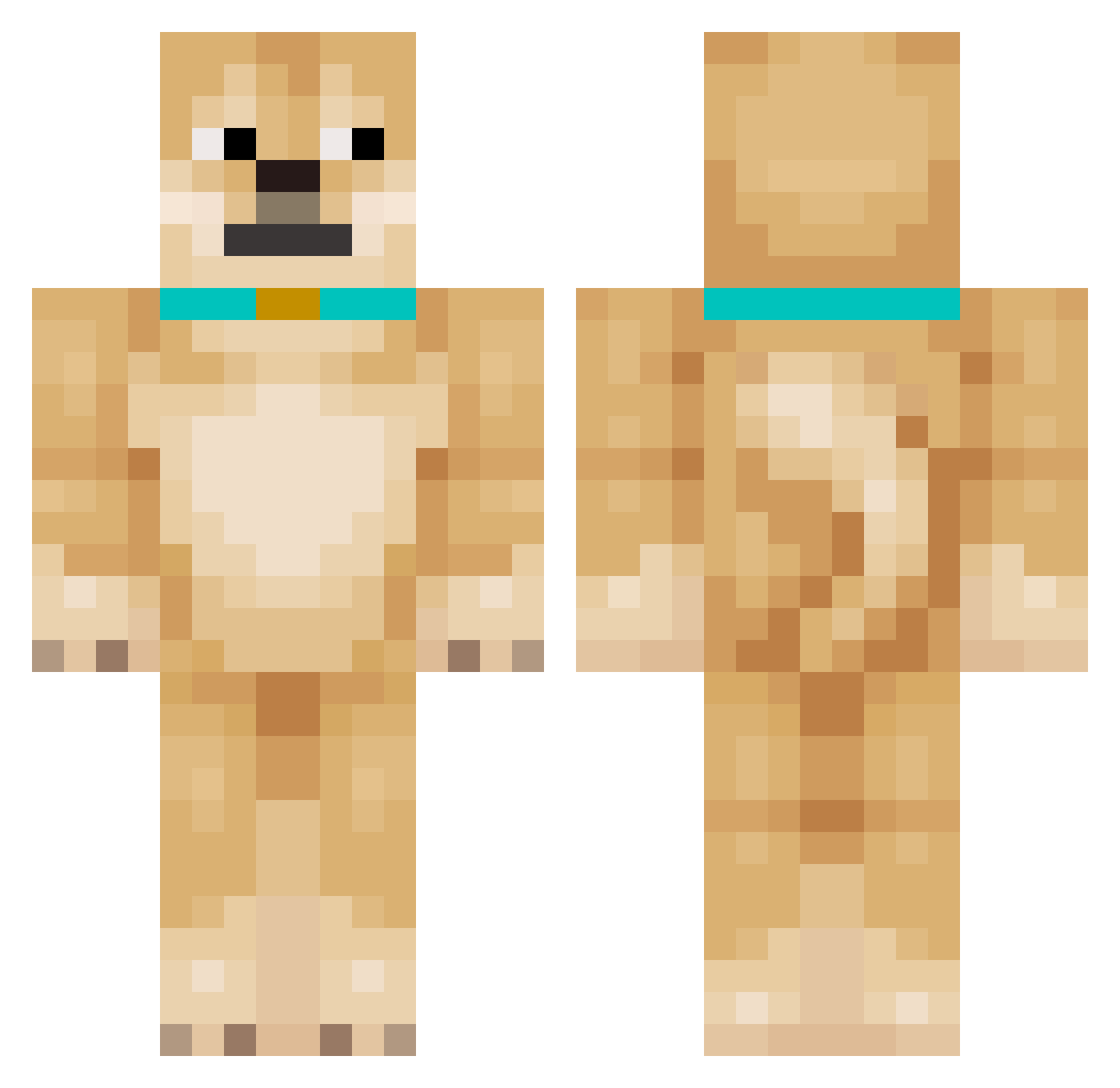
Current Minecraft skin of the player didxowjd, loaded from the official Mojang API. Rotate the 3D model with your mouse or finger, then download the skin as a PNG file and use it in Minecraft: Bedrock Edition or Java Edition for free. When didxowjd changes their skin, this page updates automatically and the old skin stays in the history below.
Other players with this skin (150)
didxowjd was the 26th player we have seen with this skin, first spotted on 12.08.2026. The same skin was seen on these players. Open a nickname to see their current skin and skin history.
 DanSnow Aquatimo elliot1359 njusko todoevil banken126 kymin03 Doggydude257 NoSkillOnlyCheat Choichrro FromDogeToMub rswm yomomo_ hxqe33q Michalo223 ResourcePackName Gramma7554653872 HisMajestySnek Cute_anan_qwq HundVonSam99jrsh EDUCA2004 Herobrine87569 MOZZIE_00 Axel976 MinGyu_00 NernafnaG INUandCAT guchikoMGA chinesrice Gabo4786 Tebruos EKkoow Pewoxuv_ocasek FairAdvantage_ NotRealJcob yunchannel MurryTheDog JessicaaSilvaa Bolddagu47
 Samsoon_E HDMI_Dog czyzowski AKGKP3NAWNA52KLX MaxistCool197 Victorframelbu neostressnet iBoNaKoo viseve RenHao1227 Aldama_12 TyZe1 hudeinu dmschd37 POOHATEK Puryn shalime Roggiculous PalecWBoilerze shirokuma5049 Gaesangsu
More Shiba Inu Minecraft skins
How to install the didxowjd skin
- Press the Download button above to save the skin as a PNG file.
- Minecraft: Bedrock Edition (PE): open the Dressing Room from the main menu (or tap your character → Edit Character), go to Classic Skins → Owned, press the + (new skin) button, choose the downloaded PNG and pick the Classic (Steve) model. Works on PC and mobile; consoles cannot import custom skins.
- Minecraft: Java Edition: open the Minecraft Launcher, go to the Skins tab, click New Skin, load the PNG, pick the Classic (Steve) model and press Save & Use. You can also upload it at minecraft.net → Profile → Change Skin.
The skin does not show up after import - what should I do?
Restart Minecraft and open the Dressing Room again - imported skins sometimes appear only after a restart. Also make sure you selected the imported skin and picked the Classic (Steve) model.
Which model should I choose, Classic or Slim?
This skin is designed for the Classic (Steve) model. If you pick the wrong model, the arms of the skin will look stretched or squeezed.
Is the skin of didxowjd free to download?
Yes. Press Download, save the PNG file and use it in Minecraft: Bedrock Edition or Java Edition - no payment or registration needed. The skin also works on multiplayer servers and Realms.
More skins
Looking for more? Go back to all Minecraft skins and check the top skins of the week, month and all time, or find any player's skin by nickname.