
davidlittlemouse - Minecraft Skins & Skin History
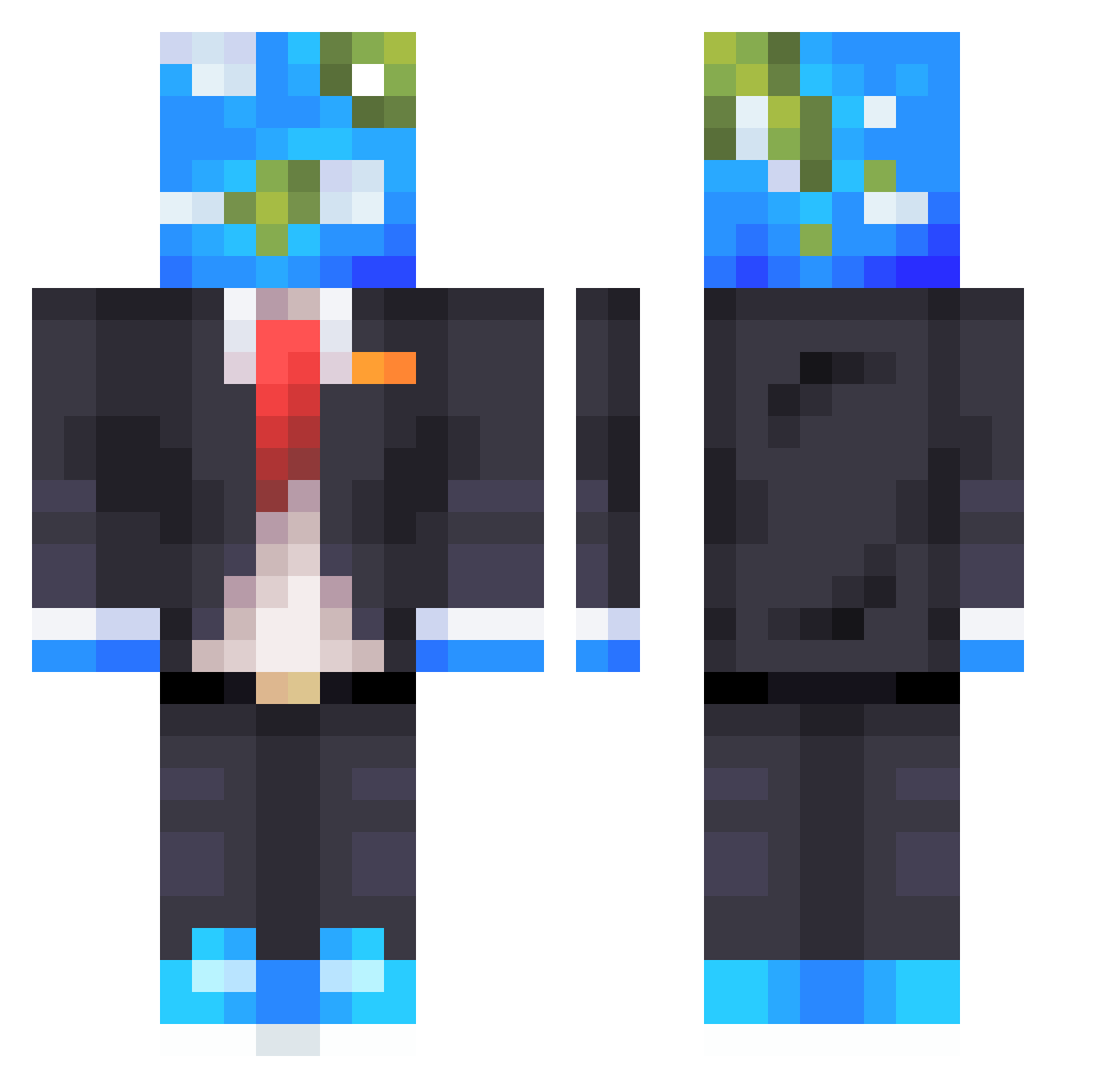
Current Minecraft skin of the player davidlittlemouse, loaded from the official Mojang API. Rotate the 3D model with your mouse or finger, then download the skin as a PNG file and use it in Minecraft: Bedrock Edition or Java Edition for free. When davidlittlemouse changes their skin, this page updates automatically and the old skin stays in the history below.
Other players with this skin (463)
davidlittlemouse was the 329th player we have seen with this skin, first spotted on 26.09.2026. The same skin was seen on these players. Open a nickname to see their current skin and skin history.
 Redstoneface5283 KendalYT 911WasMyDoing Garoou_ 1_Leafy Cookie_eater_10 Mclovin5246 Syed_Hamza AlephD1 MaddMn HungryZatch Fabrezze PixelOnJava TDowan 08TRI Liten234 lelol187 Gabriel100k Earthic tempest7709 l4twn starvinmarvin45 GamerGavin2020 Syrisss Tsu_10 ZTL12137 K7II jbc7600 RizzDuhWizz Brixxeu Bokters Adasko_55 MerlinPhantom lazycomic Heffalomp OtalGael EvieIW ZackyTobacci tuzz24 RezyOnMars g0lden_silver AlbinStenmark MrWorldwider Roorvak 0pov _SethMinecraft Underp4id Hawk808 Judedebruyne NothingMan61 henry1173 Bradtheboi Tommy_Ber Basti110811 OdysseusBeyond Ziggy1088 gamo291 Flzi_ Abag0fChips Joni3344
More Earth Head Minecraft skins
How to install the davidlittlemouse skin
- Press the Download button above to save the skin as a PNG file.
- Minecraft: Bedrock Edition (PE): open the Dressing Room from the main menu (or tap your character → Edit Character), go to Classic Skins → Owned, press the + (new skin) button, choose the downloaded PNG and pick the Classic (Steve) model. Works on PC and mobile; consoles cannot import custom skins.
- Minecraft: Java Edition: open the Minecraft Launcher, go to the Skins tab, click New Skin, load the PNG, pick the Classic (Steve) model and press Save & Use. You can also upload it at minecraft.net → Profile → Change Skin.
The skin does not show up after import - what should I do?
Restart Minecraft and open the Dressing Room again - imported skins sometimes appear only after a restart. Also make sure you selected the imported skin and picked the Classic (Steve) model.
Which model should I choose, Classic or Slim?
This skin is designed for the Classic (Steve) model. If you pick the wrong model, the arms of the skin will look stretched or squeezed.
Is the skin of davidlittlemouse free to download?
Yes. Press Download, save the PNG file and use it in Minecraft: Bedrock Edition or Java Edition - no payment or registration needed. The skin also works on multiplayer servers and Realms.
More skins
Looking for more? Go back to all Minecraft skins and check the top skins of the week, month and all time, or find any player's skin by nickname.