
datest - Minecraft Skins & Skin History
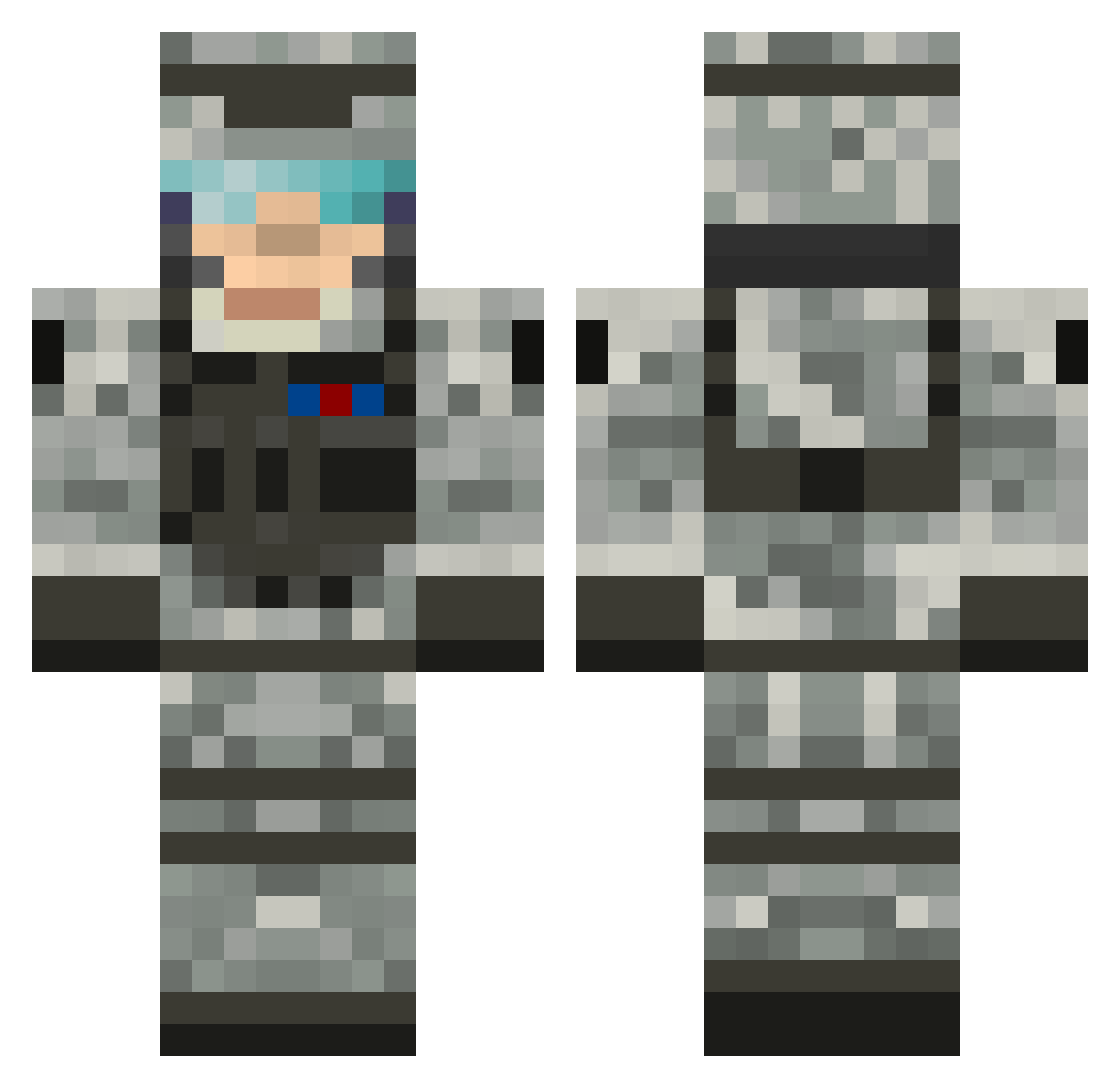
Current Minecraft skin of the player datest, loaded from the official Mojang API. Rotate the 3D model with your mouse or finger, then download the skin as a PNG file and use it in Minecraft: Bedrock Edition or Java Edition for free. When datest changes their skin, this page updates automatically and the old skin stays in the history below.
Other players with this skin (503)
datest was the 459th player we have seen with this skin, first spotted on 14.10.2026. The same skin was seen on these players. Open a nickname to see their current skin and skin history.
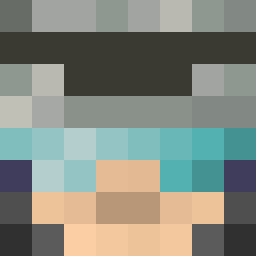 stef6357 6Gotta Ray252002 laballa23 JamieB98 Busyy_ jrdnhsnbrg MattyTuna tractorboy2003 FischBoy13 Sir_Mortar flapjack4n4 Lions_Roar TobiasSkareHald Zhunjiang M0stlyHarmlessIV H9V 59Blackout zombieyom Thomsen_88 NiCKNaMe_2_0 philippjansen walshydog dakota1419 TheDaedricMiner jamesgranoff14 Animal_tracks xEXCALx fredrik24D KaptainJJ YonghoonK panyewest RationalExpress artrixkeiger1 JOEYHAMBURGER8 farmerhunt virk Doonans weedmanpaul Bigtimeathlete NegiSama TrevDaddy12 sonnywinston99 military100 1coolkid scraper226 JSU_Insane mouserat3 hazza_nh LSmith4 Airborne0418 Chechoo2 TexanPatriot MR_B6 markkudla nicolaiw KILLtheFUNCTION Eagle_eyes21 Blade1843 da_Corrupt3d
More Camo Minecraft skins
How to install the datest skin
- Press the Download button above to save the skin as a PNG file.
- Minecraft: Bedrock Edition (PE): open the Dressing Room from the main menu (or tap your character → Edit Character), go to Classic Skins → Owned, press the + (new skin) button, choose the downloaded PNG and pick the Classic (Steve) model. Works on PC and mobile; consoles cannot import custom skins.
- Minecraft: Java Edition: open the Minecraft Launcher, go to the Skins tab, click New Skin, load the PNG, pick the Classic (Steve) model and press Save & Use. You can also upload it at minecraft.net → Profile → Change Skin.
The skin does not show up after import - what should I do?
Restart Minecraft and open the Dressing Room again - imported skins sometimes appear only after a restart. Also make sure you selected the imported skin and picked the Classic (Steve) model.
Which model should I choose, Classic or Slim?
This skin is designed for the Classic (Steve) model. If you pick the wrong model, the arms of the skin will look stretched or squeezed.
Is the skin of datest free to download?
Yes. Press Download, save the PNG file and use it in Minecraft: Bedrock Edition or Java Edition - no payment or registration needed. The skin also works on multiplayer servers and Realms.
More skins
Looking for more? Go back to all Minecraft skins and check the top skins of the week, month and all time, or find any player's skin by nickname.