
danprophet - Minecraft Skins & Skin History
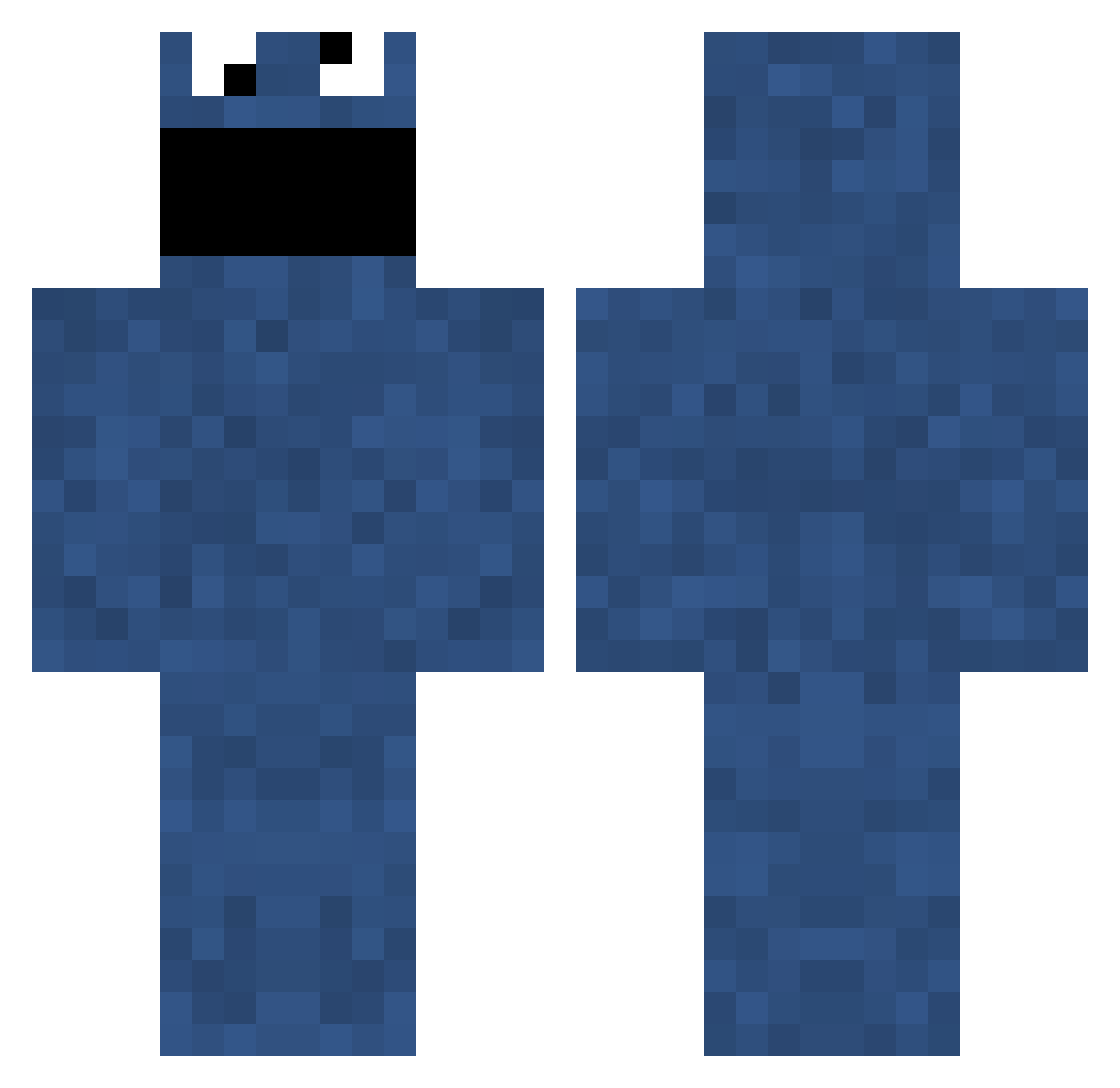
Current Minecraft skin of the player danprophet, loaded from the official Mojang API. Rotate the 3D model with your mouse or finger, then download the skin as a PNG file and use it in Minecraft: Bedrock Edition or Java Edition for free. When danprophet changes their skin, this page updates automatically and the old skin stays in the history below.
Other players with this skin (703)
danprophet was the 338th player we have seen with this skin, first spotted on 09.09.2026. The same skin was seen on these players. Open a nickname to see their current skin and skin history.
 Im_KuuZ Muvez little_duff sebastianmenees cookie_ai craftyskater Poepkatje doublerainbow21 bahlu Keksbrause theMoistPenguin Trumpaphone GreatAlbatross BiggerFudge heisenbergtrip elof18 doomgarr ohitsjamie Nigggel ISavageHD crescent_fresh CeriiX kittenkickerXD Berdosa bamyam HummerDummer cookiemateo krypt0nit3 deaz142 MilkyGreen Icedragon989 Issy_01 ward_grundy Gijftw eduardogarza hamburger101 firedare11 nokia99 BK7 Kalena91 ghostilu MinecrafterWE jackattackin Tehdiabetus nataliieeee93 RevoCraft Mr_Grumpy_ LIFE_GOES_ON_98 Sunlitsnake YEJOY RELEASHtheBEASH JockeGy MD2020 _BearGrylls_ LewisArmitstead Raxxter TheRailTracer felixo99 Strackivari SalariedOrange5
More Cookie Monster Minecraft skins
See all 241 Cookie Monster skins
How to install the danprophet skin
- Press the Download button above to save the skin as a PNG file.
- Minecraft: Bedrock Edition (PE): open the Dressing Room from the main menu (or tap your character → Edit Character), go to Classic Skins → Owned, press the + (new skin) button, choose the downloaded PNG and pick the Classic (Steve) model. Works on PC and mobile; consoles cannot import custom skins.
- Minecraft: Java Edition: open the Minecraft Launcher, go to the Skins tab, click New Skin, load the PNG, pick the Classic (Steve) model and press Save & Use. You can also upload it at minecraft.net → Profile → Change Skin.
The skin does not show up after import - what should I do?
Restart Minecraft and open the Dressing Room again - imported skins sometimes appear only after a restart. Also make sure you selected the imported skin and picked the Classic (Steve) model.
Which model should I choose, Classic or Slim?
This skin is designed for the Classic (Steve) model. If you pick the wrong model, the arms of the skin will look stretched or squeezed.
Is the skin of danprophet free to download?
Yes. Press Download, save the PNG file and use it in Minecraft: Bedrock Edition or Java Edition - no payment or registration needed. The skin also works on multiplayer servers and Realms.
More skins
Looking for more? Go back to all Minecraft skins and check the top skins of the week, month and all time, or find any player's skin by nickname.