
dannkkjk - Minecraft Skins & Skin History
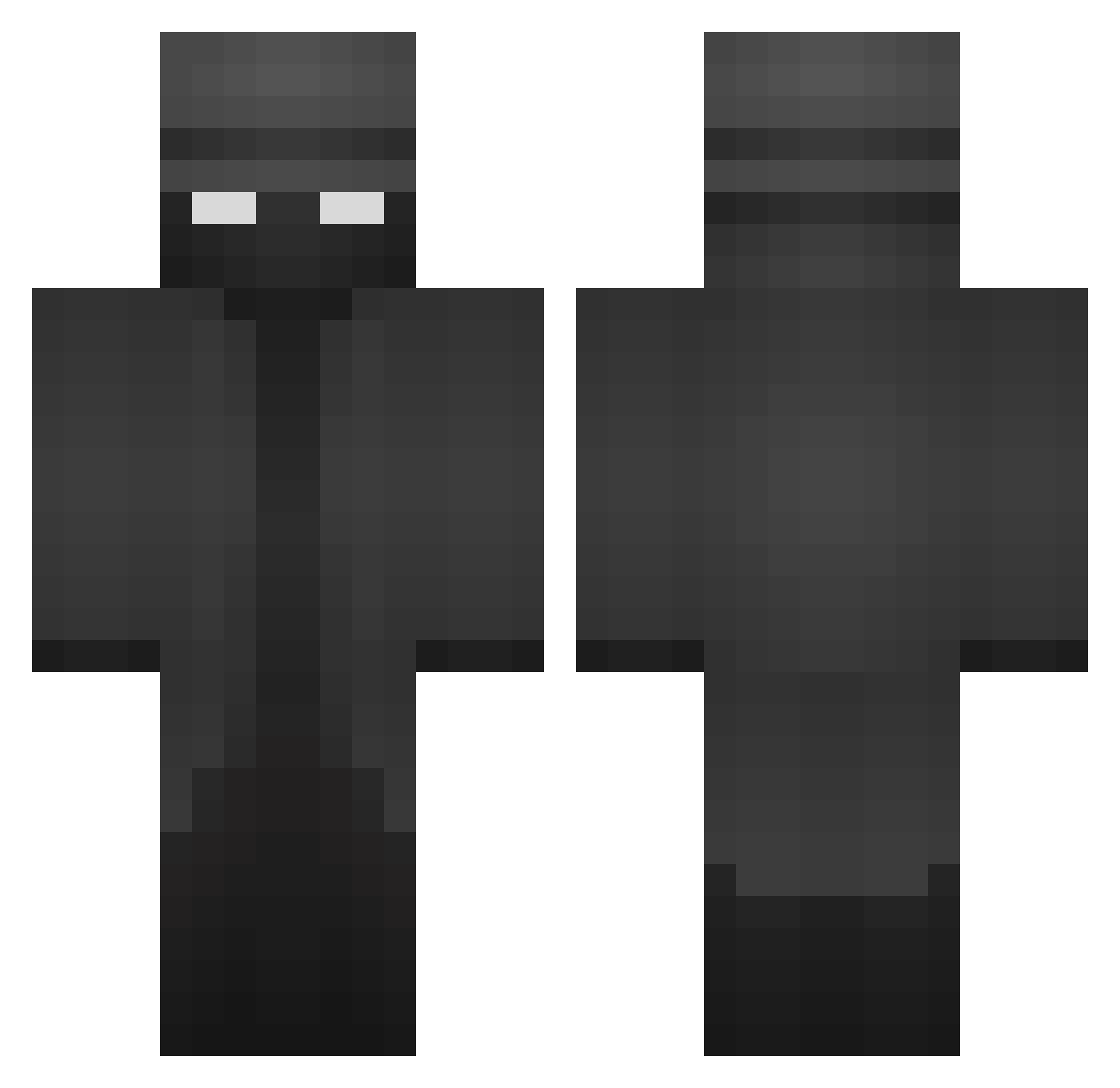
Current Minecraft skin of the player dannkkjk, loaded from the official Mojang API. Rotate the 3D model with your mouse or finger, then download the skin as a PNG file and use it in Minecraft: Bedrock Edition or Java Edition for free. When dannkkjk changes their skin, this page updates automatically and the old skin stays in the history below.
Other players with this skin (370)
dannkkjk was the 313th player we have seen with this skin, first spotted on 08.10.2026. The same skin was seen on these players. Open a nickname to see their current skin and skin history.
 ITzLabs Salty_Doggo MLGPROBOSS101 ari699 mrsleepy1111 SamMcGeoch PotatoMaster146 ComradeAvi Buckeds30 ImJordan_ Spitfire1836 KaptinFlynn Lautaro404 hornyhoe123 mikvsl PytoFlojo Fiour_is_fishing J2Mellow ItsBigRed niRzy RobZone01 GoldOxzeZ slimshady0000 Dannykukuc ripXeon Tetsumaru13 Oppren ST1F HallowedKarma83 poofy1234 G40Gen4 THtonklaTH woepi_stef Miroxy JUANML11 BajenMario spuderman188 Anyelito0 Huntier MlghtyPierce PeTerSoN0063 Escuditos poldusss Drowseys ZMBCI Lepor SHELB0NE parrylazy MTOSHADOW _joel27_ EdgarNevica321 _Ultio_ alzateMvp something101yes Bboy13107 UttermosetET124 Thiddesinyoface Coladabear Bossman06 georg1ag
More Detective Minecraft skins
How to install the dannkkjk skin
- Press the Download button above to save the skin as a PNG file.
- Minecraft: Bedrock Edition (PE): open the Dressing Room from the main menu (or tap your character → Edit Character), go to Classic Skins → Owned, press the + (new skin) button, choose the downloaded PNG and pick the Classic (Steve) model. Works on PC and mobile; consoles cannot import custom skins.
- Minecraft: Java Edition: open the Minecraft Launcher, go to the Skins tab, click New Skin, load the PNG, pick the Classic (Steve) model and press Save & Use. You can also upload it at minecraft.net → Profile → Change Skin.
The skin does not show up after import - what should I do?
Restart Minecraft and open the Dressing Room again - imported skins sometimes appear only after a restart. Also make sure you selected the imported skin and picked the Classic (Steve) model.
Which model should I choose, Classic or Slim?
This skin is designed for the Classic (Steve) model. If you pick the wrong model, the arms of the skin will look stretched or squeezed.
Is the skin of dannkkjk free to download?
Yes. Press Download, save the PNG file and use it in Minecraft: Bedrock Edition or Java Edition - no payment or registration needed. The skin also works on multiplayer servers and Realms.
More skins
Looking for more? Go back to all Minecraft skins and check the top skins of the week, month and all time, or find any player's skin by nickname.