
Coladabear - Minecraft Skins & Skin History
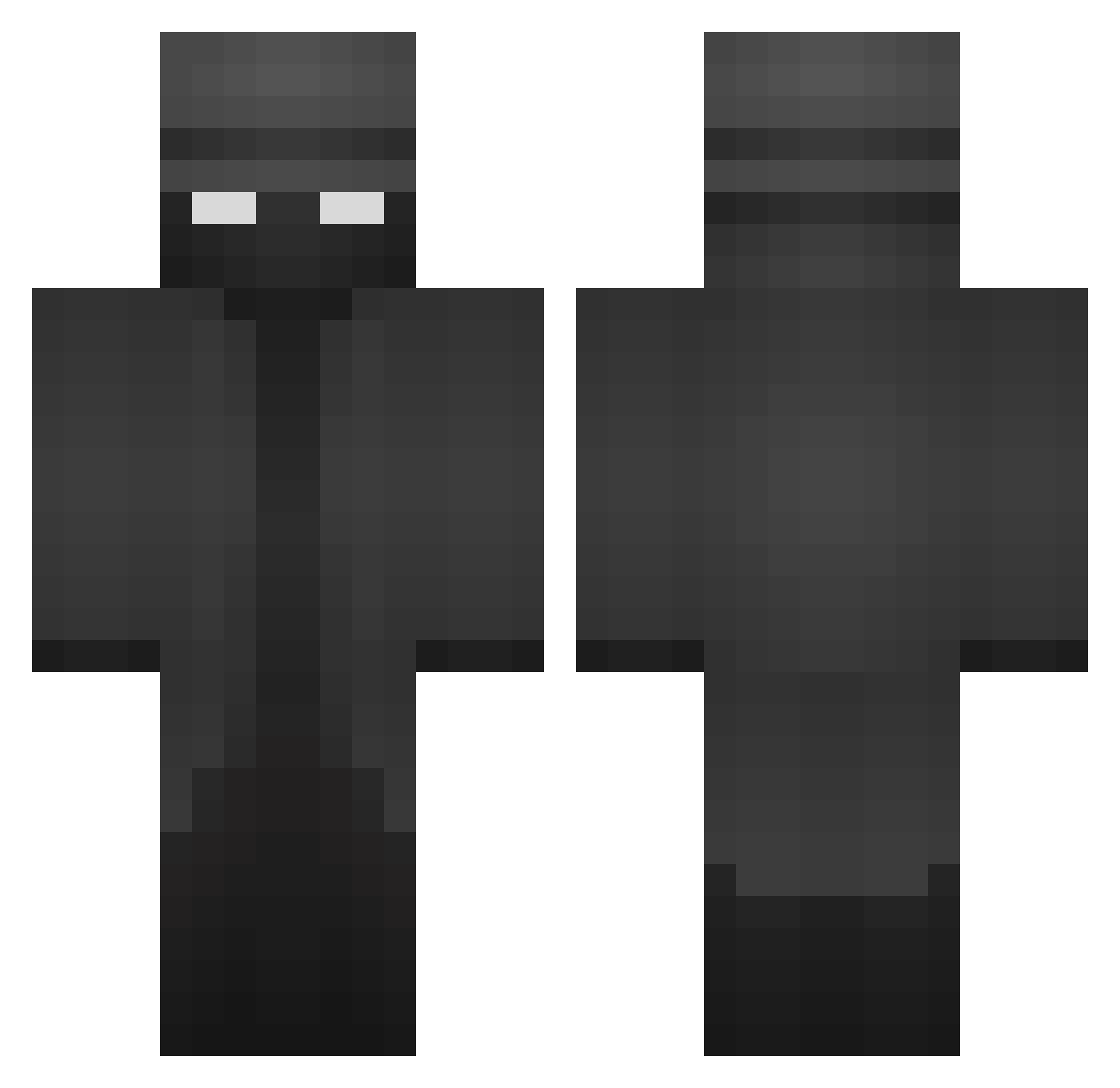
Current Minecraft skin of the player Coladabear, loaded from the official Mojang API. Rotate the 3D model with your mouse or finger, then download the skin as a PNG file and use it in Minecraft: Bedrock Edition or Java Edition for free. When Coladabear changes their skin, this page updates automatically and the old skin stays in the history below.
Other players with this skin (370)
Coladabear was the 341st player we have seen with this skin, first spotted on 15.10.2026. The same skin was seen on these players. Open a nickname to see their current skin and skin history.
 UttermosetET124 georg1ag ToxicForeverr _joel27_ TemptingCave361 MTOSHADOW parrylazy Mizzle777 Elated6115 SHELB0NE Lepor apoccalypso ZMBCI Drowseys Heidi1597 MlghtyPierce DeadBirch TraumatikRiddim Vlance13 bumshlum cshfym2 Maguuu0 Miroxy LuxuryPriceTag speedytomato77 MantillaFisch67 MAVERICK8544 G40Gen4 OfficialSriracha ST1F Dannykukuc GoldOxzeZ SpicyMeerkat86 Mark_eats_soap UzielMurillo KOKOBEAN12 numerik1871 RobZone01 niRzy Kingenbree jobo700 J2Mellow cvetkovich TheM1ilkman PytoFlojo Fibbs_ hornyhoe123 DrewsMinecraft04 Lautaro404 KaptinFlynn Watsxn ComradeAvi SamMcGeoch mrsleepy1111 MLGPROBOSS101 Salty_Doggo ITzLabs dannkkjk ari699 PotatoMaster146
More Detective Minecraft skins
How to install the Coladabear skin
- Press the Download button above to save the skin as a PNG file.
- Minecraft: Bedrock Edition (PE): open the Dressing Room from the main menu (or tap your character → Edit Character), go to Classic Skins → Owned, press the + (new skin) button, choose the downloaded PNG and pick the Classic (Steve) model. Works on PC and mobile; consoles cannot import custom skins.
- Minecraft: Java Edition: open the Minecraft Launcher, go to the Skins tab, click New Skin, load the PNG, pick the Classic (Steve) model and press Save & Use. You can also upload it at minecraft.net → Profile → Change Skin.
The skin does not show up after import - what should I do?
Restart Minecraft and open the Dressing Room again - imported skins sometimes appear only after a restart. Also make sure you selected the imported skin and picked the Classic (Steve) model.
Which model should I choose, Classic or Slim?
This skin is designed for the Classic (Steve) model. If you pick the wrong model, the arms of the skin will look stretched or squeezed.
Is the skin of Coladabear free to download?
Yes. Press Download, save the PNG file and use it in Minecraft: Bedrock Edition or Java Edition - no payment or registration needed. The skin also works on multiplayer servers and Realms.
More skins
Looking for more? Go back to all Minecraft skins and check the top skins of the week, month and all time, or find any player's skin by nickname.