
daeeed16756 - Minecraft Skins & Skin History
Current Minecraft skin of the player daeeed16756, loaded from the official Mojang API. Rotate the 3D model with your mouse or finger, then download the skin as a PNG file and use it in Minecraft: Bedrock Edition or Java Edition for free. When daeeed16756 changes their skin, this page updates automatically and the old skin stays in the history below.
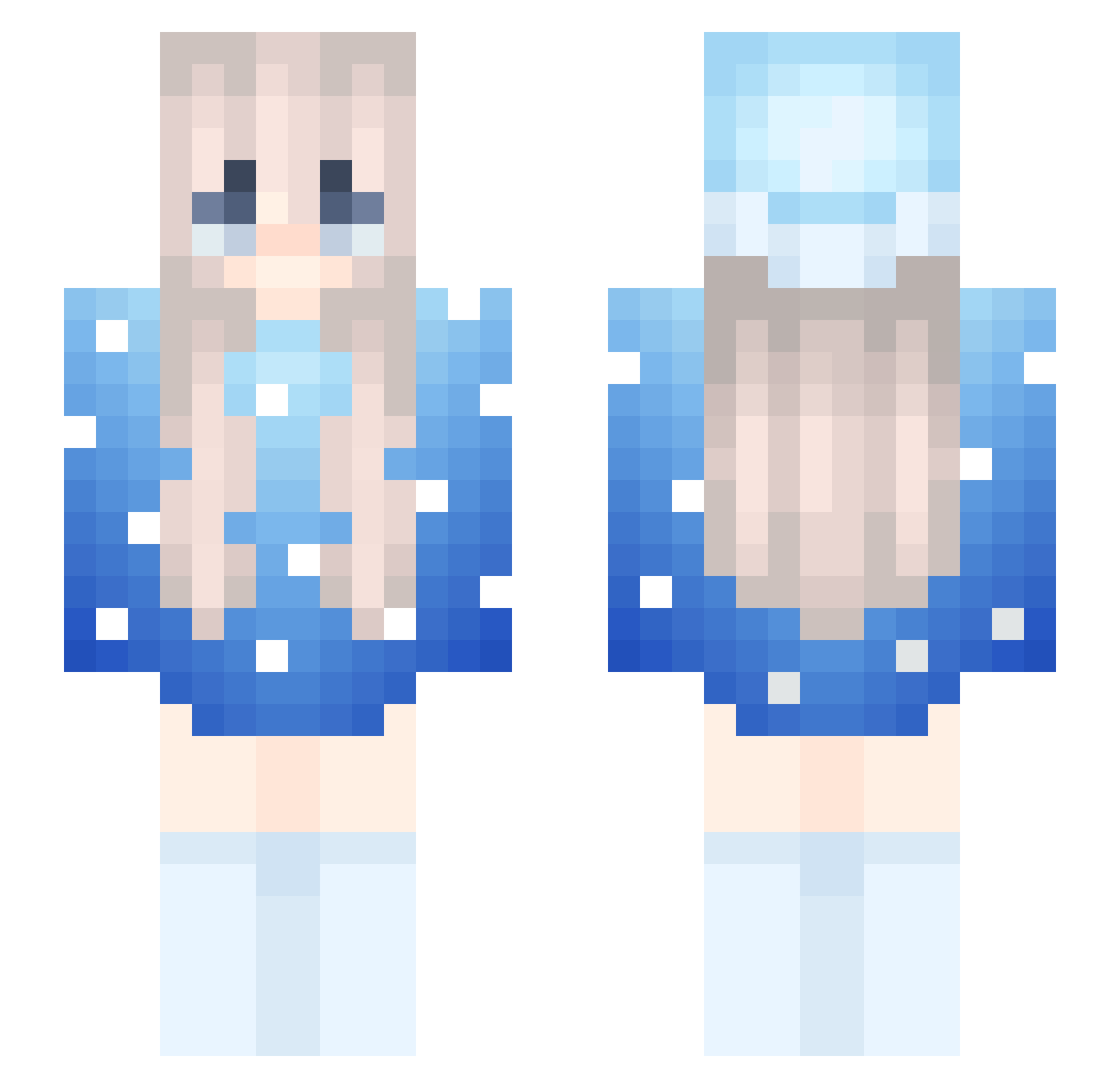
Other players with this skin (254)
daeeed16756 was the 53rd player we have seen with this skin, first spotted on 12.08.2026. The same skin was seen on these players. Open a nickname to see their current skin and skin history.
 Marlolwwww JAMAL96NOMONEY
 scrrs Micaela999 SoarEthanPlayz woshichaojidadan yaqqqlowfriend
 wHokageLin itzz_Grzanek Ig_M4ja riceautododge Schwalenin 3678k herbert888_ MacbookGod fuk3 MarlowwwsMommy spearmacergod FS3WA
 Soffnel SmokeD1adem
 Ghurai obl9iqueUealous Sabena evirtyve 1918x conicey MoonLightxx217 zab_iB8nd_05_16 SophiaStarTrek szp0nteR1342
 aimzaza
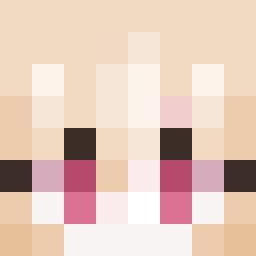 rubeboxGamer777 tazyt1034 Zea22
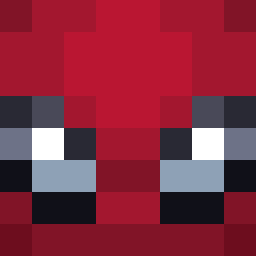 I_am_just_a_guy Dummykiller67420 MrFeetGaming273 LT3Femboy Marlowwwmario ChrystalDungeon
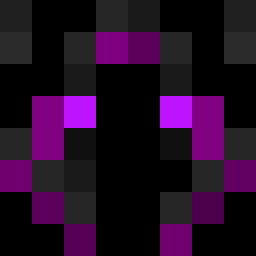 Flofi_Flow L1xxy IsnotMarlowww Kacpi15_xd gugi09 WEEkysik White_fight apblock3
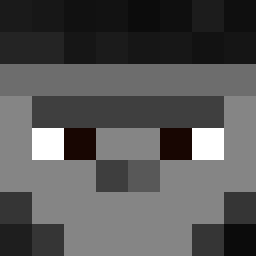 stilinski20 starykotlet_yt Orelhameleh HeyShawty__ veltzra Identiteitloos AlmostSpring 98762 xMarlowww Efebn
 lil_ayay
More Snow Minecraft skins
How to install the daeeed16756 skin
- Press the Download button above to save the skin as a PNG file.
- Minecraft: Bedrock Edition (PE): open the Dressing Room from the main menu (or tap your character → Edit Character), go to Classic Skins → Owned, press the + (new skin) button, choose the downloaded PNG and pick the Slim (Alex) model. Works on PC and mobile; consoles cannot import custom skins.
- Minecraft: Java Edition: open the Minecraft Launcher, go to the Skins tab, click New Skin, load the PNG, pick the Slim (Alex) model and press Save & Use. You can also upload it at minecraft.net → Profile → Change Skin.
The skin does not show up after import - what should I do?
Restart Minecraft and open the Dressing Room again - imported skins sometimes appear only after a restart. Also make sure you selected the imported skin and picked the Slim (Alex) model.
Which model should I choose, Classic or Slim?
This skin is designed for the Slim (Alex) model. If you pick the wrong model, the arms of the skin will look stretched or squeezed.
Is the skin of daeeed16756 free to download?
Yes. Press Download, save the PNG file and use it in Minecraft: Bedrock Edition or Java Edition - no payment or registration needed. The skin also works on multiplayer servers and Realms.
More skins
Looking for more? Go back to all Minecraft skins and check the top skins of the week, month and all time, or find any player's skin by nickname.