
creeper31303 - Minecraft Skins & Skin History
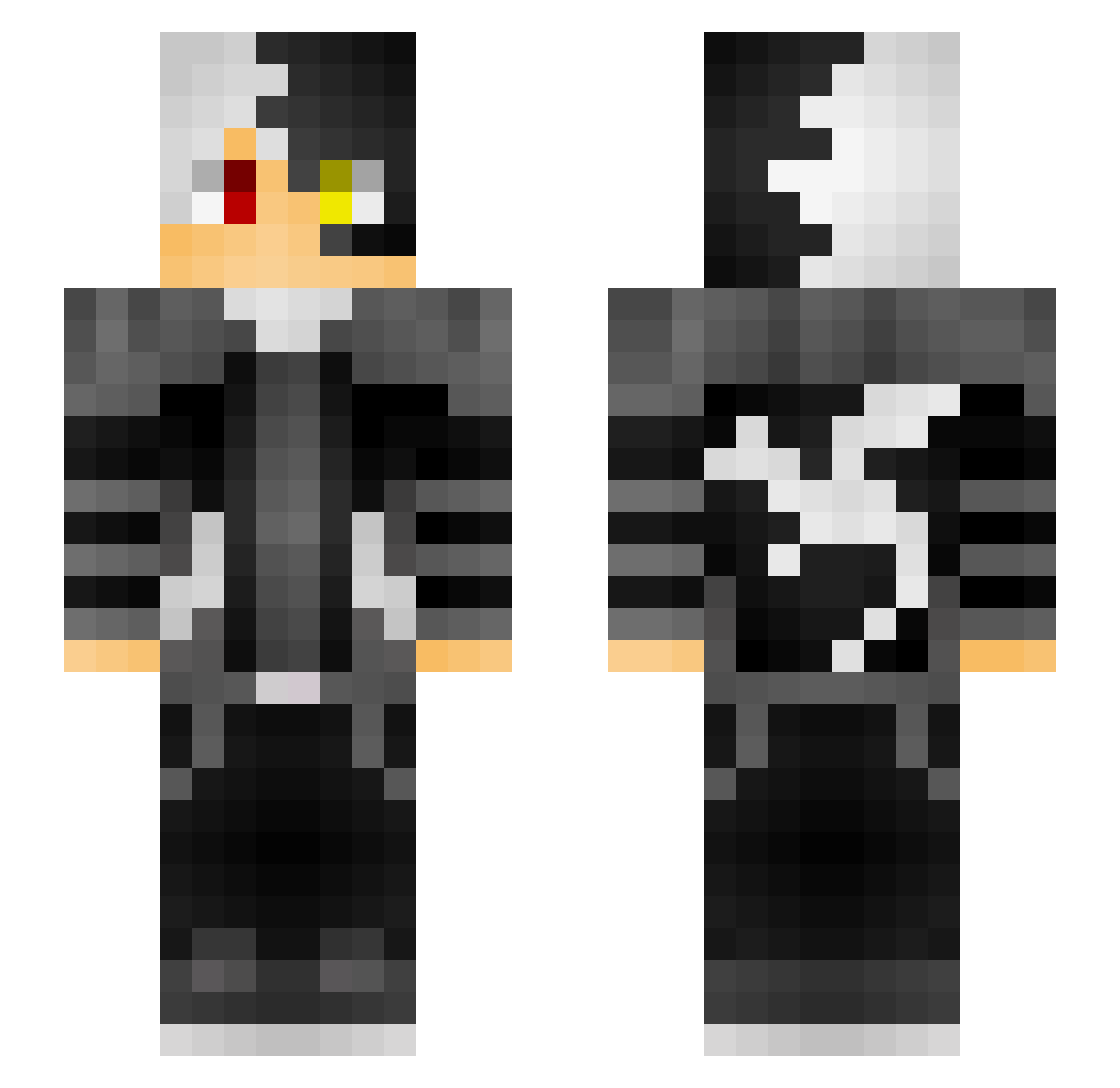
Current Minecraft skin of the player creeper31303, loaded from the official Mojang API. Rotate the 3D model with your mouse or finger, then download the skin as a PNG file and use it in Minecraft: Bedrock Edition or Java Edition for free. When creeper31303 changes their skin, this page updates automatically and the old skin stays in the history below.
Other players with this skin (56)
creeper31303 was the 19th player we have seen with this skin, first spotted on 04.09.2026. The same skin was seen on these players. Open a nickname to see their current skin and skin history.
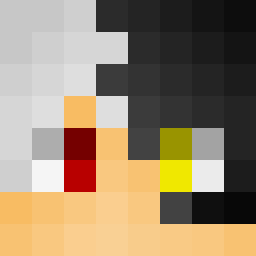 Collinbishop100 Lamicakes_ Wenselntie _Fantomz_ lvrpam Spekaboi gamerboy8Q pradhyun69 Captainzyte LightFury329 GaryThomson2006 EvilerCentaur43 ecclefechan zScar_ gb81 Gamerboy800 totalcookiegame
 ReaLAm0gh NOTSHIVANKSUPER SOULGAMER65 BlueSKY6969 313Gem KillerToes Handymanny12 erdgy HarryPotttah
 AlexBoy80 CoolSamster3000 superpowered zqnxify lifty Stratodinos Willox_X_X Infaqt oFisq Immortal_SM GamesAtGood slazape lixx_04 JoJoRocks02 plasmaflux_orb arctiq_ Derpanov GB20 Cyndercyns Vlhaan Inkling101 alexmarchese02 skllet Ceadog06 CoolZooby 123Patryk123 HeartofVirgo TMoney12 just8cpsbro Uninterpreted
How to install the creeper31303 skin
- Press the Download button above to save the skin as a PNG file.
- Minecraft: Bedrock Edition (PE): open the Dressing Room from the main menu (or tap your character → Edit Character), go to Classic Skins → Owned, press the + (new skin) button, choose the downloaded PNG and pick the Slim (Alex) model. Works on PC and mobile; consoles cannot import custom skins.
- Minecraft: Java Edition: open the Minecraft Launcher, go to the Skins tab, click New Skin, load the PNG, pick the Slim (Alex) model and press Save & Use. You can also upload it at minecraft.net → Profile → Change Skin.
The skin does not show up after import - what should I do?
Restart Minecraft and open the Dressing Room again - imported skins sometimes appear only after a restart. Also make sure you selected the imported skin and picked the Slim (Alex) model.
Which model should I choose, Classic or Slim?
This skin is designed for the Slim (Alex) model. If you pick the wrong model, the arms of the skin will look stretched or squeezed.
Is the skin of creeper31303 free to download?
Yes. Press Download, save the PNG file and use it in Minecraft: Bedrock Edition or Java Edition - no payment or registration needed. The skin also works on multiplayer servers and Realms.
More skins
Looking for more? Go back to all Minecraft skins and check the top skins of the week, month and all time, or find any player's skin by nickname.