
creationism - Minecraft Skins & Skin History
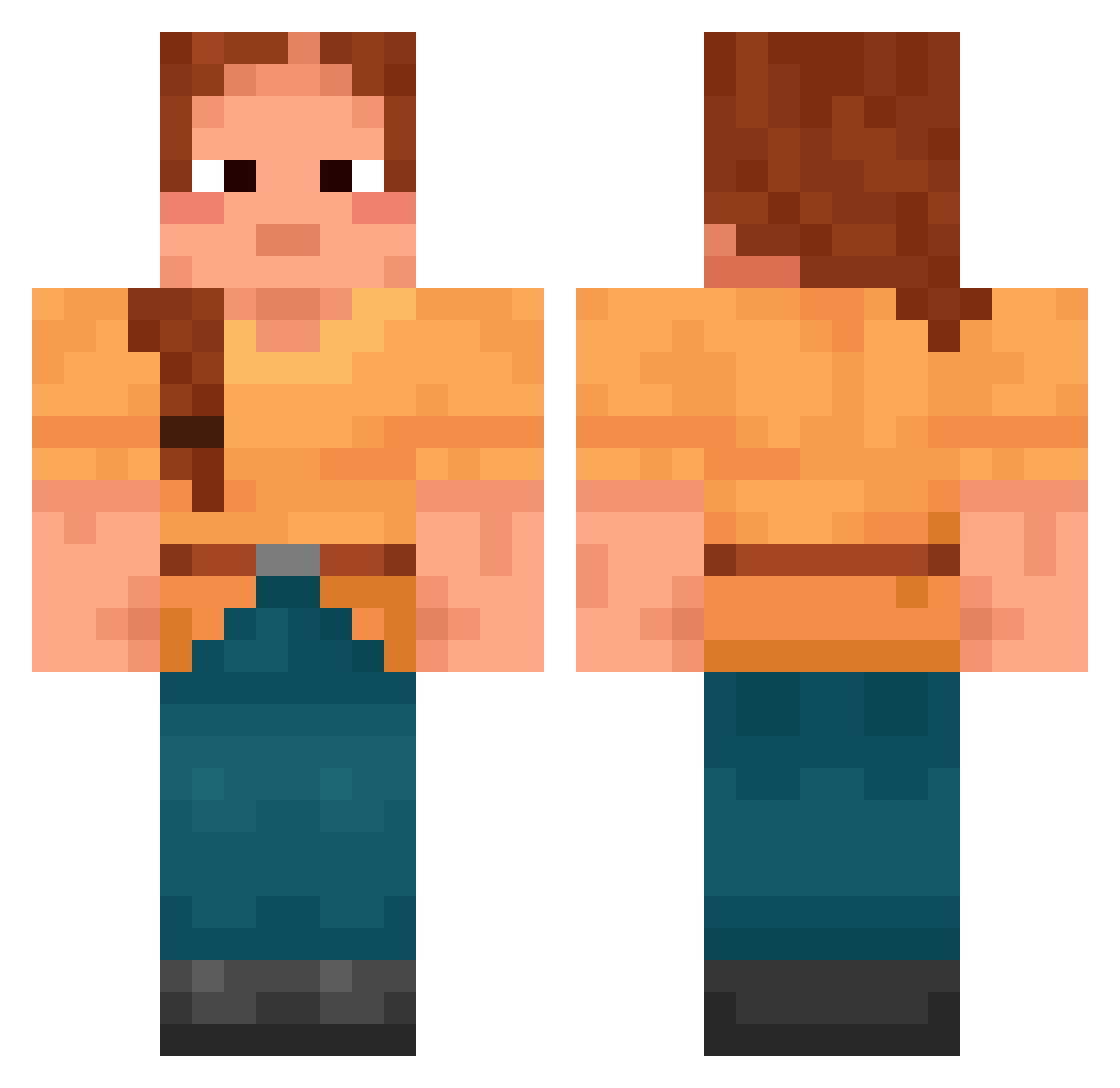
Current Minecraft skin of the player creationism, loaded from the official Mojang API. Rotate the 3D model with your mouse or finger, then download the skin as a PNG file and use it in Minecraft: Bedrock Edition or Java Edition for free. When creationism changes their skin, this page updates automatically and the old skin stays in the history below.
Other players with this skin (1422)
creationism was the 192nd player we have seen with this skin, first spotted on 05.08.2026. The same skin was seen on these players. Open a nickname to see their current skin and skin history.
 Rabauken_Jojo Telemark Sudate Mark8654
 davidboy17 yskuvtyf Mirfak Erlizah
 Pandabearchen63 LayeughMaker
 Ukhobo Tenderising tubage nepirokinha BOBORI Sankhya Tetrol _emes Permuter SigneBean Manobo Helianthium mambul99 Arrant
 Ahri84 demure_diddy Varyayay ArmedVortex Cuby05 Maja_mlk16 lost8in8time pxaz lolikkx nevercroxx
 dddarkio LordMinette flounders Lanotte TuBizcochitoPe Pindal Dilly Fid swim_2212 antonioisholy Naimis lushest Mentrixxoss pigi8 new_thitroll xWhusy luggages DeFogger dinozaury Stey
 souroque annzerie Ethyls fayconci Fogbow Nebuchadnezzar
More Cottagecore Minecraft skins
See all 5597 Cottagecore skins
How to install the creationism skin
- Press the Download button above to save the skin as a PNG file.
- Minecraft: Bedrock Edition (PE): open the Dressing Room from the main menu (or tap your character → Edit Character), go to Classic Skins → Owned, press the + (new skin) button, choose the downloaded PNG and pick the Classic (Steve) model. Works on PC and mobile; consoles cannot import custom skins.
- Minecraft: Java Edition: open the Minecraft Launcher, go to the Skins tab, click New Skin, load the PNG, pick the Classic (Steve) model and press Save & Use. You can also upload it at minecraft.net → Profile → Change Skin.
The skin does not show up after import - what should I do?
Restart Minecraft and open the Dressing Room again - imported skins sometimes appear only after a restart. Also make sure you selected the imported skin and picked the Classic (Steve) model.
Which model should I choose, Classic or Slim?
This skin is designed for the Classic (Steve) model. If you pick the wrong model, the arms of the skin will look stretched or squeezed.
Is the skin of creationism free to download?
Yes. Press Download, save the PNG file and use it in Minecraft: Bedrock Edition or Java Edition - no payment or registration needed. The skin also works on multiplayer servers and Realms.
More skins
Looking for more? Go back to all Minecraft skins and check the top skins of the week, month and all time, or find any player's skin by nickname.