
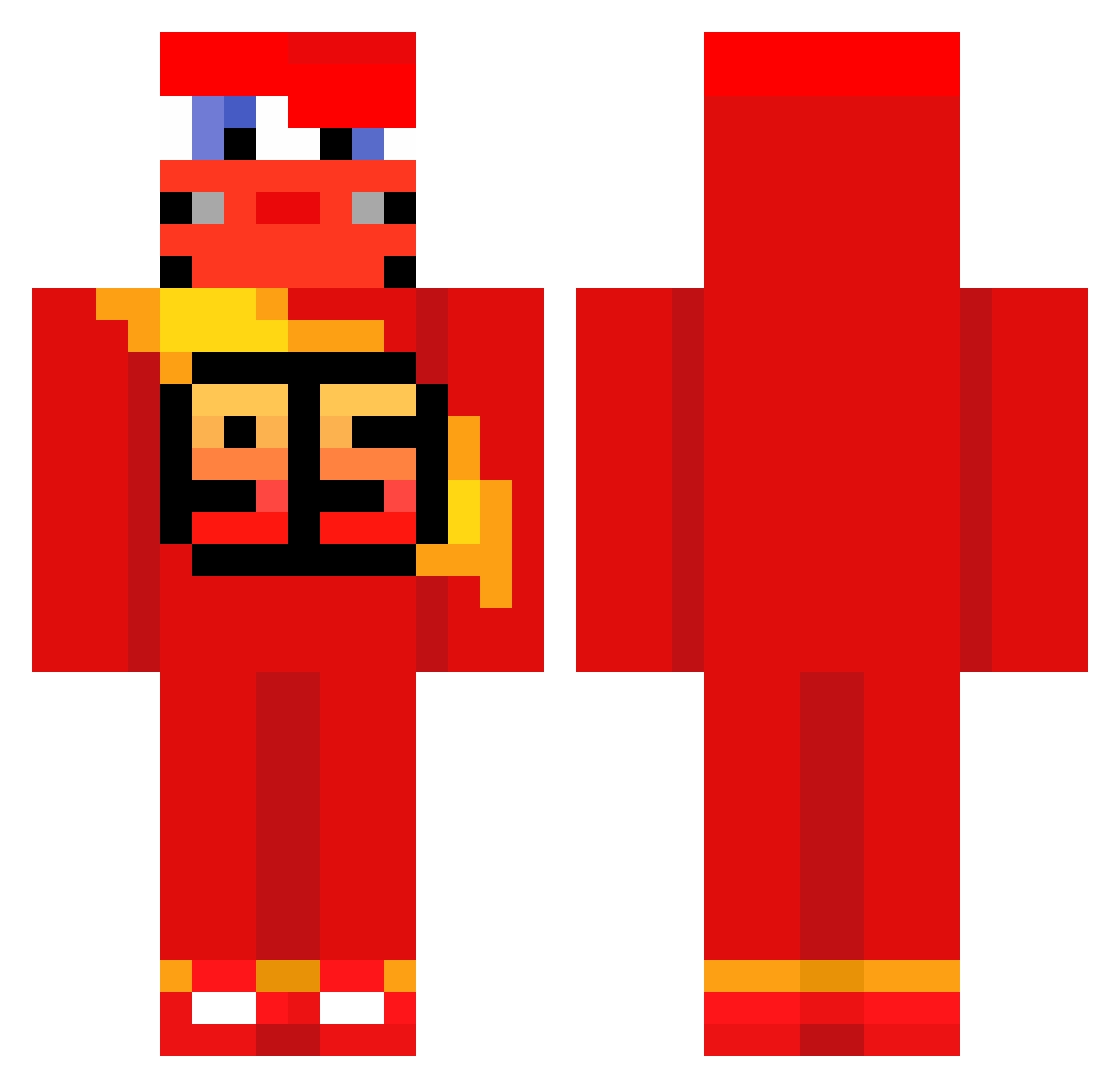
Current Minecraft skin of the player ch1o3h, loaded from the official Mojang API. Rotate the 3D model with your mouse or finger, then download the skin as a PNG file and use it in Minecraft: Bedrock Edition or Java Edition for free. When ch1o3h changes their skin, this page updates automatically and the old skin stays in the history below.
Other players with this skin (513)
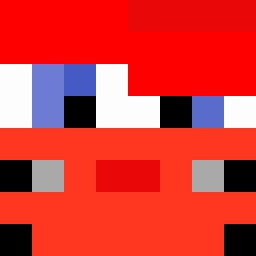
ch1o3h was the 395th player we have seen with this skin, first spotted on 29.09.2026. The same skin was seen on these players. Open a nickname to see their current skin and skin history.
 yuenhei_c Alalo85 SWDEVA alessandr0f_ Mini_Andre enchantedpick27 SwiftBuster3 T_ouo_W McQueenFast Atahann1 95__ Maczeqq LORD_NIGHT260 HexczMC Anlamazdinn jpplattek KEEL_5 Cello256 pioter1232 saltix92 Emilio211 Koka1317 Dzoszua P4ulones agus0gg Trolo47 OuiouNon Medem479 jedyessir bencisneros arontiif DSM_ZACY576 Ndcby AmIMaD_ yjxhc Tigre622 tak3shik gutsywheat LuifINn03 spalonafryta moraesdelicia123 _Zephyre_ e1_Dorito meeeertt 2Stubz_ Jibb213 J0G0E jiwoo822 xCykes BoraDK Brahim_BJZ Maxim0050 oryx6921 Treki23 Paugmz Cattalacc icyANDY MagiLePlusBeau D1builder MarvinSwag3
More Lightning Mcqueen Minecraft skins
See all 105 Lightning Mcqueen skins
How to install the ch1o3h skin
- Press the Download button above to save the skin as a PNG file.
- Minecraft: Bedrock Edition (PE): open the Dressing Room from the main menu (or tap your character → Edit Character), go to Classic Skins → Owned, press the + (new skin) button, choose the downloaded PNG and pick the Classic (Steve) model. Works on PC and mobile; consoles cannot import custom skins.
- Minecraft: Java Edition: open the Minecraft Launcher, go to the Skins tab, click New Skin, load the PNG, pick the Classic (Steve) model and press Save & Use. You can also upload it at minecraft.net → Profile → Change Skin.
The skin does not show up after import - what should I do?
Restart Minecraft and open the Dressing Room again - imported skins sometimes appear only after a restart. Also make sure you selected the imported skin and picked the Classic (Steve) model.
Which model should I choose, Classic or Slim?
This skin is designed for the Classic (Steve) model. If you pick the wrong model, the arms of the skin will look stretched or squeezed.
Is the skin of ch1o3h free to download?
Yes. Press Download, save the PNG file and use it in Minecraft: Bedrock Edition or Java Edition - no payment or registration needed. The skin also works on multiplayer servers and Realms.
More skins
Looking for more? Go back to all Minecraft skins and check the top skins of the week, month and all time, or find any player's skin by nickname.