
carotte_noob - Minecraft Skins & Skin History
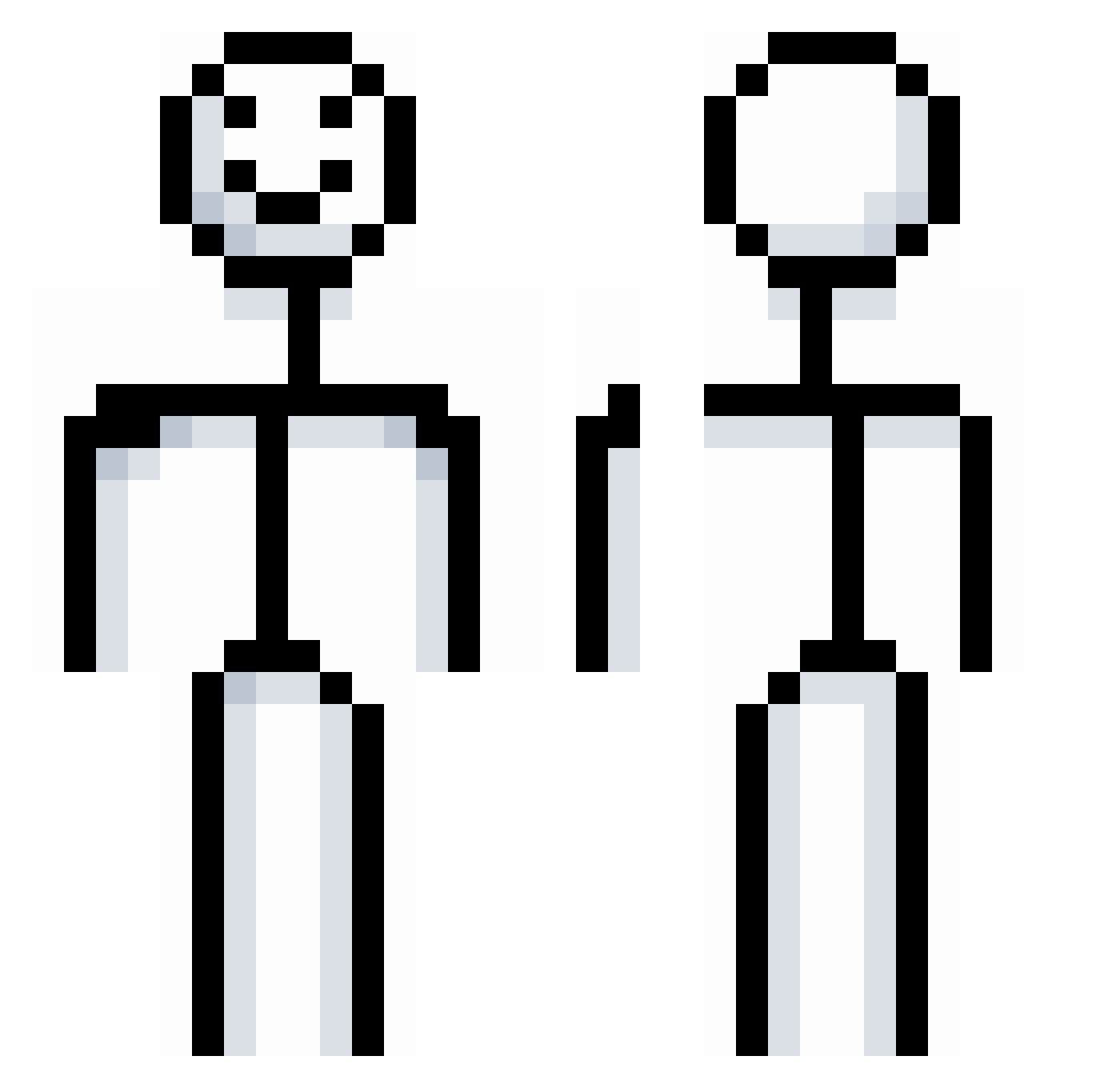
Current Minecraft skin of the player carotte_noob, loaded from the official Mojang API. Rotate the 3D model with your mouse or finger, then download the skin as a PNG file and use it in Minecraft: Bedrock Edition or Java Edition for free. When carotte_noob changes their skin, this page updates automatically and the old skin stays in the history below.
Other players with this skin (867)
carotte_noob was the 275th player we have seen with this skin, first spotted on 31.08.2026. The same skin was seen on these players. Open a nickname to see their current skin and skin history.
 Dont_Look_Away Xx5ECRETxX xSpotermanx hrvybdf Bu11s3ye Stolklen 26bss IvyEnigma Def_Not_An_Alt hEJKheyeaAJE ProdigySlayer707 kohaaken magictrt ItsAspect62 amour8898 ccxxsn humbolt123 GatoNotFound caulk_king reql3ss Lankmeister721 Petroley CZERESNIE TwiningEnd d3ltaa0 smallbird080 Bwady23 VertigoSpins chocolateMelody pipacarti DkIgn Hienrxch Swiss_Meister fasterthanroklee Progons Chemystry22 NotBain14 qingmeihuifahei TimurPHA aleppd xSulfix StinkyArtist423 bbbbrrrr citizentoxic sorrymate110 Dav114514 jacko65 snakebyter moliunian204 NSKM09 Wolfy950 JoshiYoshi69 Birch_69
 eoSYA__ BiggestBoi13 Seilth_ Hxwon cristhout Kir__ ZimollPro
More Stickman Minecraft skins
How to install the carotte_noob skin
- Press the Download button above to save the skin as a PNG file.
- Minecraft: Bedrock Edition (PE): open the Dressing Room from the main menu (or tap your character → Edit Character), go to Classic Skins → Owned, press the + (new skin) button, choose the downloaded PNG and pick the Classic (Steve) model. Works on PC and mobile; consoles cannot import custom skins.
- Minecraft: Java Edition: open the Minecraft Launcher, go to the Skins tab, click New Skin, load the PNG, pick the Classic (Steve) model and press Save & Use. You can also upload it at minecraft.net → Profile → Change Skin.
The skin does not show up after import - what should I do?
Restart Minecraft and open the Dressing Room again - imported skins sometimes appear only after a restart. Also make sure you selected the imported skin and picked the Classic (Steve) model.
Which model should I choose, Classic or Slim?
This skin is designed for the Classic (Steve) model. If you pick the wrong model, the arms of the skin will look stretched or squeezed.
Is the skin of carotte_noob free to download?
Yes. Press Download, save the PNG file and use it in Minecraft: Bedrock Edition or Java Edition - no payment or registration needed. The skin also works on multiplayer servers and Realms.
More skins
Looking for more? Go back to all Minecraft skins and check the top skins of the week, month and all time, or find any player's skin by nickname.