
captaincrash05 - Minecraft Skins & Skin History
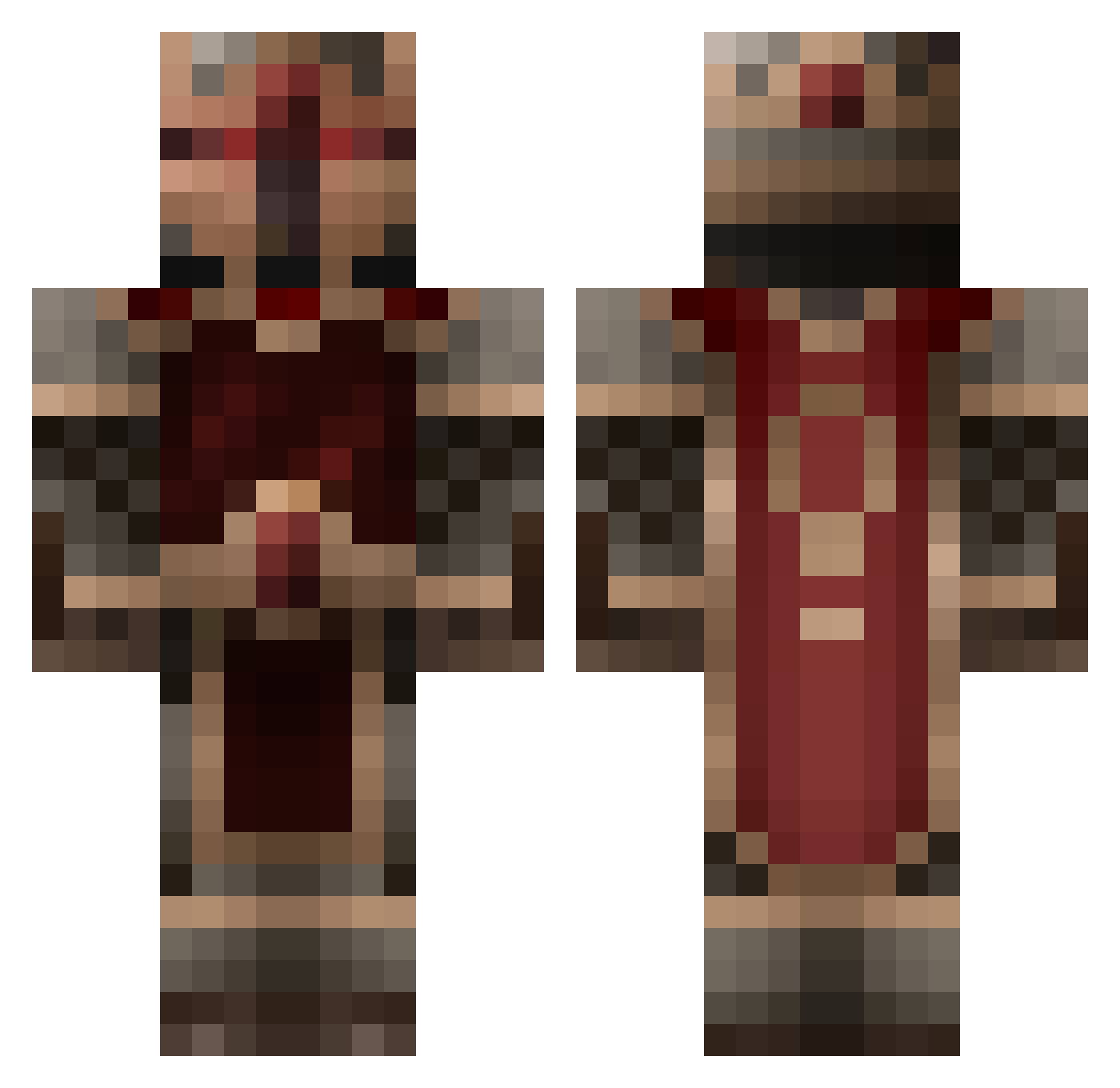
Current Minecraft skin of the player captaincrash05, loaded from the official Mojang API. Rotate the 3D model with your mouse or finger, then download the skin as a PNG file and use it in Minecraft: Bedrock Edition or Java Edition for free. When captaincrash05 changes their skin, this page updates automatically and the old skin stays in the history below.
Other players with this skin (855)
captaincrash05 was the 170th player we have seen with this skin, first spotted on 19.08.2026. The same skin was seen on these players. Open a nickname to see their current skin and skin history.
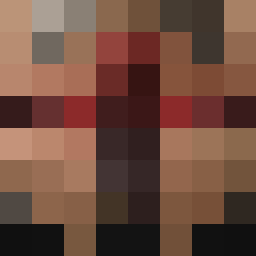 SpeedyTurtle77 Axton421 SmeSharik kilikibisas1 Draksander Monkeygetmad toorben ashtray123 login123 amiller91 numbercraft 101_Boss_101 ThePantsKnight zRise DocPolle Windoof_Taste Darth_Peace Dve17 spikecraft BlazinBurro DarckNoss Tac0o _zitix_ AjaxAi MrRamaza EmperorSwag themaninglasses Aaron_from_IT wildrose13 lotsalobsta CaptinSlice benjbrun Lonesasquatch Faolan1988 Fraz651 lilbhammer SCEmpress Atelus LibertyRanger CrushKidd17 Dlabak superdude0614 Add3r WEquest Bersorker Chipsdipp AngryJellyFish7 DanskHobo PieJCM Brady112200 Cd0_Destiny GreenEdgar AncientTemplar tanturd916 Karnonou Silver_Jb tichke123 HighLordBonk Ameridan Mariahn
More Knight Minecraft skins
How to install the captaincrash05 skin
- Press the Download button above to save the skin as a PNG file.
- Minecraft: Bedrock Edition (PE): open the Dressing Room from the main menu (or tap your character → Edit Character), go to Classic Skins → Owned, press the + (new skin) button, choose the downloaded PNG and pick the Classic (Steve) model. Works on PC and mobile; consoles cannot import custom skins.
- Minecraft: Java Edition: open the Minecraft Launcher, go to the Skins tab, click New Skin, load the PNG, pick the Classic (Steve) model and press Save & Use. You can also upload it at minecraft.net → Profile → Change Skin.
The skin does not show up after import - what should I do?
Restart Minecraft and open the Dressing Room again - imported skins sometimes appear only after a restart. Also make sure you selected the imported skin and picked the Classic (Steve) model.
Which model should I choose, Classic or Slim?
This skin is designed for the Classic (Steve) model. If you pick the wrong model, the arms of the skin will look stretched or squeezed.
Is the skin of captaincrash05 free to download?
Yes. Press Download, save the PNG file and use it in Minecraft: Bedrock Edition or Java Edition - no payment or registration needed. The skin also works on multiplayer servers and Realms.
More skins
Looking for more? Go back to all Minecraft skins and check the top skins of the week, month and all time, or find any player's skin by nickname.