
camp0s07 - Minecraft Skins & Skin History
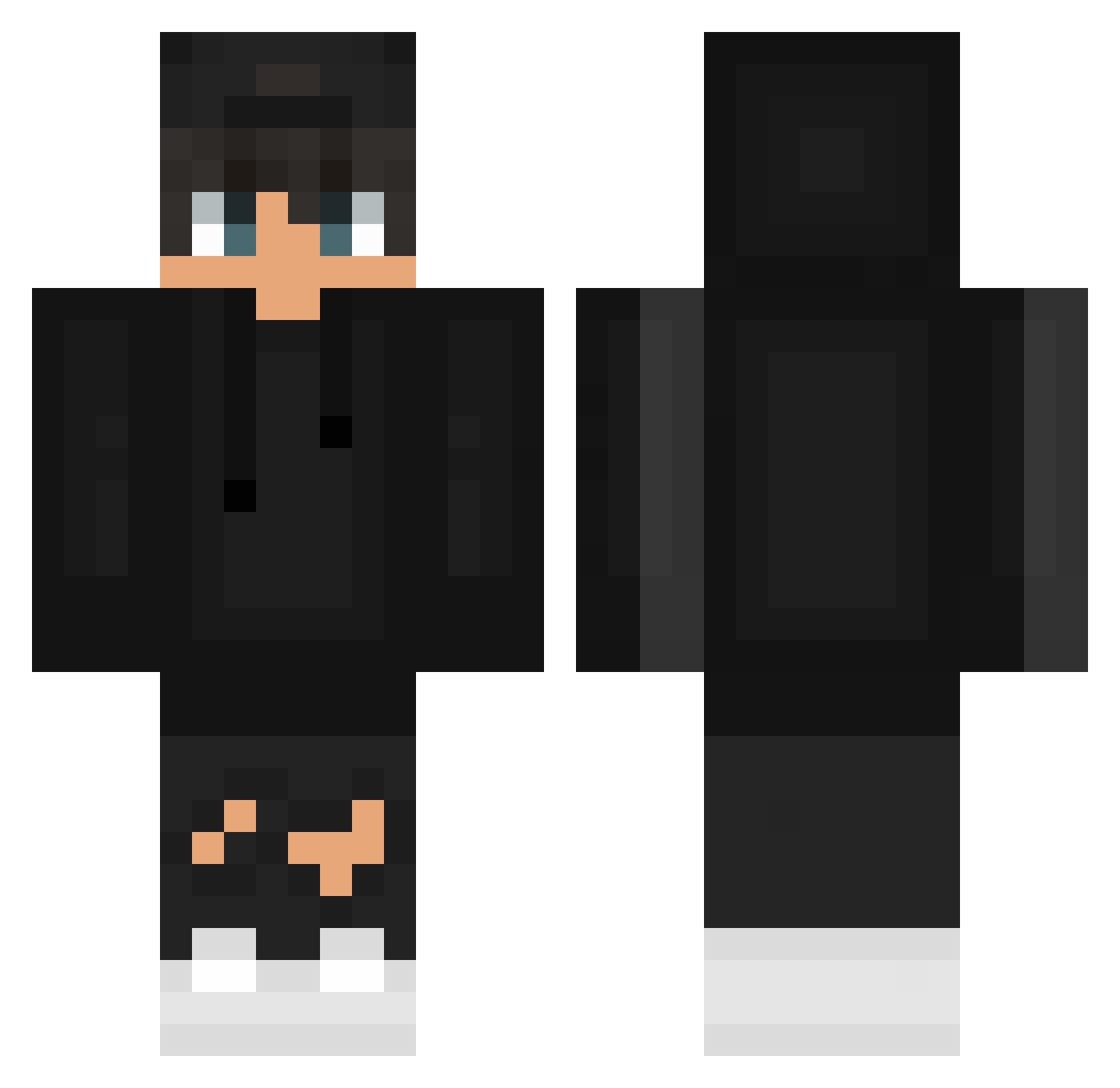
Current Minecraft skin of the player camp0s07, loaded from the official Mojang API. Rotate the 3D model with your mouse or finger, then download the skin as a PNG file and use it in Minecraft: Bedrock Edition or Java Edition for free. When camp0s07 changes their skin, this page updates automatically and the old skin stays in the history below.
Other players with this skin (626)
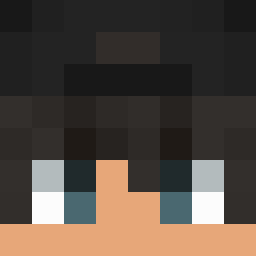
camp0s07 was the 476th player we have seen with this skin, first spotted on 15.10.2026. The same skin was seen on these players. Open a nickname to see their current skin and skin history.
 offsimon TaKaMiya13 aktTempest oprzi Konopia Unicat_live zo_5631 Mohammad_Bod alex_beltry Mattix2011 nomaddog21 qczeq AleZinh0 RagnaR0ck EliVicious Daddy_691 TazerRazor yeonwoo0713 D0Mix_ KrysiakU Federico1805 XVibezzX Shun_ m1nor666 Aviccii M7mdRassem xPlacebi Punixxx xoFrogiesox ZinoJ CallMeNihil KnysI Nitr0gens PeKuPe SrTheEagle61 lsmlshlhw Nyvro_ captain_mexico19 xExpert_ Equablenote8899 Isma_Law Tacos_cheese youngjinjonjal CORDOBES545 Chewv20 cea354hguhzayrca MachoXD MikolajT0Troll YB_bfox shadow_Nikii2104 ThatCutieNiclas TomXVII STEVEN_1002 weirdlyyy zhanru F2theabian isidaryugo Mrg4brogames28 Charizard11m Teilaste
How to install the camp0s07 skin
- Press the Download button above to save the skin as a PNG file.
- Minecraft: Bedrock Edition (PE): open the Dressing Room from the main menu (or tap your character → Edit Character), go to Classic Skins → Owned, press the + (new skin) button, choose the downloaded PNG and pick the Classic (Steve) model. Works on PC and mobile; consoles cannot import custom skins.
- Minecraft: Java Edition: open the Minecraft Launcher, go to the Skins tab, click New Skin, load the PNG, pick the Classic (Steve) model and press Save & Use. You can also upload it at minecraft.net → Profile → Change Skin.
The skin does not show up after import - what should I do?
Restart Minecraft and open the Dressing Room again - imported skins sometimes appear only after a restart. Also make sure you selected the imported skin and picked the Classic (Steve) model.
Which model should I choose, Classic or Slim?
This skin is designed for the Classic (Steve) model. If you pick the wrong model, the arms of the skin will look stretched or squeezed.
Is the skin of camp0s07 free to download?
Yes. Press Download, save the PNG file and use it in Minecraft: Bedrock Edition or Java Edition - no payment or registration needed. The skin also works on multiplayer servers and Realms.
More skins
Looking for more? Go back to all Minecraft skins and check the top skins of the week, month and all time, or find any player's skin by nickname.