
callmeludwig - Minecraft Skins & Skin History
Current Minecraft skin of the player callmeludwig, loaded from the official Mojang API. Rotate the 3D model with your mouse or finger, then download the skin as a PNG file and use it in Minecraft: Bedrock Edition or Java Edition for free. When callmeludwig changes their skin, this page updates automatically and the old skin stays in the history below.
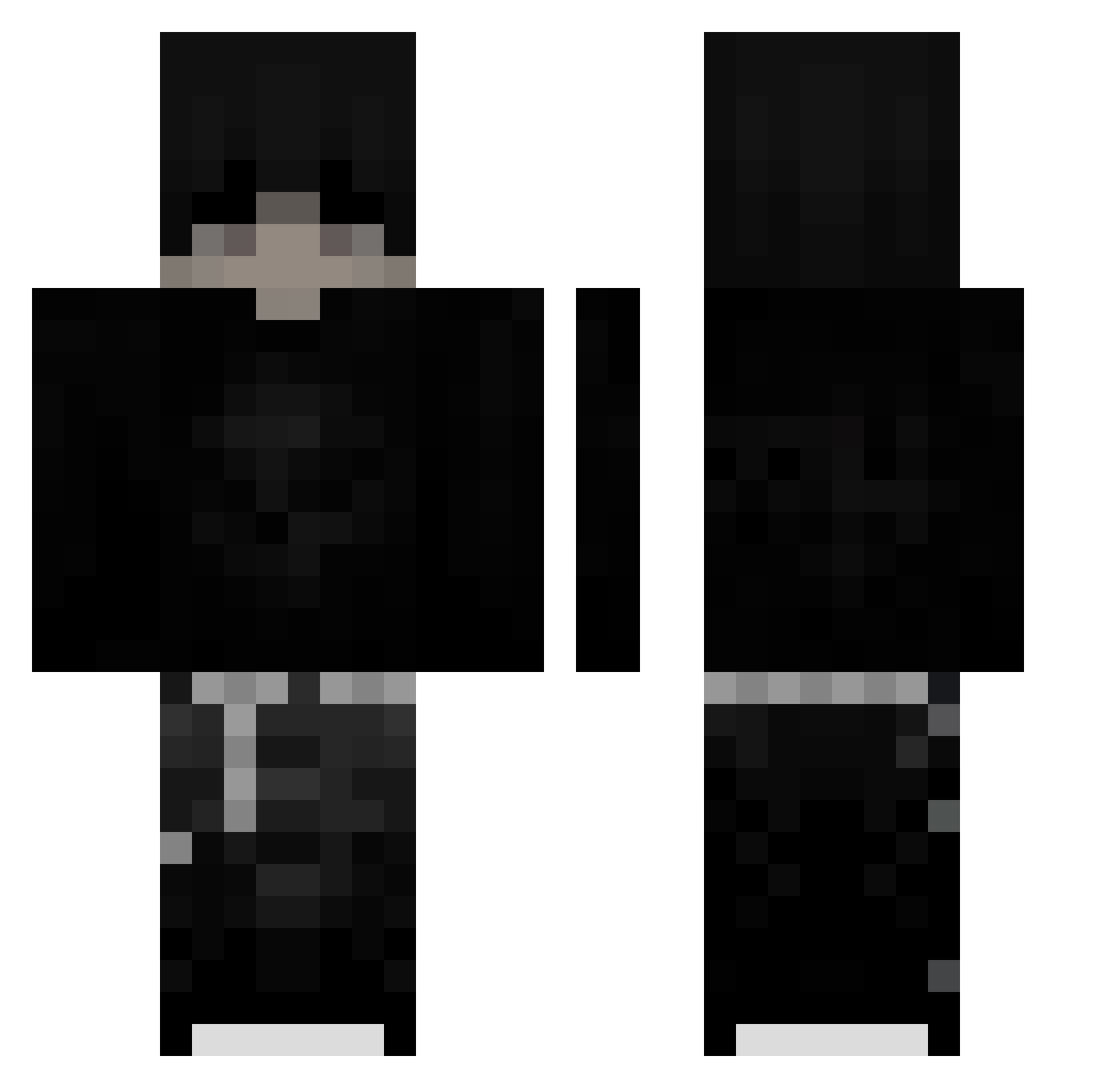
Other players with this skin (196)
callmeludwig was the 88th player we have seen with this skin, first spotted on 31.08.2026. The same skin was seen on these players. Open a nickname to see their current skin and skin history.
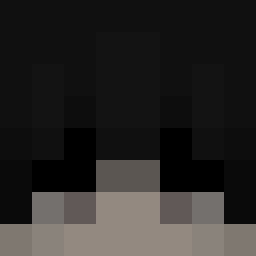 Waxz12
 Jhx_bw kikino13 __Genetics__ LinhFangz8eUwU
 DTAxBlawht sung_danielsouns math_04 szymponi tuchol_216 coams Rev_Fire_0f8 wizzex__ zyforkie_ i3asm Oliviermz DiegeileMaske SteveTPBLO VooDoo1425
 5pacial Lvxifyy Polski_Maksio17 cq2I
 Chowsarang
 CristianGamer13 Vektis_ _Wi5ni0wka LauCaen Sh0ting_
 FaZA_02 mitteverbot yif_blu Loupilon
 PieselkiGora BigBoiMonKE P1m2014pek _d8rk_ _Sk1ll3d JonathanL787 Slqyx kerme232 slodzik26 neroOnes sinsofenvy_ uno77 Ncrden Vitalisy321 bilog RizzlerFranek123 Jerry24112010 C4XENY InfernoScythe Cmosh Abuto_yami Killerente51 kralbaba1545 ALANDKUNG0011 Alejandrx_v _Mxllowww_ LoganWolfGod
More Emo Minecraft skins
How to install the callmeludwig skin
- Press the Download button above to save the skin as a PNG file.
- Minecraft: Bedrock Edition (PE): open the Dressing Room from the main menu (or tap your character → Edit Character), go to Classic Skins → Owned, press the + (new skin) button, choose the downloaded PNG and pick the Classic (Steve) model. Works on PC and mobile; consoles cannot import custom skins.
- Minecraft: Java Edition: open the Minecraft Launcher, go to the Skins tab, click New Skin, load the PNG, pick the Classic (Steve) model and press Save & Use. You can also upload it at minecraft.net → Profile → Change Skin.
The skin does not show up after import - what should I do?
Restart Minecraft and open the Dressing Room again - imported skins sometimes appear only after a restart. Also make sure you selected the imported skin and picked the Classic (Steve) model.
Which model should I choose, Classic or Slim?
This skin is designed for the Classic (Steve) model. If you pick the wrong model, the arms of the skin will look stretched or squeezed.
Is the skin of callmeludwig free to download?
Yes. Press Download, save the PNG file and use it in Minecraft: Bedrock Edition or Java Edition - no payment or registration needed. The skin also works on multiplayer servers and Realms.
More skins
Looking for more? Go back to all Minecraft skins and check the top skins of the week, month and all time, or find any player's skin by nickname.