
caixukun2333 - Minecraft Skins & Skin History
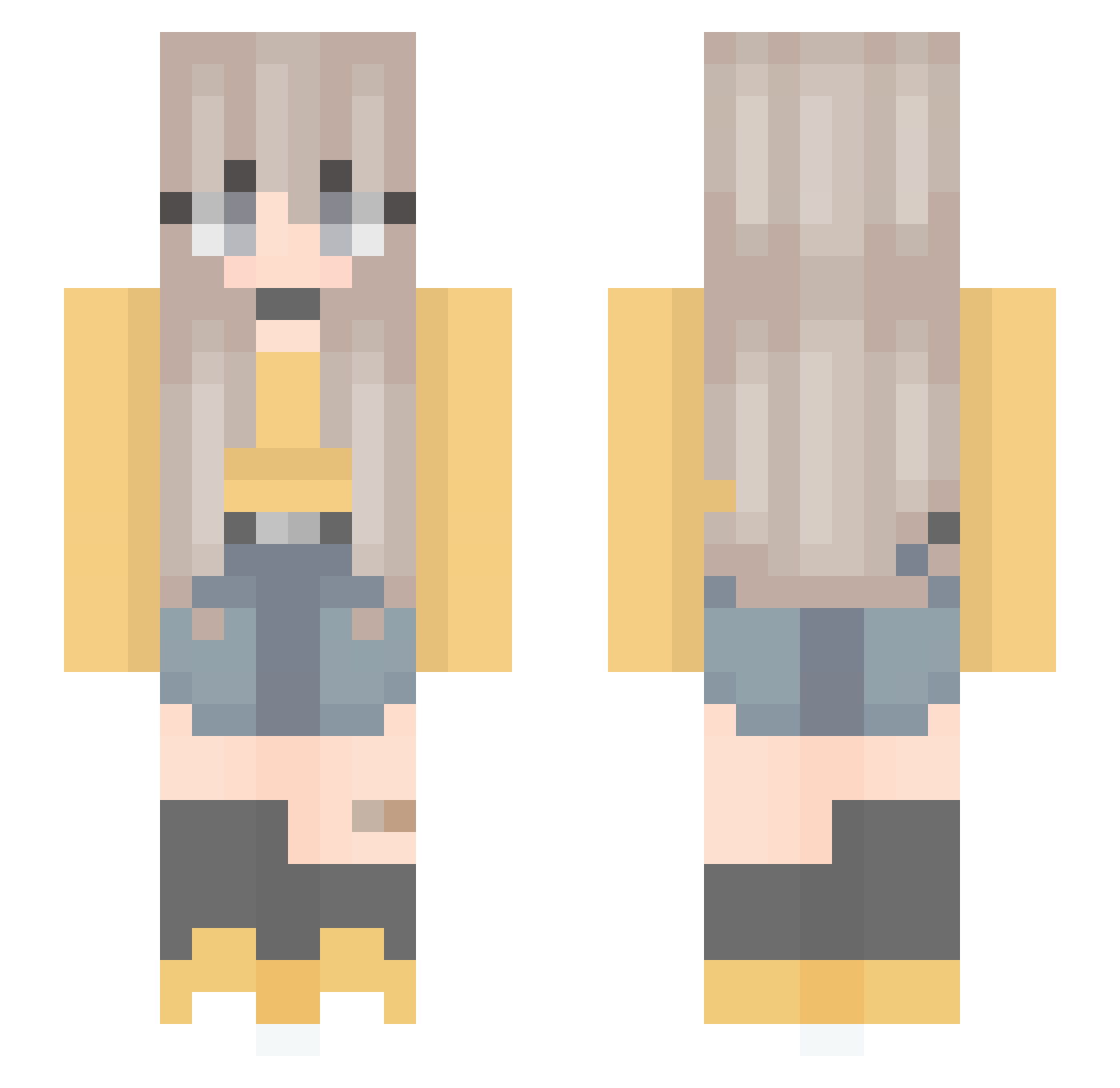
Current Minecraft skin of the player caixukun2333, loaded from the official Mojang API. Rotate the 3D model with your mouse or finger, then download the skin as a PNG file and use it in Minecraft: Bedrock Edition or Java Edition for free. When caixukun2333 changes their skin, this page updates automatically and the old skin stays in the history below.
Other players with this skin (301)
caixukun2333 was the 110th player we have seen with this skin, first spotted on 09.09.2026. The same skin was seen on these players. Open a nickname to see their current skin and skin history.
 Adamb2O31 Ezra_mok EminentScorpio aipsiN Ezzza11 MINMIN_0 NottDuckie Stella_QI Cryistalle kicix_xnatusia kema34 tortilla324 emmaincra Yos47 yerin0821 buinunu yuval_sar CrazyDaizzy brainykerky justaivlys 85AM4 nicole749 Many974 just01230 yoomina Cherry_M Bosque _sheily_ qxngtao kat_guy EzzyBreezy Yoshida2110 _I_am_Sarah_ Mc_Moosey LemonlyLeah ICE__COKE Icire vandybien a_Silver_g BlueMeadow_x lasagnalover69 inari_neko LilDari puppyheavens Strasbourg_2357 arugon481 YaSickkk LightningStyIe Lrebelle Nachoon Aegialeuz xvicchick seohyun4029 El_hamster A_L_I_C_EE Meloonade Dawn5753 anabxiix starlight_80 ChocolaMeilleure
More Anime Minecraft skins
How to install the caixukun2333 skin
- Press the Download button above to save the skin as a PNG file.
- Minecraft: Bedrock Edition (PE): open the Dressing Room from the main menu (or tap your character → Edit Character), go to Classic Skins → Owned, press the + (new skin) button, choose the downloaded PNG and pick the Slim (Alex) model. Works on PC and mobile; consoles cannot import custom skins.
- Minecraft: Java Edition: open the Minecraft Launcher, go to the Skins tab, click New Skin, load the PNG, pick the Slim (Alex) model and press Save & Use. You can also upload it at minecraft.net → Profile → Change Skin.
The skin does not show up after import - what should I do?
Restart Minecraft and open the Dressing Room again - imported skins sometimes appear only after a restart. Also make sure you selected the imported skin and picked the Slim (Alex) model.
Which model should I choose, Classic or Slim?
This skin is designed for the Slim (Alex) model. If you pick the wrong model, the arms of the skin will look stretched or squeezed.
Is the skin of caixukun2333 free to download?
Yes. Press Download, save the PNG file and use it in Minecraft: Bedrock Edition or Java Edition - no payment or registration needed. The skin also works on multiplayer servers and Realms.
More skins
Looking for more? Go back to all Minecraft skins and check the top skins of the week, month and all time, or find any player's skin by nickname.