
bromonster - Minecraft Skins & Skin History
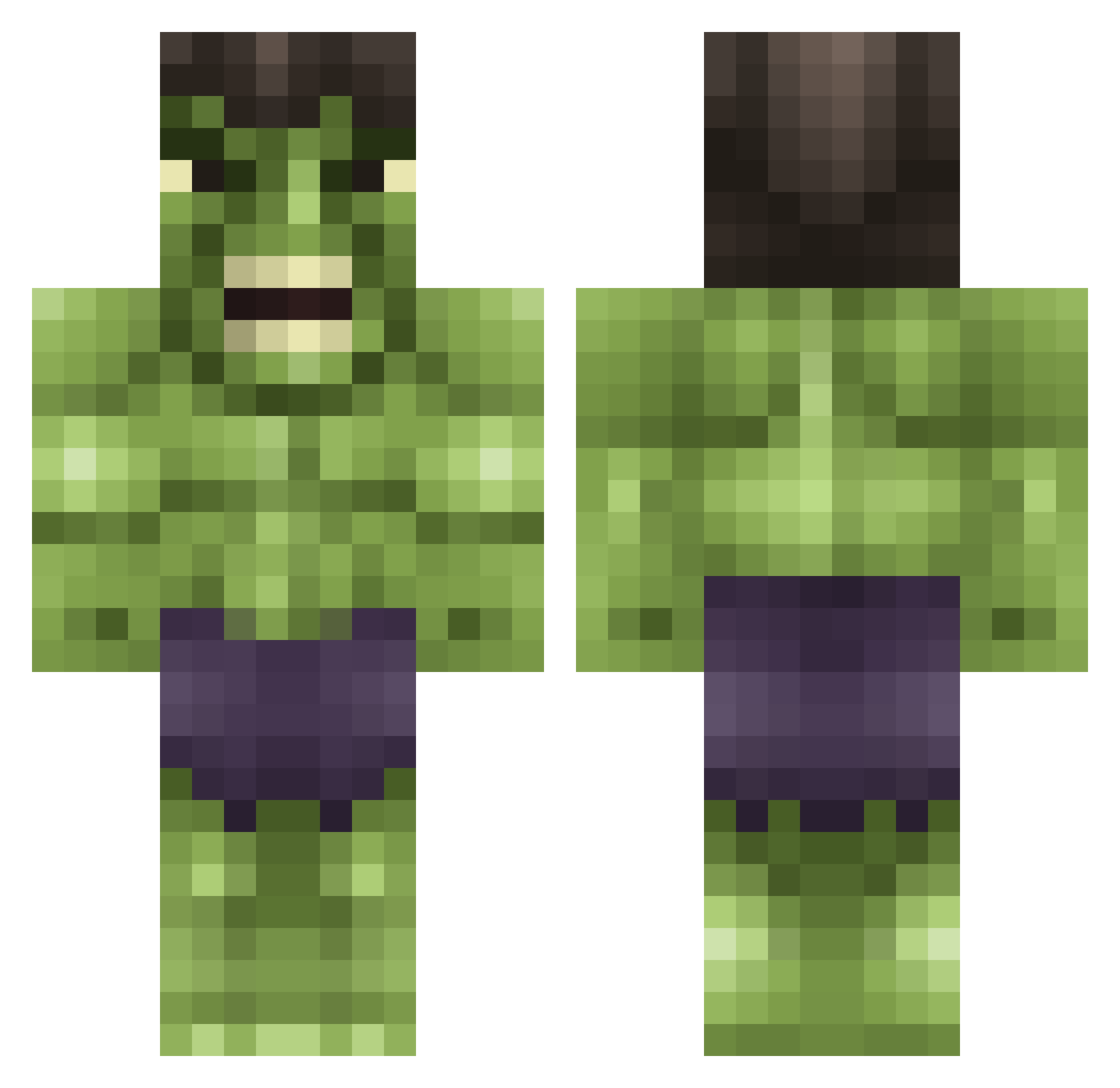
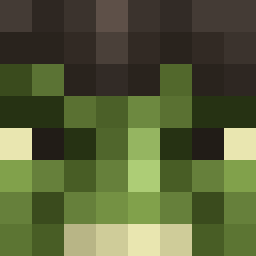
Current Minecraft skin of the player bromonster, loaded from the official Mojang API. Rotate the 3D model with your mouse or finger, then download the skin as a PNG file and use it in Minecraft: Bedrock Edition or Java Edition for free. When bromonster changes their skin, this page updates automatically and the old skin stays in the history below.
Other players with this skin (615)
bromonster was the 605th player we have seen with this skin, first spotted on 29.10.2026. The same skin was seen on these players. Open a nickname to see their current skin and skin history.
 Warlatm catocampbell Morten_Dew terrorspider pandaexpress01 geyre08 xDr_Zx ukr_888 qdog08 Fellies Sit_Down_Kiddo MediasTheWarrior Sheldon951 DeFQoN_1_469 Knightsgamer Axel_08 zombiekillerJMS bridie12 xxjedahxx Mirthful77 Alex_the_Brick Tarquinicus heejtrick xBayyyx navi_020 tesszico slayerema marius_reitan FrankGNL CNBurgess Sinatik DLLN13 MikiLung Open_Menu Claudiiu NAUMiE Cr1ckster simpson117 jtcuz rjwoodsrocks vikingcjb HullyHD creeperkingsamd JulianSlayerr Luxu88 Kye923 goofi19 LemmeSmangIt318 n0xxic Flameboy117 vinco_123 Creamofwheat cade0917 Hurtiget sprintkoning Mauroezequiel23 drivelikejehu julexdee DoomiNATEr19 Kaizaree
More Hulk Minecraft skins
How to install the bromonster skin
- Press the Download button above to save the skin as a PNG file.
- Minecraft: Bedrock Edition (PE): open the Dressing Room from the main menu (or tap your character → Edit Character), go to Classic Skins → Owned, press the + (new skin) button, choose the downloaded PNG and pick the Classic (Steve) model. Works on PC and mobile; consoles cannot import custom skins.
- Minecraft: Java Edition: open the Minecraft Launcher, go to the Skins tab, click New Skin, load the PNG, pick the Classic (Steve) model and press Save & Use. You can also upload it at minecraft.net → Profile → Change Skin.
The skin does not show up after import - what should I do?
Restart Minecraft and open the Dressing Room again - imported skins sometimes appear only after a restart. Also make sure you selected the imported skin and picked the Classic (Steve) model.
Which model should I choose, Classic or Slim?
This skin is designed for the Classic (Steve) model. If you pick the wrong model, the arms of the skin will look stretched or squeezed.
Is the skin of bromonster free to download?
Yes. Press Download, save the PNG file and use it in Minecraft: Bedrock Edition or Java Edition - no payment or registration needed. The skin also works on multiplayer servers and Realms.
More skins
Looking for more? Go back to all Minecraft skins and check the top skins of the week, month and all time, or find any player's skin by nickname.