
brerloas - Minecraft Skins & Skin History
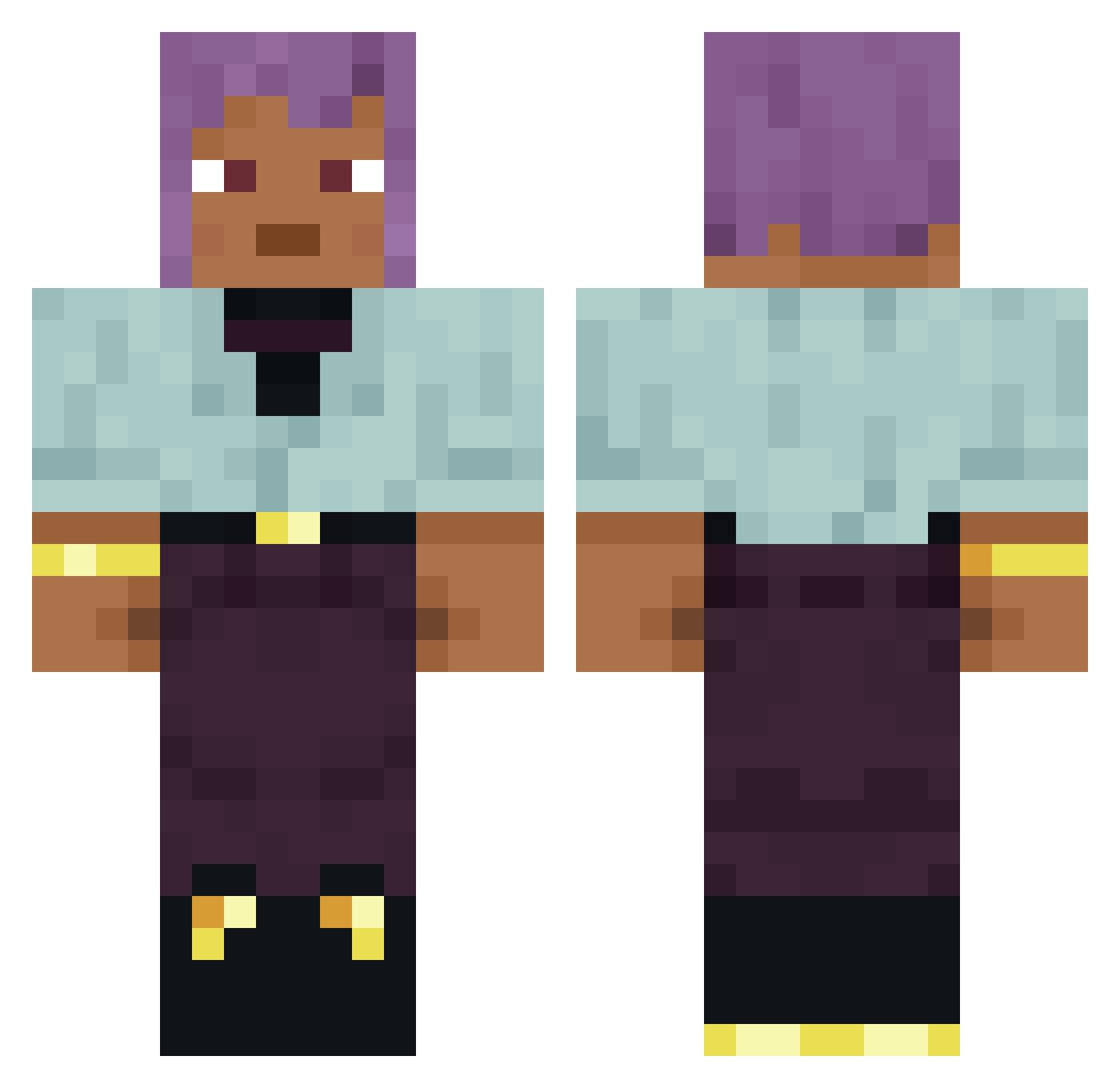
Current Minecraft skin of the player brerloas, loaded from the official Mojang API. Rotate the 3D model with your mouse or finger, then download the skin as a PNG file and use it in Minecraft: Bedrock Edition or Java Edition for free. When brerloas changes their skin, this page updates automatically and the old skin stays in the history below.
Other players with this skin (877)
brerloas was the 333rd player we have seen with this skin, first spotted on 05.09.2026. The same skin was seen on these players. Open a nickname to see their current skin and skin history.
 gambet
 IsCypher ollimolliii RektBoom m1echu cati1405 glossless Charm_XD Vinculum amahs Heavenish Mauritania puplemom guisheee1
 Fwedwiq HasseBass Exploitive NatnatLover66 Waken baldman43 Aznpanturtle EmpleadoDeYape_ Flannelette roughroot Aspergilla DebaserS Inkafarma_0107 atour
 Eustakiio Theknife25 cryptobranchus Opfatier airdust91 knighthood WardWord Cuz_im_timo Vineaa triplets aegithalos TheSussyAmogus TianosMC wtaclanalexYT briefs stoush Edga12342 Arcading SrPodem Overscrupulous outfind Junifer Joctba ykhtifrfr12 xSpxsz tasse night9_hunter13 Ratleye HAZER UnderHead CaptainVoxx skeletonless
How to install the brerloas skin
- Press the Download button above to save the skin as a PNG file.
- Minecraft: Bedrock Edition (PE): open the Dressing Room from the main menu (or tap your character → Edit Character), go to Classic Skins → Owned, press the + (new skin) button, choose the downloaded PNG and pick the Classic (Steve) model. Works on PC and mobile; consoles cannot import custom skins.
- Minecraft: Java Edition: open the Minecraft Launcher, go to the Skins tab, click New Skin, load the PNG, pick the Classic (Steve) model and press Save & Use. You can also upload it at minecraft.net → Profile → Change Skin.
The skin does not show up after import - what should I do?
Restart Minecraft and open the Dressing Room again - imported skins sometimes appear only after a restart. Also make sure you selected the imported skin and picked the Classic (Steve) model.
Which model should I choose, Classic or Slim?
This skin is designed for the Classic (Steve) model. If you pick the wrong model, the arms of the skin will look stretched or squeezed.
Is the skin of brerloas free to download?
Yes. Press Download, save the PNG file and use it in Minecraft: Bedrock Edition or Java Edition - no payment or registration needed. The skin also works on multiplayer servers and Realms.
More skins
Looking for more? Go back to all Minecraft skins and check the top skins of the week, month and all time, or find any player's skin by nickname.