
boobear2485 - Minecraft Skins & Skin History
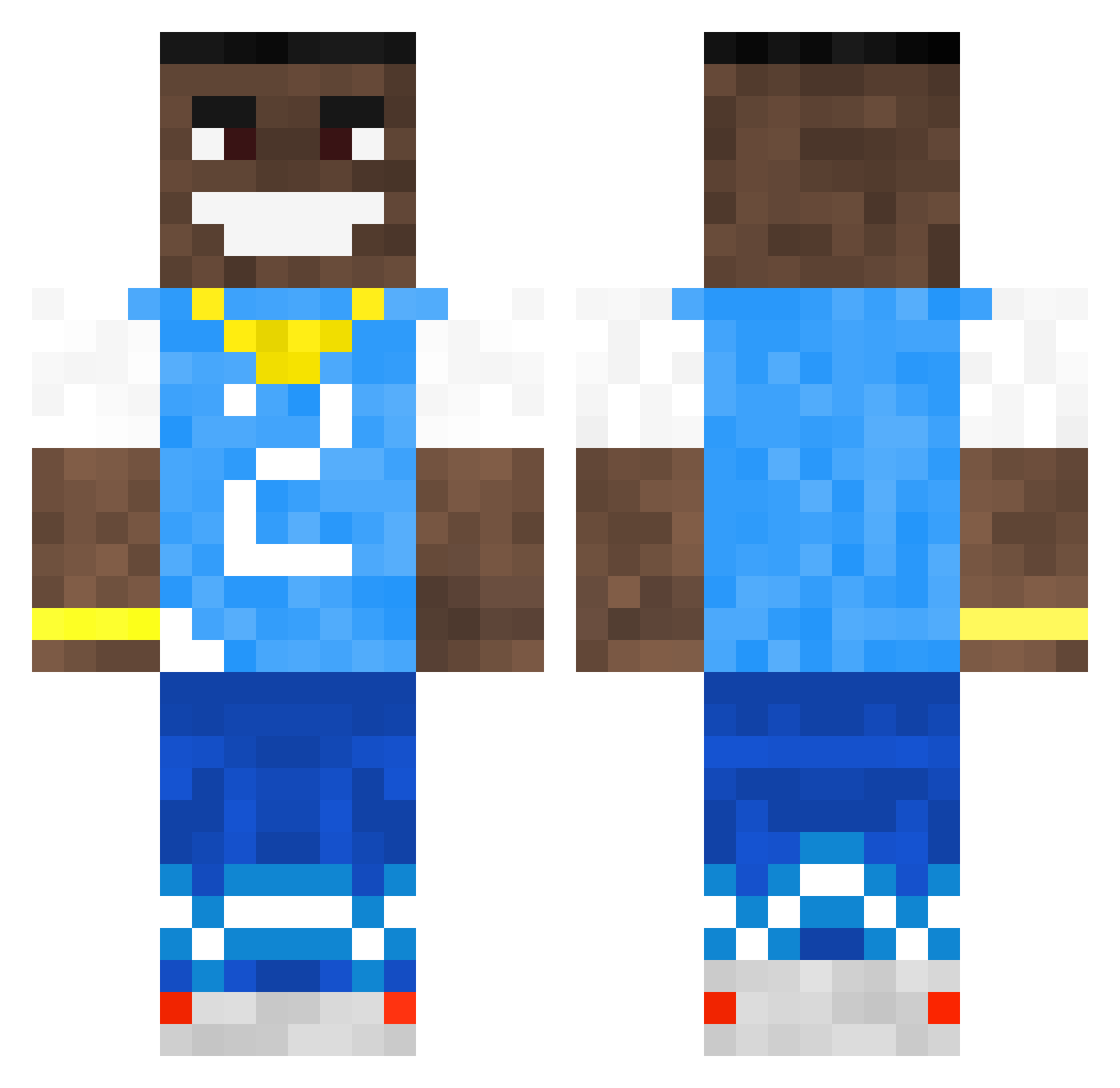
Current Minecraft skin of the player boobear2485, loaded from the official Mojang API. Rotate the 3D model with your mouse or finger, then download the skin as a PNG file and use it in Minecraft: Bedrock Edition or Java Edition for free. When boobear2485 changes their skin, this page updates automatically and the old skin stays in the history below.
Other players with this skin (618)
boobear2485 was the 585th player we have seen with this skin, first spotted on 14.11.2026. The same skin was seen on these players. Open a nickname to see their current skin and skin history.
 CousinIRL Geggy_ GelatoJRE elijah_cooper aaronn78 GarishCave RCAB4 15xDiamondARTIST ZeSquare KAEGI MAgG_HxC ilovefood1233 Massi958 joopschipper01 Aorit _GanZ_ Blu6969 Crack071 Drxppy1k Brosef2008 Milaborko Jpedro23 _N1colas_ fordie2008 laxyuwu RaSTa01 Urgy ShrimpShorts biggiesmalls321 shesh_dude GAMER_HRA D_WAT lucaontop18 NichtSonJuku zxer000 Brustpani Ace_321 PowerFelixYT JoTaBe14 TippiestPen7377 teodor078 eeriic morgieporgi RileyCantReid RealDiggerFella ILoveOliviaDunne IzanagiV2 What_dadogdoin jessieisvalidos SG_Ballista DababyGaming72 4srt Tadek121 viewtifulvlad zuweem Orbiiit Erfigo69 Lopydeer VL44D shawnington
More Dababy Minecraft skins
How to install the boobear2485 skin
- Press the Download button above to save the skin as a PNG file.
- Minecraft: Bedrock Edition (PE): open the Dressing Room from the main menu (or tap your character → Edit Character), go to Classic Skins → Owned, press the + (new skin) button, choose the downloaded PNG and pick the Classic (Steve) model. Works on PC and mobile; consoles cannot import custom skins.
- Minecraft: Java Edition: open the Minecraft Launcher, go to the Skins tab, click New Skin, load the PNG, pick the Classic (Steve) model and press Save & Use. You can also upload it at minecraft.net → Profile → Change Skin.
The skin does not show up after import - what should I do?
Restart Minecraft and open the Dressing Room again - imported skins sometimes appear only after a restart. Also make sure you selected the imported skin and picked the Classic (Steve) model.
Which model should I choose, Classic or Slim?
This skin is designed for the Classic (Steve) model. If you pick the wrong model, the arms of the skin will look stretched or squeezed.
Is the skin of boobear2485 free to download?
Yes. Press Download, save the PNG file and use it in Minecraft: Bedrock Edition or Java Edition - no payment or registration needed. The skin also works on multiplayer servers and Realms.
More skins
Looking for more? Go back to all Minecraft skins and check the top skins of the week, month and all time, or find any player's skin by nickname.