
blackstar1044 - Minecraft Skins & Skin History
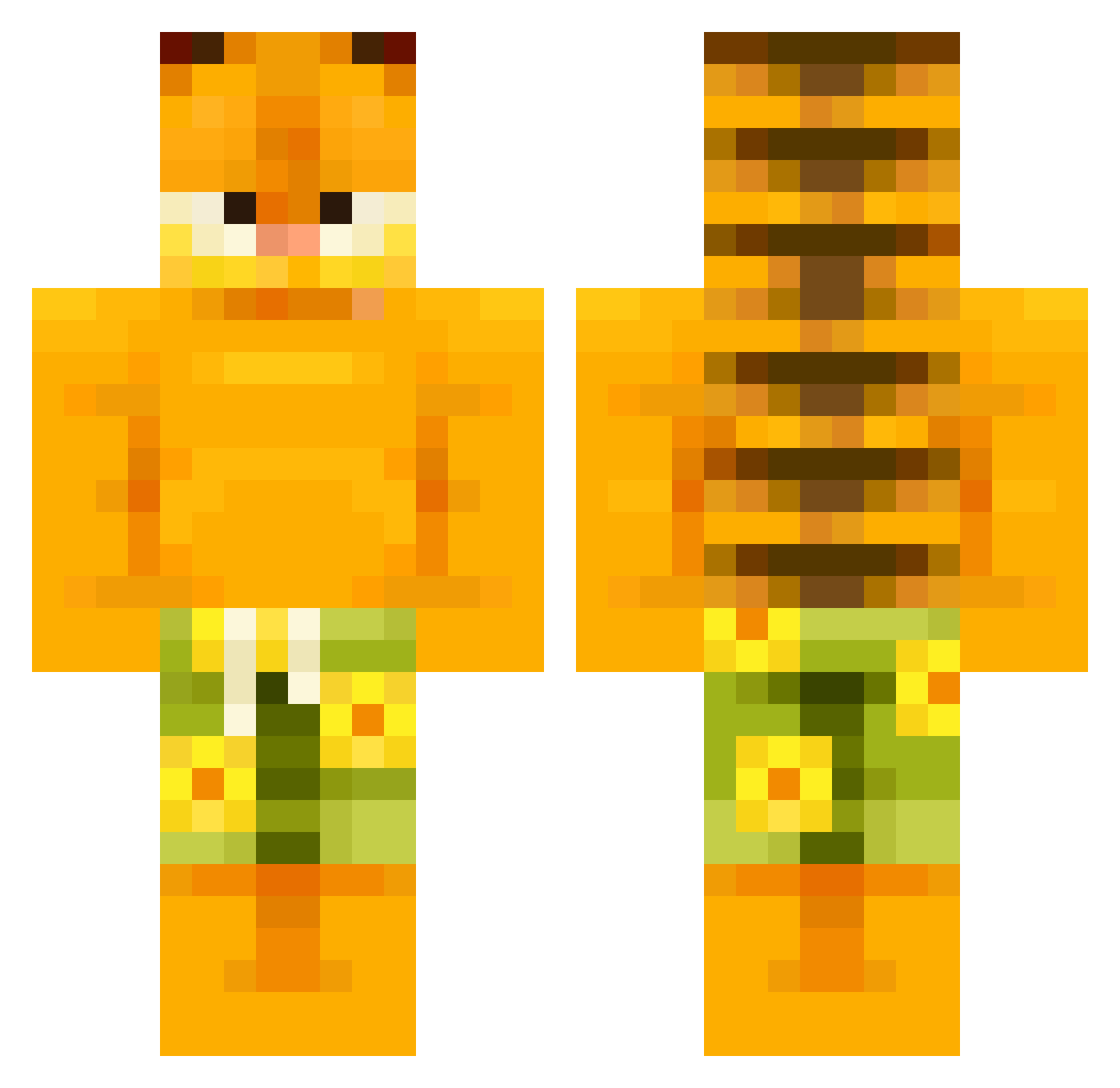
Current Minecraft skin of the player blackstar1044, loaded from the official Mojang API. Rotate the 3D model with your mouse or finger, then download the skin as a PNG file and use it in Minecraft: Bedrock Edition or Java Edition for free. When blackstar1044 changes their skin, this page updates automatically and the old skin stays in the history below.
Other players with this skin (506)
blackstar1044 was the 483rd player we have seen with this skin, first spotted on 18.10.2026. The same skin was seen on these players. Open a nickname to see their current skin and skin history.
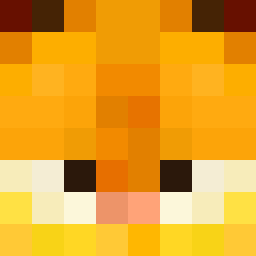 _TaxEvasion_ F1l1P528 duckydesu POTOENBOIS peachykeen315 railmaster22 Sushicat223 Chuggernaut432 Y4Ml barrybeebenson8 Paigec16 Pinaple984 RogueGrenade ItAy_999 _Josean_ Killer_Banzai SkbidiEdgeFanum aramsamsam69 JulioStorm Thewall25 BlGFuZzYBear fluffy22222 komosswife Pwatypus obtiro garfieldlicker 01B4G3L10 Blerikk Nartan1 Pycm GhotiFish67 Pav3lzkit Nail767 justpunpun xoMaji JustSomeWeirdMan ProfessionalYou kamigru Mimiiiii31 DeezCocoNutz Louie_1 hanbin0117 2Hawt4U StarGaming007 Drake_kado urdoomsday Captrex18 lixin69 ChillyDre Princes_Angelica syntraa vParrot Gambler4Life Daddy_Goose_67 smelt45 DadamInYourWalls bumpyspikekid chihuahuagamer22 MashedPotatoeKC marr77
More Garfield Minecraft skins
How to install the blackstar1044 skin
- Press the Download button above to save the skin as a PNG file.
- Minecraft: Bedrock Edition (PE): open the Dressing Room from the main menu (or tap your character → Edit Character), go to Classic Skins → Owned, press the + (new skin) button, choose the downloaded PNG and pick the Classic (Steve) model. Works on PC and mobile; consoles cannot import custom skins.
- Minecraft: Java Edition: open the Minecraft Launcher, go to the Skins tab, click New Skin, load the PNG, pick the Classic (Steve) model and press Save & Use. You can also upload it at minecraft.net → Profile → Change Skin.
The skin does not show up after import - what should I do?
Restart Minecraft and open the Dressing Room again - imported skins sometimes appear only after a restart. Also make sure you selected the imported skin and picked the Classic (Steve) model.
Which model should I choose, Classic or Slim?
This skin is designed for the Classic (Steve) model. If you pick the wrong model, the arms of the skin will look stretched or squeezed.
Is the skin of blackstar1044 free to download?
Yes. Press Download, save the PNG file and use it in Minecraft: Bedrock Edition or Java Edition - no payment or registration needed. The skin also works on multiplayer servers and Realms.
More skins
Looking for more? Go back to all Minecraft skins and check the top skins of the week, month and all time, or find any player's skin by nickname.