
hawkwaffle_ - Minecraft Skins & Skin History
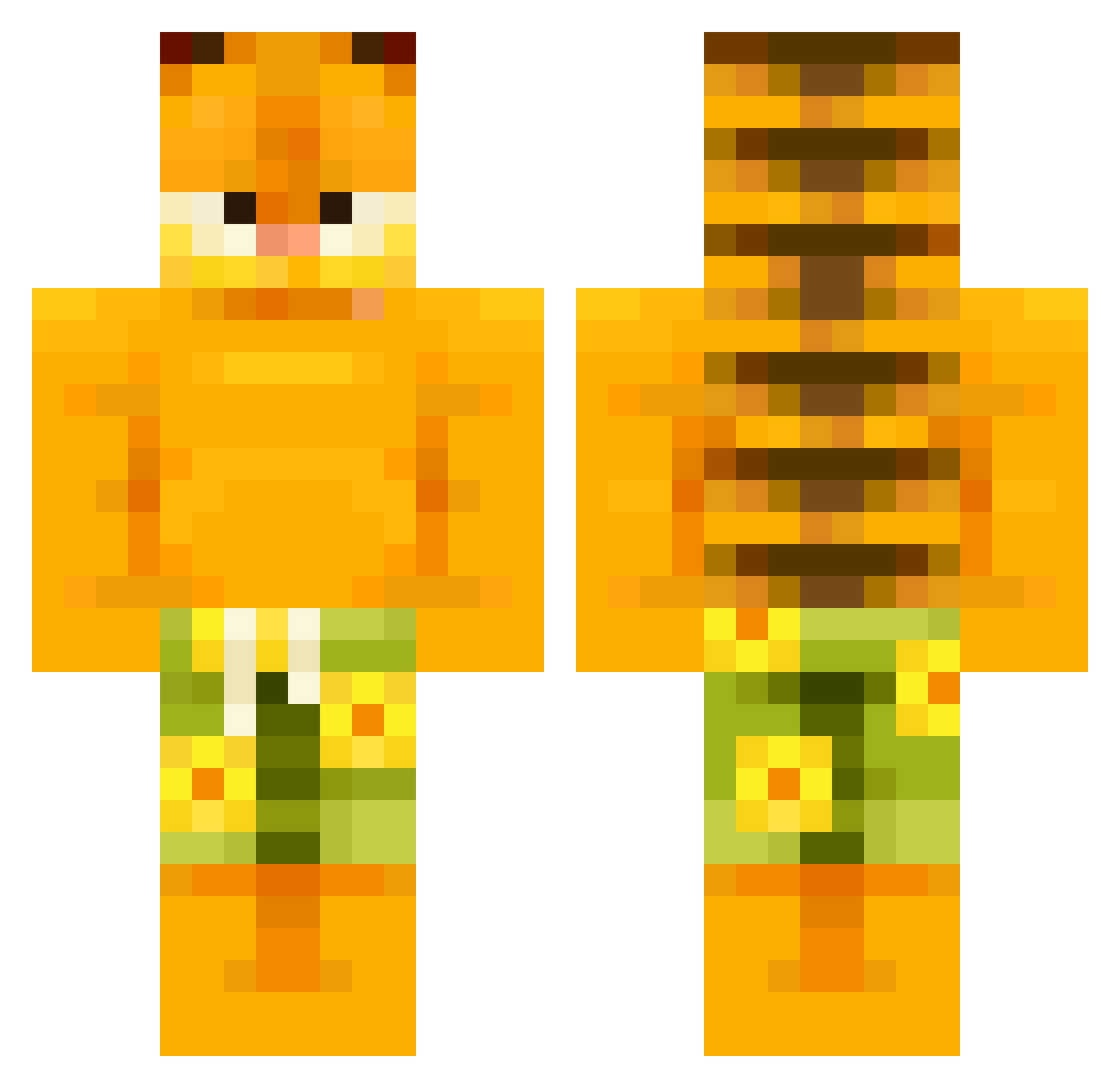
Current Minecraft skin of the player hawkwaffle_, loaded from the official Mojang API. Rotate the 3D model with your mouse or finger, then download the skin as a PNG file and use it in Minecraft: Bedrock Edition or Java Edition for free. When hawkwaffle_ changes their skin, this page updates automatically and the old skin stays in the history below.
Other players with this skin (660)
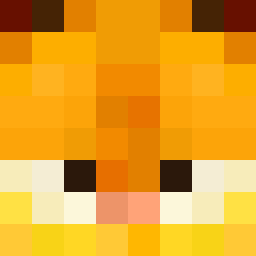
hawkwaffle_ was the 516th player we have seen with this skin, first spotted on 22.10.2026. The same skin was seen on these players. Open a nickname to see their current skin and skin history.
 DeEnigePapflap BulkaAudi Fepo6 Crumblyy jilliscreative ChikenNuggetLord UGLYROTTENMUTT LEGIKING _zental ldjuacakw Admin_J hh666nnnn Captrex18 urdoomsday cheaptoast Mimiiiii31 Sraczka193 ItsAivaras xoMaji Lil_Garfield Fatmman Ludziol syl6666 burn444 GooseWaffle boomshakalaka76 SoleHafizjr Spectre_Purple syztm25 GhotiFish67 strwbrrymlk2 Sn0xe Pycm Samuel551111 Miniblueberry29 lynkarage Nartan1 Blerikk MinecraftPig515 01B4G3L10 Kirethrand Pagrum Jakunnbiik obtiro Pwatypus komosswife fluffy22222 Ljksy BlGFuZzYBear Thewall25 JulioStorm aramsamsam69 SkbidiEdgeFanum El_Terbo Killer_Banzai _Josean_ ItAy_999 Bhog loreo75ita barrybeebenson8
More Garfield Minecraft skins
How to install the hawkwaffle_ skin
- Press the Download button above to save the skin as a PNG file.
- Minecraft: Bedrock Edition (PE): open the Dressing Room from the main menu (or tap your character → Edit Character), go to Classic Skins → Owned, press the + (new skin) button, choose the downloaded PNG and pick the Classic (Steve) model. Works on PC and mobile; consoles cannot import custom skins.
- Minecraft: Java Edition: open the Minecraft Launcher, go to the Skins tab, click New Skin, load the PNG, pick the Classic (Steve) model and press Save & Use. You can also upload it at minecraft.net → Profile → Change Skin.
The skin does not show up after import - what should I do?
Restart Minecraft and open the Dressing Room again - imported skins sometimes appear only after a restart. Also make sure you selected the imported skin and picked the Classic (Steve) model.
Which model should I choose, Classic or Slim?
This skin is designed for the Classic (Steve) model. If you pick the wrong model, the arms of the skin will look stretched or squeezed.
Is the skin of hawkwaffle_ free to download?
Yes. Press Download, save the PNG file and use it in Minecraft: Bedrock Edition or Java Edition - no payment or registration needed. The skin also works on multiplayer servers and Realms.
More skins
Looking for more? Go back to all Minecraft skins and check the top skins of the week, month and all time, or find any player's skin by nickname.