
blackdeath75 - Minecraft Skins & Skin History
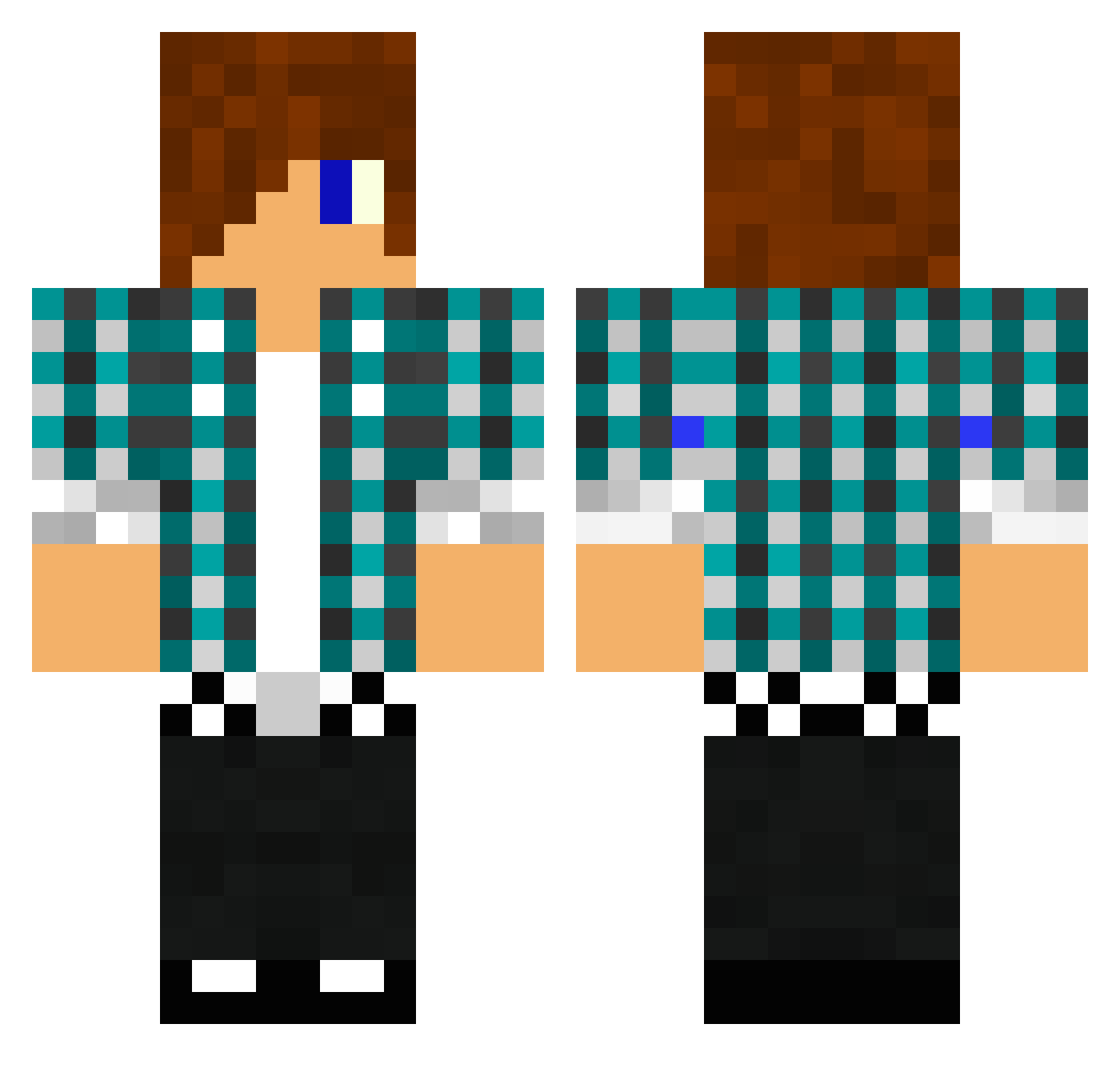
Current Minecraft skin of the player blackdeath75, loaded from the official Mojang API. Rotate the 3D model with your mouse or finger, then download the skin as a PNG file and use it in Minecraft: Bedrock Edition or Java Edition for free. When blackdeath75 changes their skin, this page updates automatically and the old skin stays in the history below.
Other players with this skin (1475)
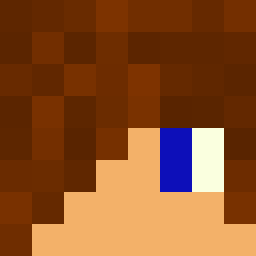
blackdeath75 was the 1143rd player we have seen with this skin, first spotted on 20.10.2026. The same skin was seen on these players. Open a nickname to see their current skin and skin history.
 Filip2205 Gamerboy1047 Petitophe MiNeR_SoAd HerrTarn CoolDude509 Kodakun caMANdo1812 AmandaAlberto eddie306 Cocoricoh SuperDudeChris MALTHEBRAG alfer9134 ItsMeSaleh AMBUSH648 2004Marius xxxtyler1xxx vasi101 annaj23 FormerHalo874 EisAffe16 MaverickWojo Uzel76 ANIMALcruZer213 PabloEscobar32 Playsier MDude93 Lerco2012 auburnboy09 epicheadshot2004 2013zombiekiller 9olivier9 1996gibbo thomaswwe panda_boo121234 fingernageldreck ItsVolture superyves j3rej4lz hamdog59 iAmMeetball eme0213 Hulala7 itzzwill lightcash kc1006 zorathor snowdr BubbleTrouble21 nimo101 speed159 Jeppan2k SupergamerA puppyfms DerBerk Sugarglass Pegasus_5177 Tom_Hutson Quaxy
More Emo Minecraft skins
How to install the blackdeath75 skin
- Press the Download button above to save the skin as a PNG file.
- Minecraft: Bedrock Edition (PE): open the Dressing Room from the main menu (or tap your character → Edit Character), go to Classic Skins → Owned, press the + (new skin) button, choose the downloaded PNG and pick the Classic (Steve) model. Works on PC and mobile; consoles cannot import custom skins.
- Minecraft: Java Edition: open the Minecraft Launcher, go to the Skins tab, click New Skin, load the PNG, pick the Classic (Steve) model and press Save & Use. You can also upload it at minecraft.net → Profile → Change Skin.
The skin does not show up after import - what should I do?
Restart Minecraft and open the Dressing Room again - imported skins sometimes appear only after a restart. Also make sure you selected the imported skin and picked the Classic (Steve) model.
Which model should I choose, Classic or Slim?
This skin is designed for the Classic (Steve) model. If you pick the wrong model, the arms of the skin will look stretched or squeezed.
Is the skin of blackdeath75 free to download?
Yes. Press Download, save the PNG file and use it in Minecraft: Bedrock Edition or Java Edition - no payment or registration needed. The skin also works on multiplayer servers and Realms.
More skins
Looking for more? Go back to all Minecraft skins and check the top skins of the week, month and all time, or find any player's skin by nickname.