
bibomir - Minecraft Skins & Skin History
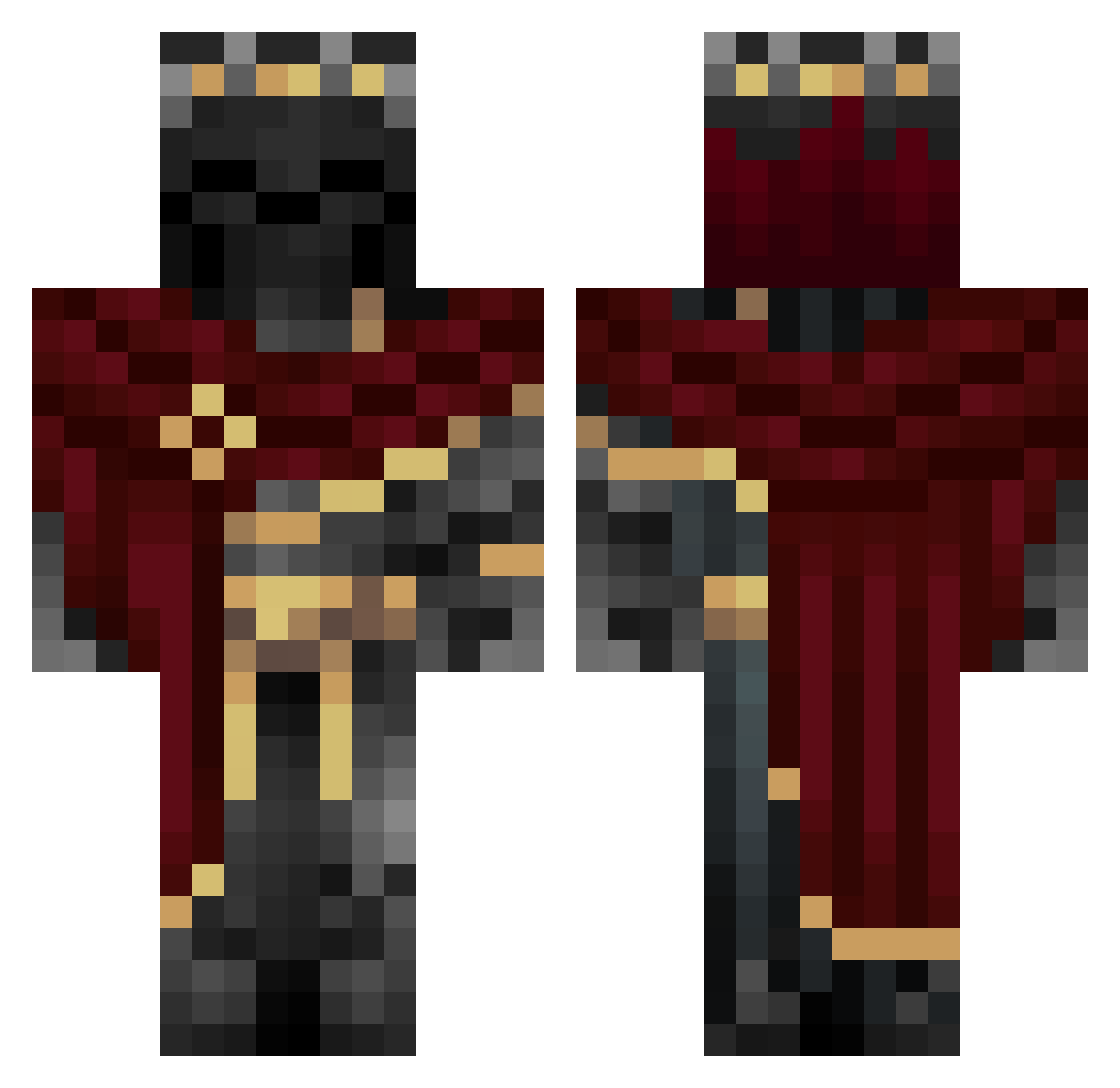
Current Minecraft skin of the player bibomir, loaded from the official Mojang API. Rotate the 3D model with your mouse or finger, then download the skin as a PNG file and use it in Minecraft: Bedrock Edition or Java Edition for free. When bibomir changes their skin, this page updates automatically and the old skin stays in the history below.
Other players with this skin (982)
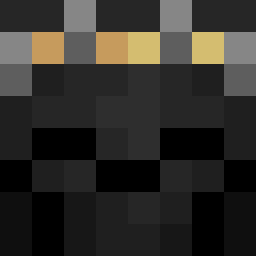
bibomir was the 891st player we have seen with this skin, first spotted on 23.10.2026. The same skin was seen on these players. Open a nickname to see their current skin and skin history.
 Ovozap Covert_12 VincentCenter ANDYYY333 Sebastiankawaii Rydo9899 Sledger7112 K1LL3R33 bryced7 inspiredgoliath akan97728 Ace_Th_HO reikagod69 jaquavious554 Darkphoenix2615 Pietahh itsKairei Marckoss Tejkinox RebelPuma Sharktime109 DavenStorm213 mouscatore S1lent2837 Name6269 Vezito820 Eradicantt LeRoiGrzesiu PiGuy314 ShrekIsSeksi kuchenesser2_0 Herokoda BastianB2013 Trust___ Trrashh GoldMaverick v1ol3d DCxFENIX worgey Zeyro0001 Eljafa Kingizzle Wolfgodx12 TheIroh Seuvro TwzBit Carniveannn Aexyra KireZ0R cristiantop Yago000 sokkensnuiver300 meiyo31 Xretrosiren wg_PJJRZ_06_16 Ismaa____ thewolfqc420 AymanK55 nneeoom IronFangXTV
More King Minecraft skins
How to install the bibomir skin
- Press the Download button above to save the skin as a PNG file.
- Minecraft: Bedrock Edition (PE): open the Dressing Room from the main menu (or tap your character → Edit Character), go to Classic Skins → Owned, press the + (new skin) button, choose the downloaded PNG and pick the Classic (Steve) model. Works on PC and mobile; consoles cannot import custom skins.
- Minecraft: Java Edition: open the Minecraft Launcher, go to the Skins tab, click New Skin, load the PNG, pick the Classic (Steve) model and press Save & Use. You can also upload it at minecraft.net → Profile → Change Skin.
The skin does not show up after import - what should I do?
Restart Minecraft and open the Dressing Room again - imported skins sometimes appear only after a restart. Also make sure you selected the imported skin and picked the Classic (Steve) model.
Which model should I choose, Classic or Slim?
This skin is designed for the Classic (Steve) model. If you pick the wrong model, the arms of the skin will look stretched or squeezed.
Is the skin of bibomir free to download?
Yes. Press Download, save the PNG file and use it in Minecraft: Bedrock Edition or Java Edition - no payment or registration needed. The skin also works on multiplayer servers and Realms.
More skins
Looking for more? Go back to all Minecraft skins and check the top skins of the week, month and all time, or find any player's skin by nickname.