
benxfactor - Minecraft Skins & Skin History
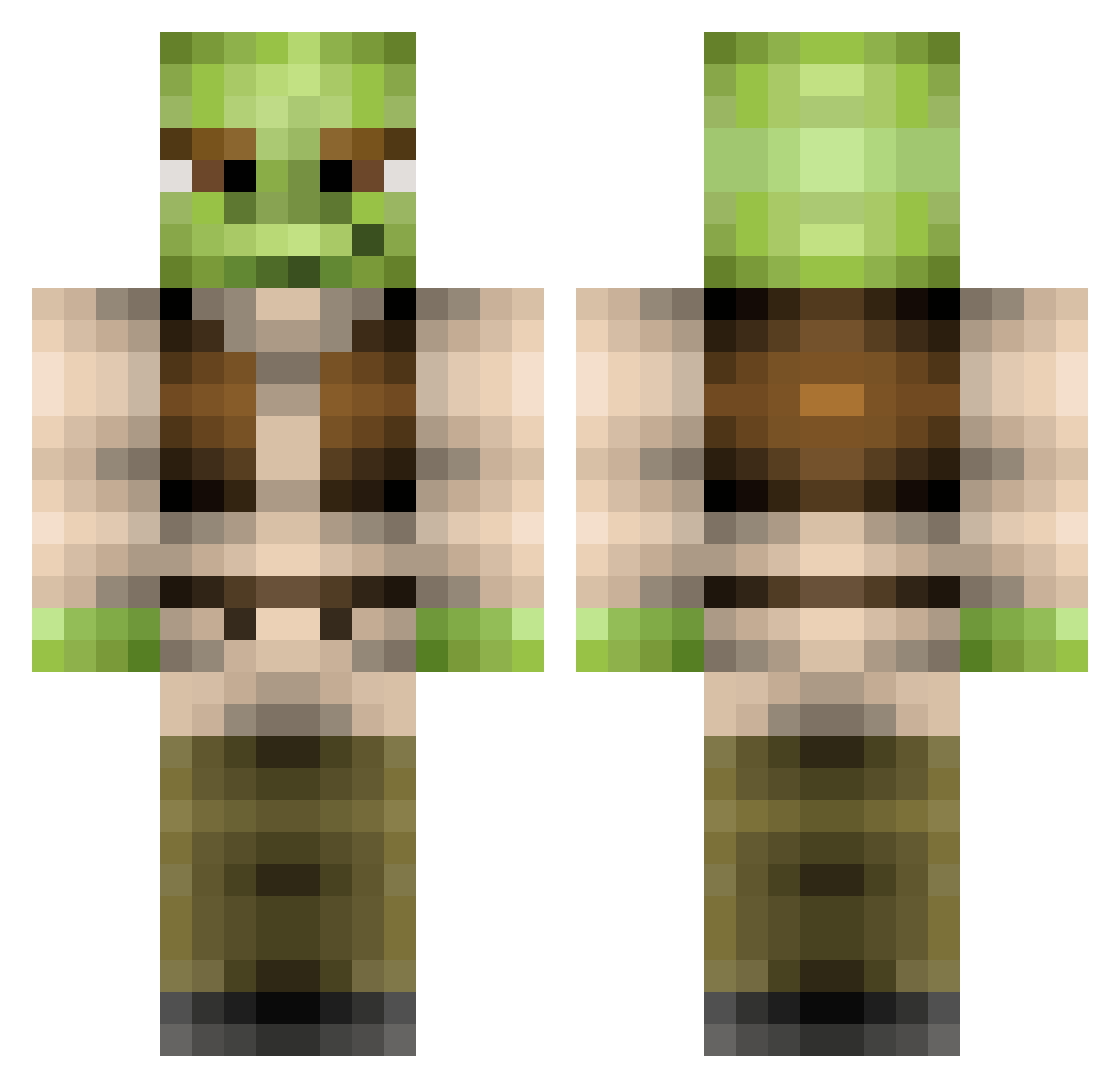
Current Minecraft skin of the player benxfactor, loaded from the official Mojang API. Rotate the 3D model with your mouse or finger, then download the skin as a PNG file and use it in Minecraft: Bedrock Edition or Java Edition for free. When benxfactor changes their skin, this page updates automatically and the old skin stays in the history below.
Other players with this skin (369)
benxfactor was the 195th player we have seen with this skin, first spotted on 23.09.2026. The same skin was seen on these players. Open a nickname to see their current skin and skin history.
 lozzzzzzay DShorty2 copelant jhiggins10 Millergend LauritsB Eclipse421 IrishPixel Fedesvin Mattunland MollyDot bigtdarealog Zombiekiller19 MangWTF Chum321 lovepirate14 Jammy_Dodger zoloo_the_god CannpinCarl Johan765 paszel006 jackyboy2001 jmammo Helyxia camtheman2014 JJB3super Mrsluggan JDUBcraft eternaldarklord Hawx767 PanWyciek MightyTag9 megaslap Pukipuki milbyy Ch3dwin SergioOctavius Hoopsr jessplox _Mitchh_ derpnezz Vulcanian6 ngAlan Defire feluto9 willshell gg_totalement MMM_Cheezburgers 2fat2flyxD NicholasCageLove Frenzyz0r ZoopityBooper nicehi1 gilby9 GetShreked_ Jeestra CaptainStraya gorilla53 mayucas Cleodragon
More Yoda Minecraft skins
How to install the benxfactor skin
- Press the Download button above to save the skin as a PNG file.
- Minecraft: Bedrock Edition (PE): open the Dressing Room from the main menu (or tap your character → Edit Character), go to Classic Skins → Owned, press the + (new skin) button, choose the downloaded PNG and pick the Classic (Steve) model. Works on PC and mobile; consoles cannot import custom skins.
- Minecraft: Java Edition: open the Minecraft Launcher, go to the Skins tab, click New Skin, load the PNG, pick the Classic (Steve) model and press Save & Use. You can also upload it at minecraft.net → Profile → Change Skin.
The skin does not show up after import - what should I do?
Restart Minecraft and open the Dressing Room again - imported skins sometimes appear only after a restart. Also make sure you selected the imported skin and picked the Classic (Steve) model.
Which model should I choose, Classic or Slim?
This skin is designed for the Classic (Steve) model. If you pick the wrong model, the arms of the skin will look stretched or squeezed.
Is the skin of benxfactor free to download?
Yes. Press Download, save the PNG file and use it in Minecraft: Bedrock Edition or Java Edition - no payment or registration needed. The skin also works on multiplayer servers and Realms.
More skins
Looking for more? Go back to all Minecraft skins and check the top skins of the week, month and all time, or find any player's skin by nickname.