
axtaor - Minecraft Skins & Skin History
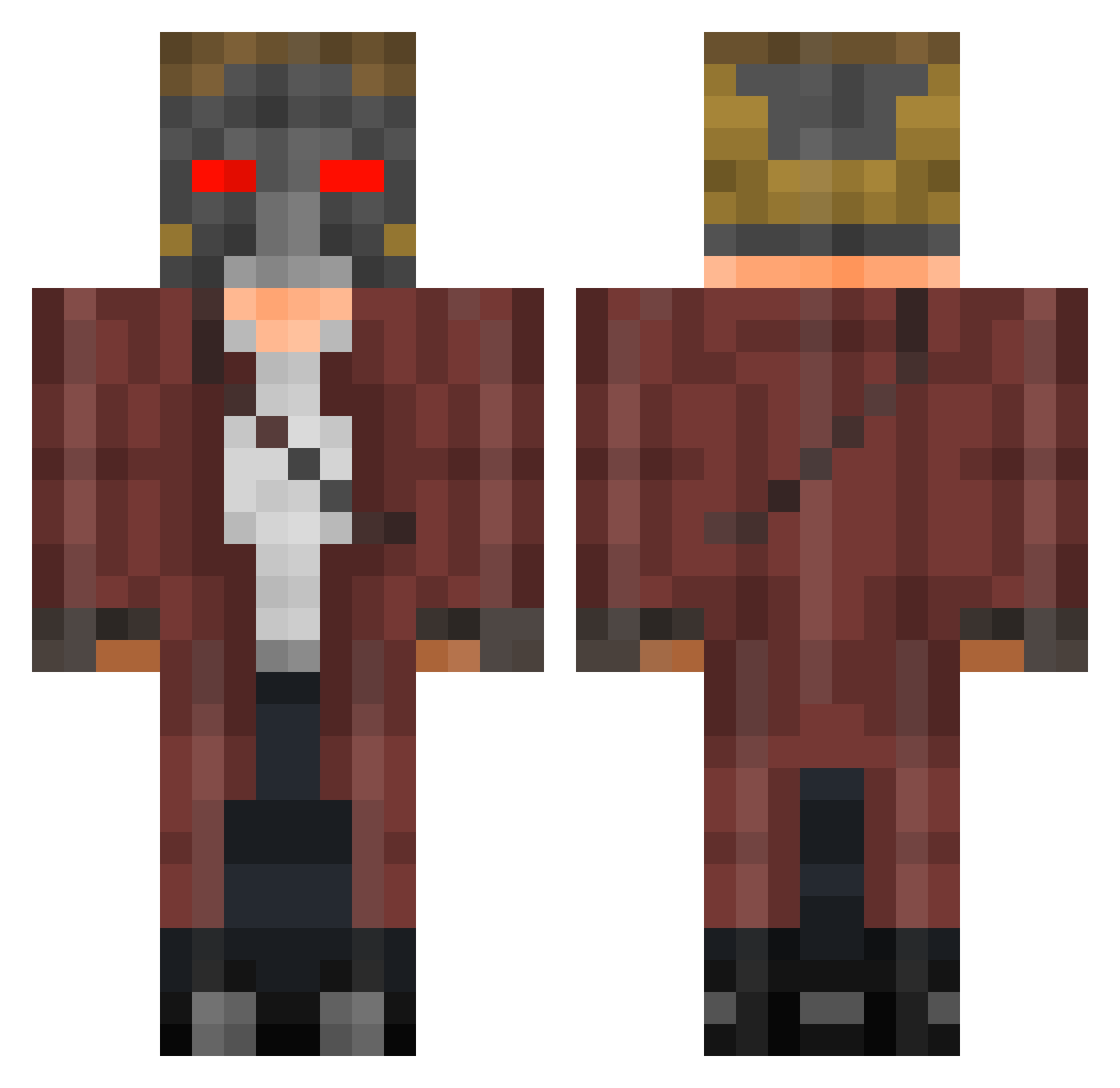
Current Minecraft skin of the player axtaor, loaded from the official Mojang API. Rotate the 3D model with your mouse or finger, then download the skin as a PNG file and use it in Minecraft: Bedrock Edition or Java Edition for free. When axtaor changes their skin, this page updates automatically and the old skin stays in the history below.
Other players with this skin (217)
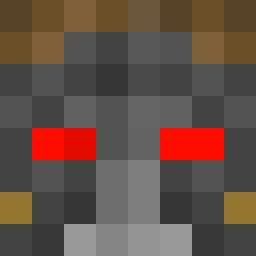
axtaor was the 59th player we have seen with this skin, first spotted on 22.08.2026. The same skin was seen on these players. Open a nickname to see their current skin and skin history.
 rbnptrsn01 steveie_wonder Drte29 Pray_on okyouwin BronzeRocket EliGeZ89 Pardogs TR333S Feles06002 JPeddz WhyTra RicinSarinCN Twister_victor Wesjr21 SnowmanJeff STARLL Frosch2011 darkpio_ GanzoManzo44 NickDawg2468 LeftieFries Gangerolf Mezozoik_505 Slag_Bandit G2Teddy SalsaEnergy11 Tickal JamesEfesto Chaby13 Jojojolarico Elfy3736 xepiH Oleshepdawg32 ATX_Nathan Birsol TR_Logar CraziestAnemone F15HK1NG Chefra12 kaizilla987 ChumigamerYT FSKtitti Jonitronix Esever Edubilel Charliegun2 SIN_J666 Kirasus JavierSS Skyracerr Sergasi Senpaijakk Nikachu0 Marsufa laserlouis09 kaasman lilith_5 a2tehx arr9n
More Star Lord Minecraft skins
How to install the axtaor skin
- Press the Download button above to save the skin as a PNG file.
- Minecraft: Bedrock Edition (PE): open the Dressing Room from the main menu (or tap your character → Edit Character), go to Classic Skins → Owned, press the + (new skin) button, choose the downloaded PNG and pick the Classic (Steve) model. Works on PC and mobile; consoles cannot import custom skins.
- Minecraft: Java Edition: open the Minecraft Launcher, go to the Skins tab, click New Skin, load the PNG, pick the Classic (Steve) model and press Save & Use. You can also upload it at minecraft.net → Profile → Change Skin.
The skin does not show up after import - what should I do?
Restart Minecraft and open the Dressing Room again - imported skins sometimes appear only after a restart. Also make sure you selected the imported skin and picked the Classic (Steve) model.
Which model should I choose, Classic or Slim?
This skin is designed for the Classic (Steve) model. If you pick the wrong model, the arms of the skin will look stretched or squeezed.
Is the skin of axtaor free to download?
Yes. Press Download, save the PNG file and use it in Minecraft: Bedrock Edition or Java Edition - no payment or registration needed. The skin also works on multiplayer servers and Realms.
More skins
Looking for more? Go back to all Minecraft skins and check the top skins of the week, month and all time, or find any player's skin by nickname.