
axonn_ - Minecraft Skins & Skin History
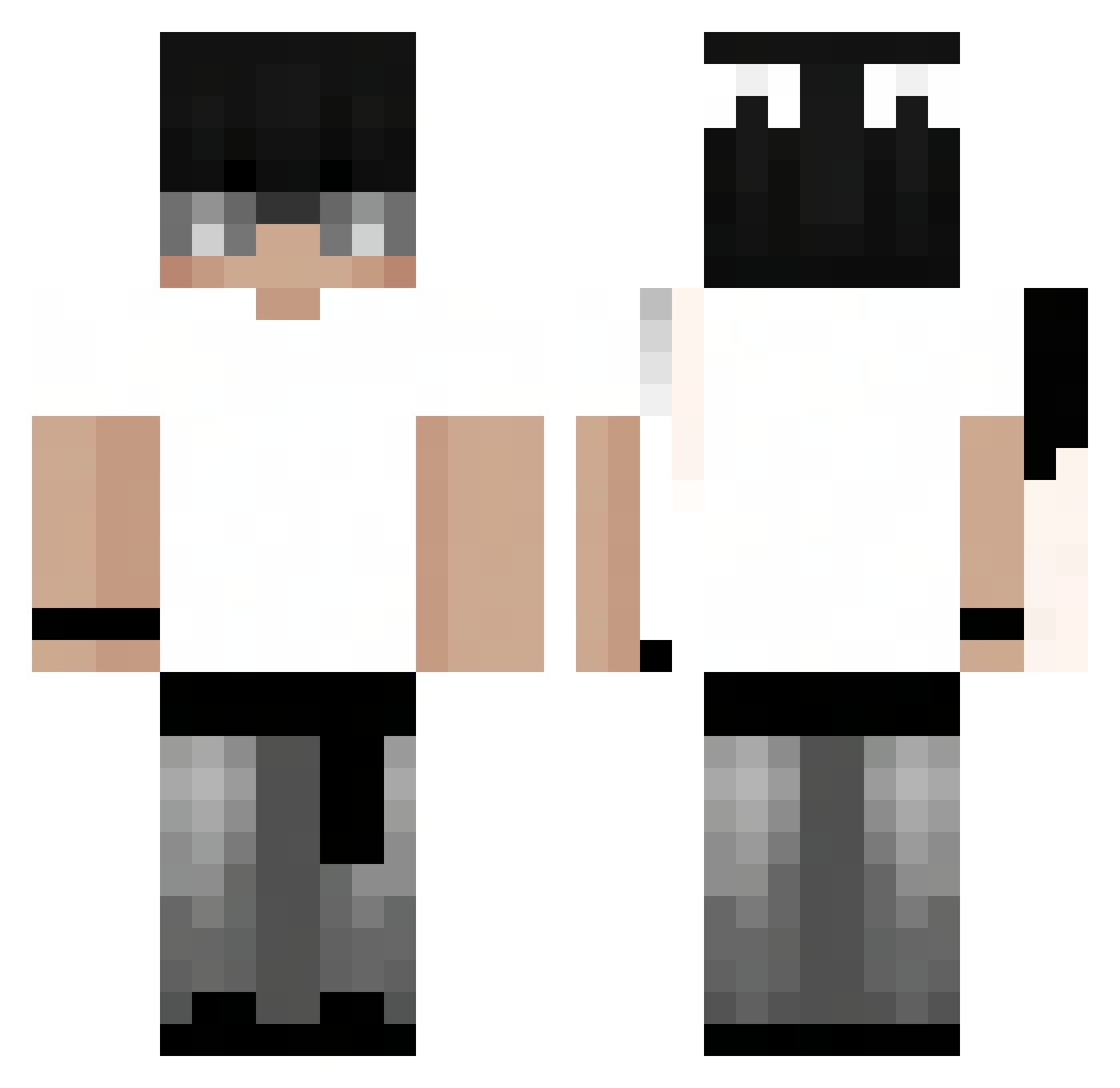
Current Minecraft skin of the player axonn_, loaded from the official Mojang API. Rotate the 3D model with your mouse or finger, then download the skin as a PNG file and use it in Minecraft: Bedrock Edition or Java Edition for free. When axonn_ changes their skin, this page updates automatically and the old skin stays in the history below.
Other players with this skin (103)
axonn_ was the 75th player we have seen with this skin, first spotted on 07.10.2026. The same skin was seen on these players. Open a nickname to see their current skin and skin history.
 yoooup moriiii1 weepingcloud m4xxine Moneygg DeivisXVI kcyy mimipokemon dogukxn44 Mersh0 zLunaar_ Fl1ckFpz Rxmennn Organisatie Curiosities1b Mbappe001 Bry_nn WhosDavid_ melsu234 cjferrao mlod_yorzel ZaMain Slaxe0 qvaocy Whenox ItsZyrox_ _hubix SR_BLAK1 NsyX7 P4TLQEx2 czcina_BLAT AndriiuX SZYNKA01234 ItzzBlitzz Pingwin47 William34_ _herbatniczekK_ demon899 panfleto32 x_kateszi nacho_9876 iamumar Chadrik_ fatke_patke fadedhedgehog06 Sdxkun albercik8 Drxxen_ TimeRafi bryan_yt432 YangNippon XxpolloZz DilaRd Ml0dyy_ EwanInwza Outspaced_Gaming FrostyZittihnp Zyxven Balbes808 sadwithnick
How to install the axonn_ skin
- Press the Download button above to save the skin as a PNG file.
- Minecraft: Bedrock Edition (PE): open the Dressing Room from the main menu (or tap your character → Edit Character), go to Classic Skins → Owned, press the + (new skin) button, choose the downloaded PNG and pick the Classic (Steve) model. Works on PC and mobile; consoles cannot import custom skins.
- Minecraft: Java Edition: open the Minecraft Launcher, go to the Skins tab, click New Skin, load the PNG, pick the Classic (Steve) model and press Save & Use. You can also upload it at minecraft.net → Profile → Change Skin.
The skin does not show up after import - what should I do?
Restart Minecraft and open the Dressing Room again - imported skins sometimes appear only after a restart. Also make sure you selected the imported skin and picked the Classic (Steve) model.
Which model should I choose, Classic or Slim?
This skin is designed for the Classic (Steve) model. If you pick the wrong model, the arms of the skin will look stretched or squeezed.
Is the skin of axonn_ free to download?
Yes. Press Download, save the PNG file and use it in Minecraft: Bedrock Edition or Java Edition - no payment or registration needed. The skin also works on multiplayer servers and Realms.
More skins
Looking for more? Go back to all Minecraft skins and check the top skins of the week, month and all time, or find any player's skin by nickname.