
awjd - Minecraft Skins & Skin History
Current Minecraft skin of the player awjd, loaded from the official Mojang API. Rotate the 3D model with your mouse or finger, then download the skin as a PNG file and use it in Minecraft: Bedrock Edition or Java Edition for free. When awjd changes their skin, this page updates automatically and the old skin stays in the history below.
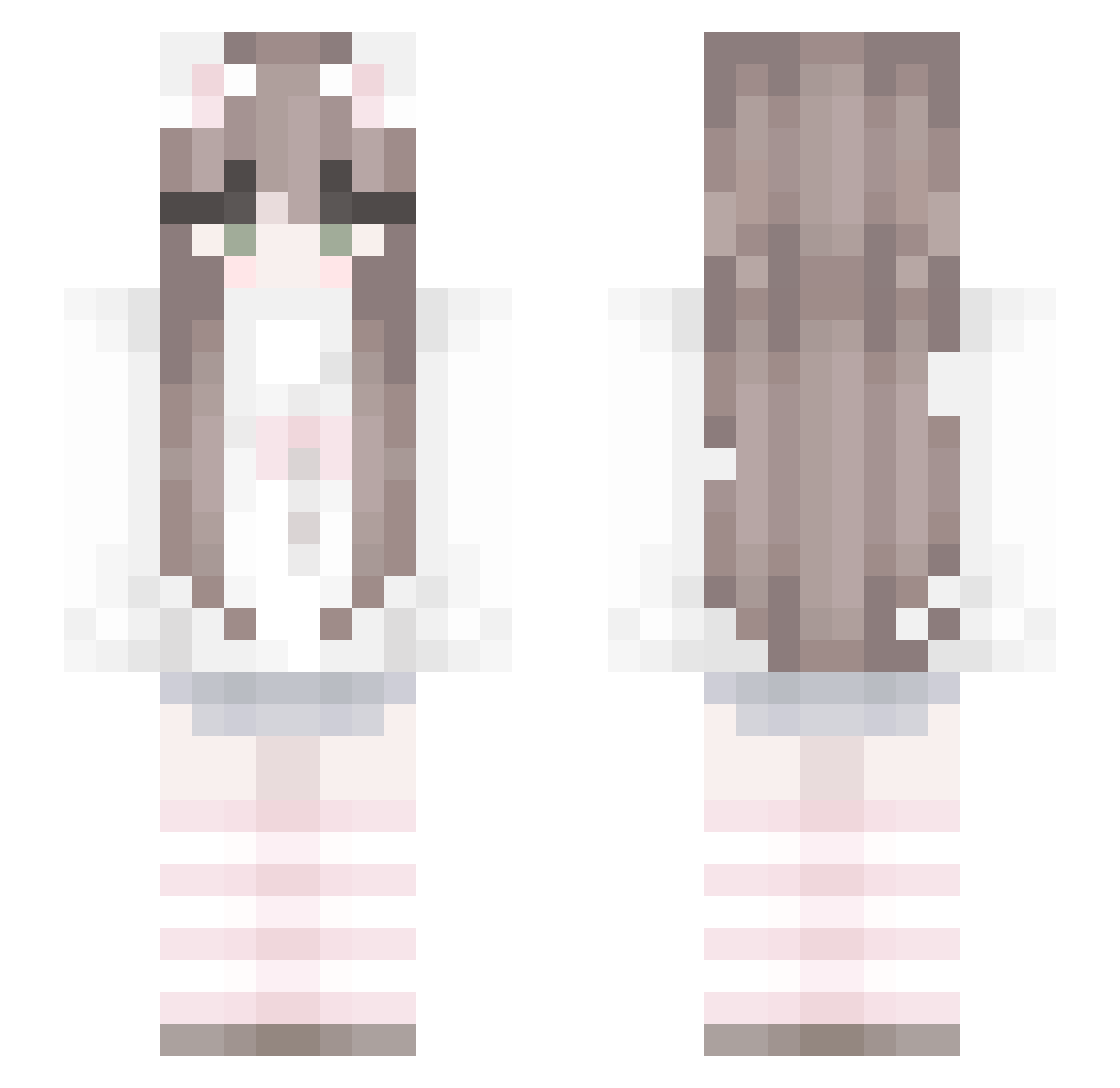
Other players with this skin (78)
awjd was the 51st player we have seen with this skin, first spotted on 08.10.2026. The same skin was seen on these players. Open a nickname to see their current skin and skin history.
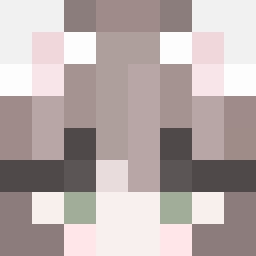 Woelflein Luciaa14 Hibi0802 MahaChay naizongnt zeigt Foxy_Xx08 i11usi0n_0509 NominalMeow Spongebob_233 iKanade Tinvay character216 krowkaaaa nights_like_th1s Patrixsa31 rmdth HxvYuro HeroMan211 przepraszam_ kelisovq123 w1shlol purrlix_ VioletFang AngelHaiQin L1V1NG_D3AD_G1RL Superren2003 WhoIsManZai seolgi1110 4n1374 CreeeperAwwwwman Notl3_115 sosuketen1 XXXXLF minariiworld UndeskJester phuphaton GamerPiggy119 B4bymoney Zuniru Z3LD4 erobmx Babcinator Valinchi58 vauseh Nikoska2017 yena0222 sCARYBlossom_ midas005 SSSSonny _LightOfGod Fimiso qihai666
 _me1n14nx1
 szymsii_
 Mada_xx D3niizz xk1p emdox sukiluvd
More Cat Ears Minecraft skins
How to install the awjd skin
- Press the Download button above to save the skin as a PNG file.
- Minecraft: Bedrock Edition (PE): open the Dressing Room from the main menu (or tap your character → Edit Character), go to Classic Skins → Owned, press the + (new skin) button, choose the downloaded PNG and pick the Slim (Alex) model. Works on PC and mobile; consoles cannot import custom skins.
- Minecraft: Java Edition: open the Minecraft Launcher, go to the Skins tab, click New Skin, load the PNG, pick the Slim (Alex) model and press Save & Use. You can also upload it at minecraft.net → Profile → Change Skin.
The skin does not show up after import - what should I do?
Restart Minecraft and open the Dressing Room again - imported skins sometimes appear only after a restart. Also make sure you selected the imported skin and picked the Slim (Alex) model.
Which model should I choose, Classic or Slim?
This skin is designed for the Slim (Alex) model. If you pick the wrong model, the arms of the skin will look stretched or squeezed.
Is the skin of awjd free to download?
Yes. Press Download, save the PNG file and use it in Minecraft: Bedrock Edition or Java Edition - no payment or registration needed. The skin also works on multiplayer servers and Realms.
More skins
Looking for more? Go back to all Minecraft skins and check the top skins of the week, month and all time, or find any player's skin by nickname.