
aten12345 - Minecraft Skins & Skin History
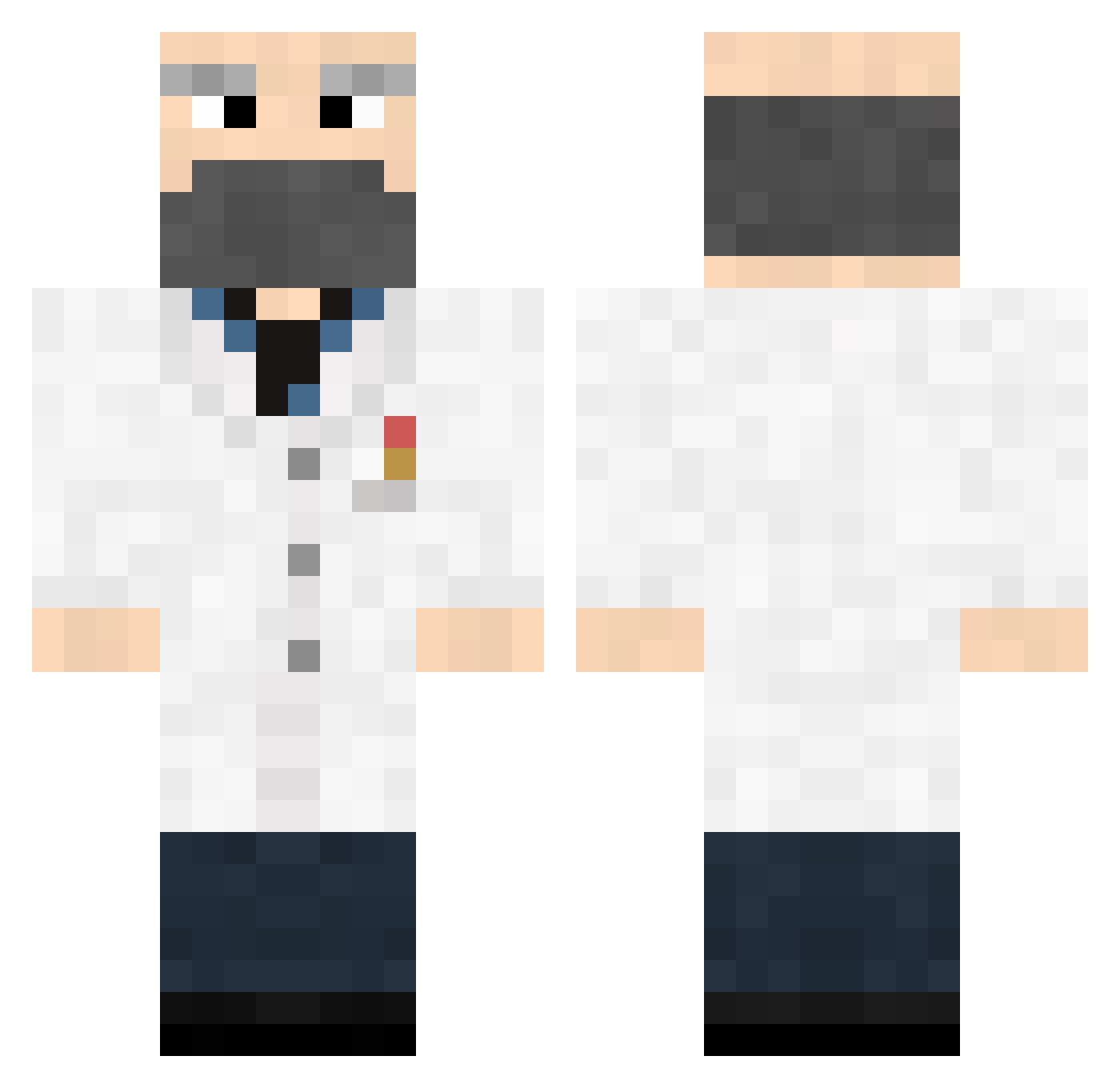
Current Minecraft skin of the player aten12345, loaded from the official Mojang API. Rotate the 3D model with your mouse or finger, then download the skin as a PNG file and use it in Minecraft: Bedrock Edition or Java Edition for free. When aten12345 changes their skin, this page updates automatically and the old skin stays in the history below.
Other players with this skin (373)
aten12345 was the 117th player we have seen with this skin, first spotted on 29.08.2026. The same skin was seen on these players. Open a nickname to see their current skin and skin history.
 Lizardking93 Rush0000 Neorim vrklgn The_Traveler1 Ericwing16 brendallewellyn SalmonCookies Wambologee Kapku18 Spiider_pig MentalSupport101 pbeau Braelito KindOfDocteur blue82green Psychoticize Moloch04 ale_b123 Braue Masetal d3zd3z kalopped65 WOOKIEDUDE75 Pokowa jeremylmfao Rafsen shanesmith08 CanadianEmbassy BobBooks Atomovvy J15t98J Hearfield Max_mob kushibatata B1and Geniblaster m4c0 nathanawesome1 _Cyprus_ xbqbbeh DATC Wilson194 Raipe44 ORenCheatii jirikato Tim_UK_ Kangestad kringllan Jovial_Gent sfcollins tenebrio Cybot86 DigitalOSH dbwun Cheatorious MrGray_ Weod KeepsEasy devildragon22
More Doctor Minecraft skins
How to install the aten12345 skin
- Press the Download button above to save the skin as a PNG file.
- Minecraft: Bedrock Edition (PE): open the Dressing Room from the main menu (or tap your character → Edit Character), go to Classic Skins → Owned, press the + (new skin) button, choose the downloaded PNG and pick the Classic (Steve) model. Works on PC and mobile; consoles cannot import custom skins.
- Minecraft: Java Edition: open the Minecraft Launcher, go to the Skins tab, click New Skin, load the PNG, pick the Classic (Steve) model and press Save & Use. You can also upload it at minecraft.net → Profile → Change Skin.
The skin does not show up after import - what should I do?
Restart Minecraft and open the Dressing Room again - imported skins sometimes appear only after a restart. Also make sure you selected the imported skin and picked the Classic (Steve) model.
Which model should I choose, Classic or Slim?
This skin is designed for the Classic (Steve) model. If you pick the wrong model, the arms of the skin will look stretched or squeezed.
Is the skin of aten12345 free to download?
Yes. Press Download, save the PNG file and use it in Minecraft: Bedrock Edition or Java Edition - no payment or registration needed. The skin also works on multiplayer servers and Realms.
More skins
Looking for more? Go back to all Minecraft skins and check the top skins of the week, month and all time, or find any player's skin by nickname.