
ariwita - Minecraft Skins & Skin History
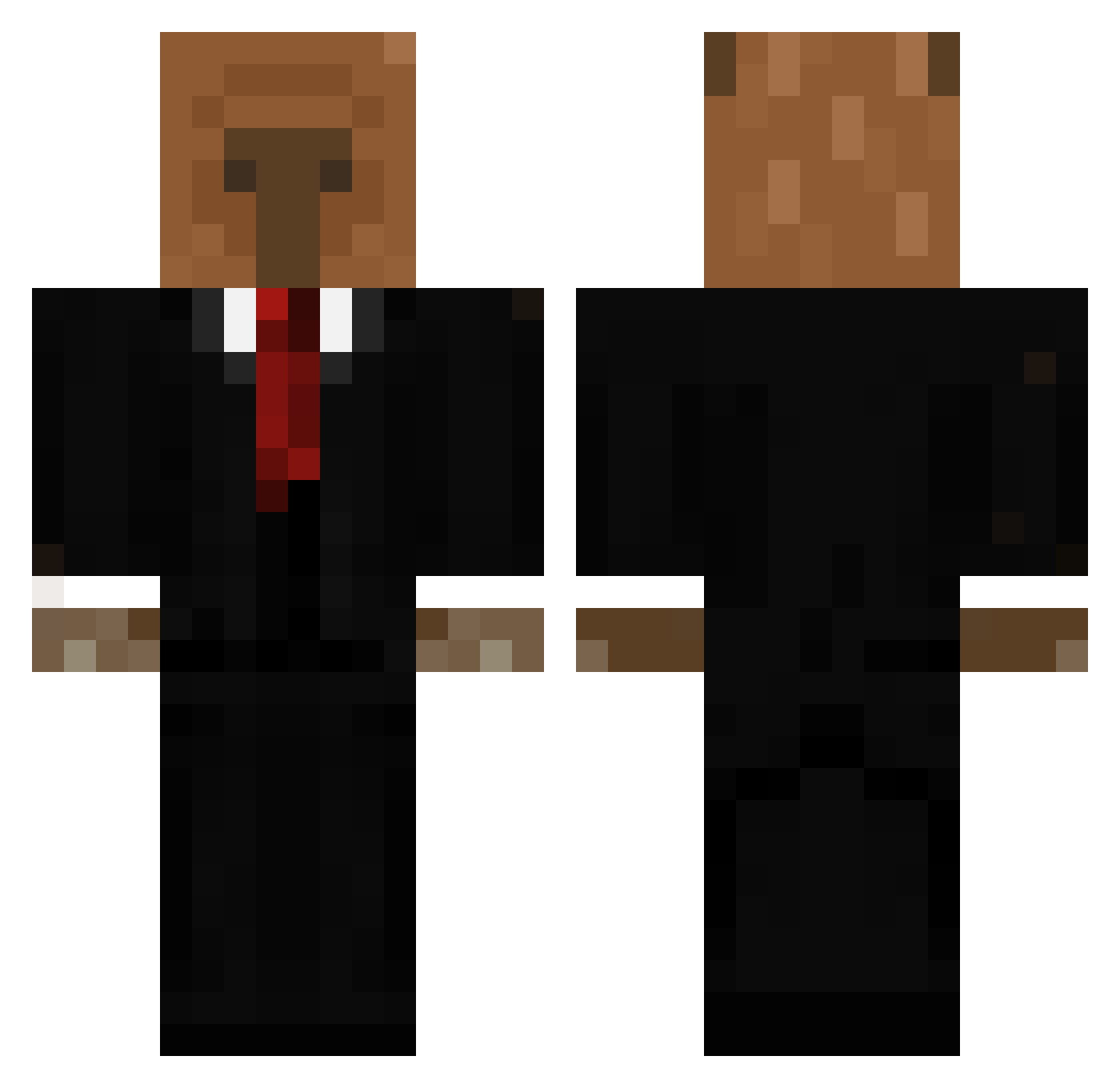
Current Minecraft skin of the player ariwita, loaded from the official Mojang API. Rotate the 3D model with your mouse or finger, then download the skin as a PNG file and use it in Minecraft: Bedrock Edition or Java Edition for free. When ariwita changes their skin, this page updates automatically and the old skin stays in the history below.
Other players with this skin (562)
ariwita was the 521st player we have seen with this skin, first spotted on 17.10.2026. The same skin was seen on these players. Open a nickname to see their current skin and skin history.
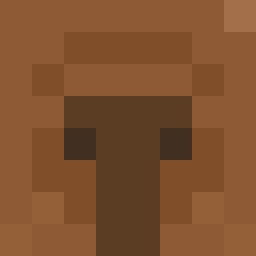 freetuggies yayacookie Sniperkatze20 WingsMusic felipemd111 benale12345 BlankGGQ cpbr Rawrcella machka1 GabiFdez IanisZKI Ichio91 KDC1962 DattL Burlamaqui12 LeSaintEsprit Z1NNKKK Kingsebona DropZDARK BENEEmusic angdvl Kapibara_Uno fishpebble_soup elFelfranco Thexet Ig0rEZ17 t1mp kupferkanonchen _Raiga Flashka00 Neeark 76th Totoya_1 Effio ForzaAntonio999 Jungly Bruh_Momment95 slyme4life Campidi allodagoat kirikiri1027 Mortalha Diegol200554 marianod02 NezinauXD CauFernandes RooSs911 Lalalupee LINPPKK Ferino11 MeliMelMel beinglight capybara1104 elise_hm AaronKing777 dakatakfx Daargon Pepinitico yardimedin
More Business Bear Minecraft skins
See all 10 Business Bear skins
How to install the ariwita skin
- Press the Download button above to save the skin as a PNG file.
- Minecraft: Bedrock Edition (PE): open the Dressing Room from the main menu (or tap your character → Edit Character), go to Classic Skins → Owned, press the + (new skin) button, choose the downloaded PNG and pick the Classic (Steve) model. Works on PC and mobile; consoles cannot import custom skins.
- Minecraft: Java Edition: open the Minecraft Launcher, go to the Skins tab, click New Skin, load the PNG, pick the Classic (Steve) model and press Save & Use. You can also upload it at minecraft.net → Profile → Change Skin.
The skin does not show up after import - what should I do?
Restart Minecraft and open the Dressing Room again - imported skins sometimes appear only after a restart. Also make sure you selected the imported skin and picked the Classic (Steve) model.
Which model should I choose, Classic or Slim?
This skin is designed for the Classic (Steve) model. If you pick the wrong model, the arms of the skin will look stretched or squeezed.
Is the skin of ariwita free to download?
Yes. Press Download, save the PNG file and use it in Minecraft: Bedrock Edition or Java Edition - no payment or registration needed. The skin also works on multiplayer servers and Realms.
More skins
Looking for more? Go back to all Minecraft skins and check the top skins of the week, month and all time, or find any player's skin by nickname.