
amuletplz - Minecraft Skins & Skin History
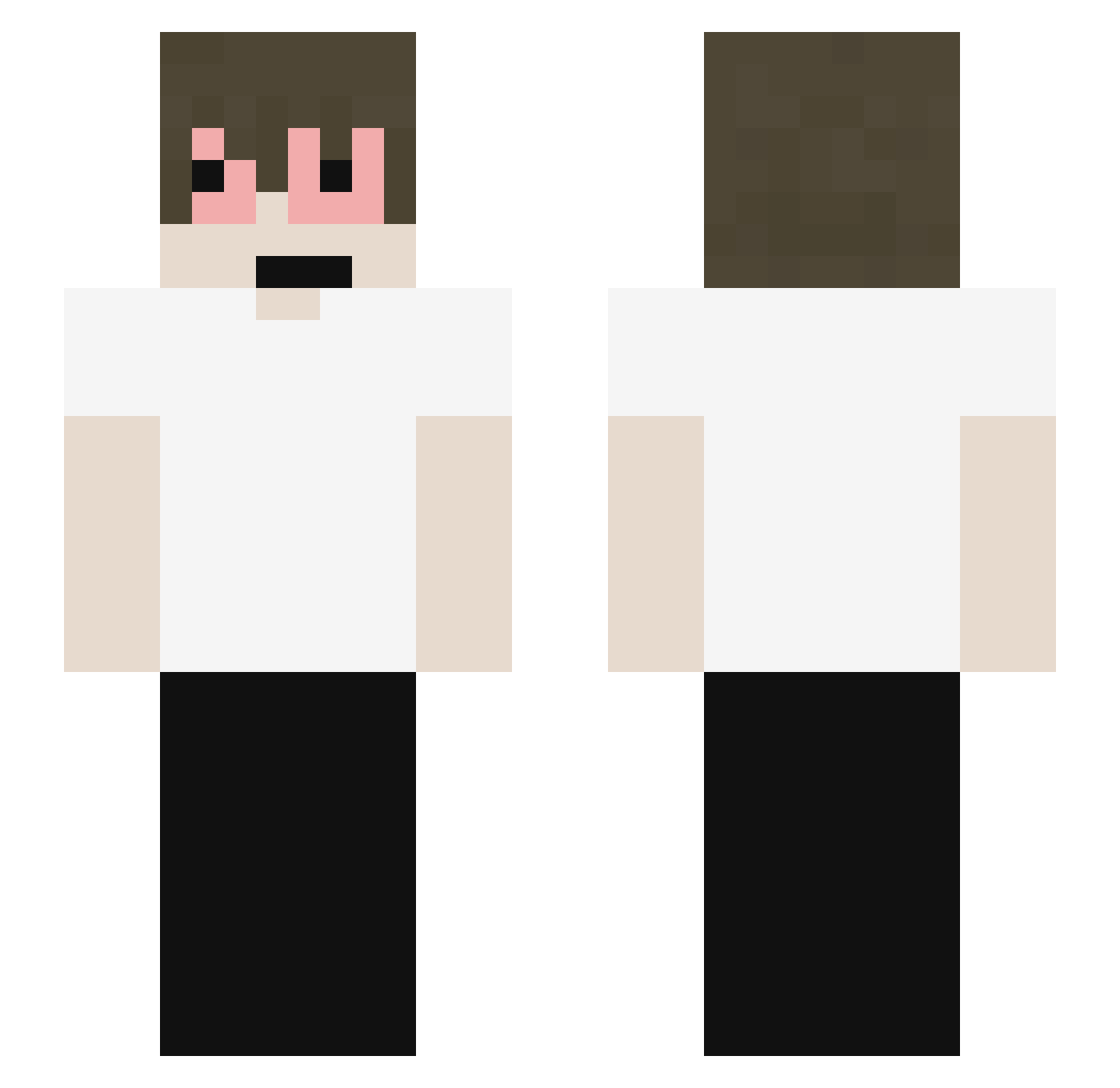
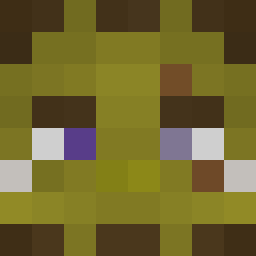
Current Minecraft skin of the player amuletplz, loaded from the official Mojang API. Rotate the 3D model with your mouse or finger, then download the skin as a PNG file and use it in Minecraft: Bedrock Edition or Java Edition for free. When amuletplz changes their skin, this page updates automatically and the old skin stays in the history below.
Other players with this skin (61)
amuletplz was the 19th player we have seen with this skin, first spotted on 27.08.2026. The same skin was seen on these players. Open a nickname to see their current skin and skin history.
 _kazmo_ Xwuu quhlt ZugFlieger76640 DiscordOwner Saehy PePiero_ urz6n
 ratdud z5xnet
 CharlieKurk89 ctoc that_dim0 Eroxn_ Guizaofreitasszz
 fallenmemories G0ber70 AceJay777 FakeXw
 Twixzzy_ takekashi wembyyyyyy Lycoris215 NbaEmezinh0 LightFeijao
 pluggeddma xHenri IloveCurlyGirls Shark_Karma Claudiopichulon 1200hz SZA_1
 bloodbirthday
 Prze3koSa Biddos HighTierFraud starbooytaker sp4rkluss snayzzo charnoh
 endlag Alcroon016 ItzRealAstro
 sensism FZ_DEMOX nummulary danniupz 7thr Longrend_ Ah_Tuy0 Villamos LOBOYBR eymn4 LilZyko zombiewebz11 isac_killer defectivnost DavidSpeed RORE0_ Kohrbin
How to install the amuletplz skin
- Press the Download button above to save the skin as a PNG file.
- Minecraft: Bedrock Edition (PE): open the Dressing Room from the main menu (or tap your character → Edit Character), go to Classic Skins → Owned, press the + (new skin) button, choose the downloaded PNG and pick the Slim (Alex) model. Works on PC and mobile; consoles cannot import custom skins.
- Minecraft: Java Edition: open the Minecraft Launcher, go to the Skins tab, click New Skin, load the PNG, pick the Slim (Alex) model and press Save & Use. You can also upload it at minecraft.net → Profile → Change Skin.
The skin does not show up after import - what should I do?
Restart Minecraft and open the Dressing Room again - imported skins sometimes appear only after a restart. Also make sure you selected the imported skin and picked the Slim (Alex) model.
Which model should I choose, Classic or Slim?
This skin is designed for the Slim (Alex) model. If you pick the wrong model, the arms of the skin will look stretched or squeezed.
Is the skin of amuletplz free to download?
Yes. Press Download, save the PNG file and use it in Minecraft: Bedrock Edition or Java Edition - no payment or registration needed. The skin also works on multiplayer servers and Realms.
More skins
Looking for more? Go back to all Minecraft skins and check the top skins of the week, month and all time, or find any player's skin by nickname.