
amandeep95 - Minecraft Skins & Skin History
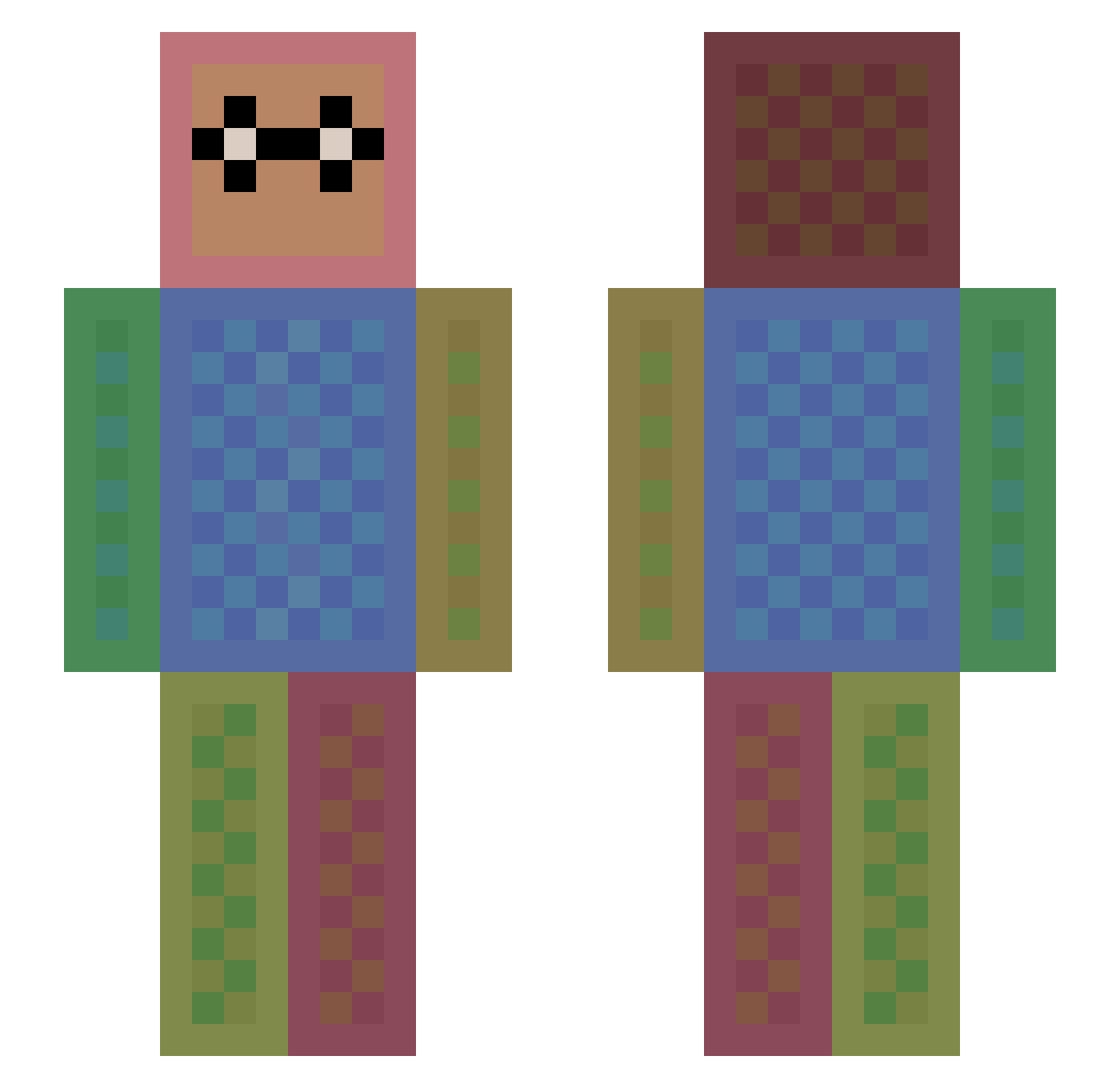
Current Minecraft skin of the player amandeep95, loaded from the official Mojang API. Rotate the 3D model with your mouse or finger, then download the skin as a PNG file and use it in Minecraft: Bedrock Edition or Java Edition for free. When amandeep95 changes their skin, this page updates automatically and the old skin stays in the history below.
Other players with this skin (1113)
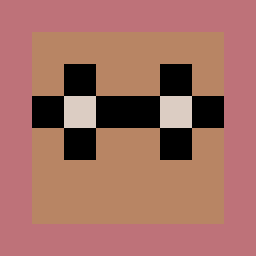
amandeep95 was the 415th player we have seen with this skin, first spotted on 28.08.2026. The same skin was seen on these players. Open a nickname to see their current skin and skin history.
 sbmk76 cupcakegirl393 NicoRexYT tturner1 commen1233 Tokok Rachel_the_bunny RawrGoesSarah Slayer7999 sengmin1 Hracho Takoyaki_jack christmascod Master_Man76 Lets_David LillithFC AlmightyAcorn Babadoo eggsman17 Libellaluna Dinnerboner TondaMika XoXo_LJ Famished jobcool zeromax3 DaemonHeathen Sudsy123 Sir_Jonalot danielhougthon24 AppleWhite_ym Keilyn51 GladerBlad casampey danyoung un_comy StipNy zikute kacchi852 GamingPrime101 zombiehunter082 AdriMin MonkikiPower JodeeVolt arturditu chi5no9 herobrine46gamer JDMONKS LeCochonRose 10destruction mannyman1122 KeksBoby a_golem Candido_04 Leagueofashe DoniBobesYT MrMostillo MishalGamer Owen_Krahwinkel CannasGui
How to install the amandeep95 skin
- Press the Download button above to save the skin as a PNG file.
- Minecraft: Bedrock Edition (PE): open the Dressing Room from the main menu (or tap your character → Edit Character), go to Classic Skins → Owned, press the + (new skin) button, choose the downloaded PNG and pick the Slim (Alex) model. Works on PC and mobile; consoles cannot import custom skins.
- Minecraft: Java Edition: open the Minecraft Launcher, go to the Skins tab, click New Skin, load the PNG, pick the Slim (Alex) model and press Save & Use. You can also upload it at minecraft.net → Profile → Change Skin.
The skin does not show up after import - what should I do?
Restart Minecraft and open the Dressing Room again - imported skins sometimes appear only after a restart. Also make sure you selected the imported skin and picked the Slim (Alex) model.
Which model should I choose, Classic or Slim?
This skin is designed for the Slim (Alex) model. If you pick the wrong model, the arms of the skin will look stretched or squeezed.
Is the skin of amandeep95 free to download?
Yes. Press Download, save the PNG file and use it in Minecraft: Bedrock Edition or Java Edition - no payment or registration needed. The skin also works on multiplayer servers and Realms.
More skins
Looking for more? Go back to all Minecraft skins and check the top skins of the week, month and all time, or find any player's skin by nickname.