
alphaclicks - Minecraft Skins & Skin History
Current Minecraft skin of the player alphaclicks, loaded from the official Mojang API. Rotate the 3D model with your mouse or finger, then download the skin as a PNG file and use it in Minecraft: Bedrock Edition or Java Edition for free. When alphaclicks changes their skin, this page updates automatically and the old skin stays in the history below.
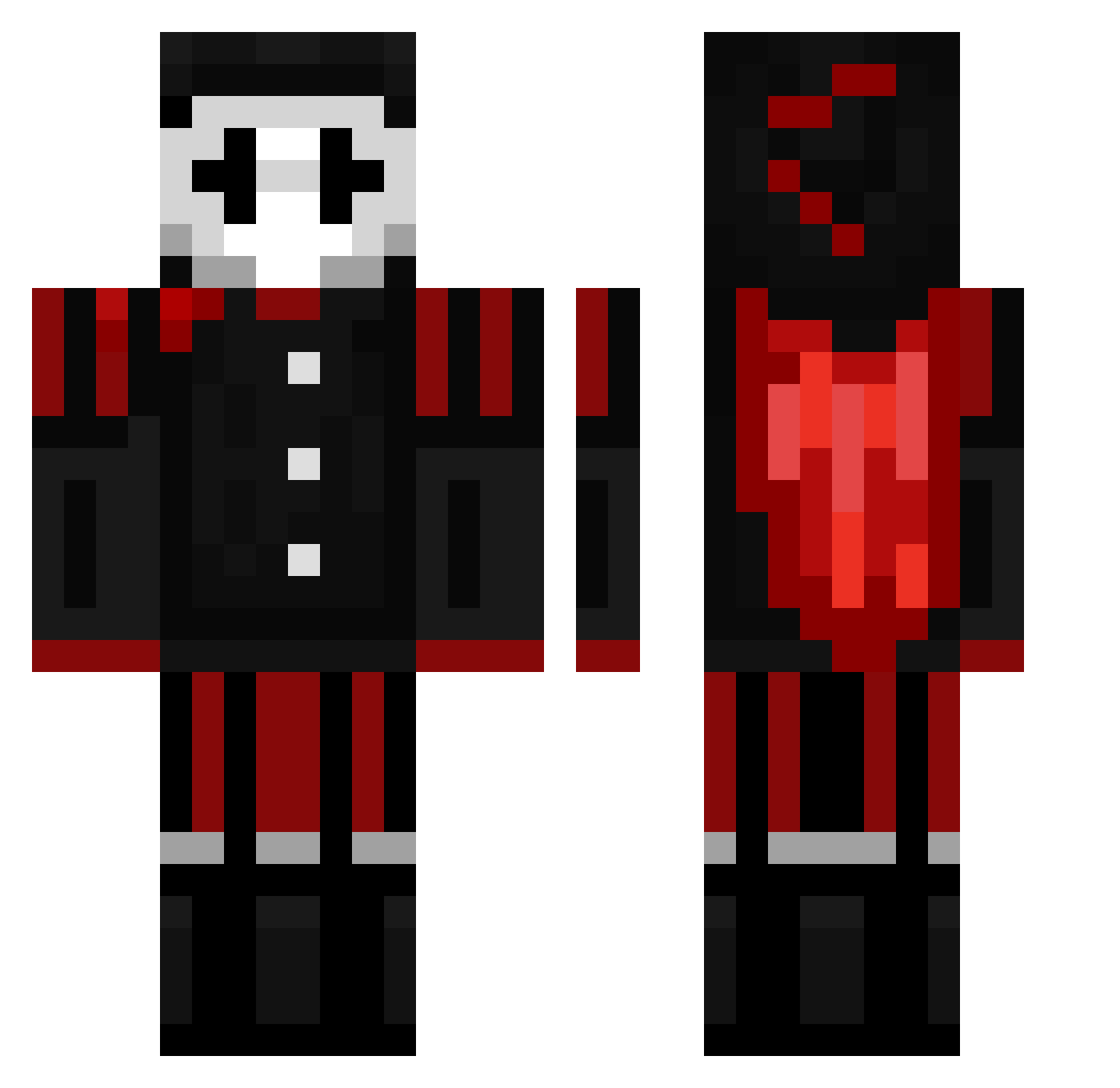
Other players with this skin (149)
alphaclicks was the 108th player we have seen with this skin, first spotted on 29.09.2026. The same skin was seen on these players. Open a nickname to see their current skin and skin history.
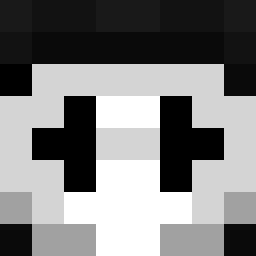 8x3b Bonkerzzzzzzzz RW155 Kyagur2011 WearyOrca Leoxx zimcard614 Aleksa2591 Zoro_3swordstyle swifftPeak ShellardC Jester_Penitrate YH045 kobe12354 CakeyGames5 BEUMAS xhorus772 DGodoyB Skitzynyx RehaRiho x0rro HimyNmisHP Golemcraft SGTCHUCKY Ninjanic17 GoldDRogerXd Dystoopia Vincent2461 WalmartPierce LiftedGalaxy697 ParceAK Maxminer2 Monking7825 Mixxx76181 sirkeen987 freind123 Darkyodasaurio pengetaler Fate_T0xicYT Kazutix ScrimpySky Lambiki 0PCreeper Mistro_H palikkaukk0 dinengolem Agentgugu007 MONKEYaap SwadeNinja Marlovww HDcrafts 7s59 brutterboot ro1z Zombyprayer MinecraftuserYT Zembobo2 DaveyCraft123 AirCon_MC NylTheBuilder
More Harlequin Minecraft skins
How to install the alphaclicks skin
- Press the Download button above to save the skin as a PNG file.
- Minecraft: Bedrock Edition (PE): open the Dressing Room from the main menu (or tap your character → Edit Character), go to Classic Skins → Owned, press the + (new skin) button, choose the downloaded PNG and pick the Classic (Steve) model. Works on PC and mobile; consoles cannot import custom skins.
- Minecraft: Java Edition: open the Minecraft Launcher, go to the Skins tab, click New Skin, load the PNG, pick the Classic (Steve) model and press Save & Use. You can also upload it at minecraft.net → Profile → Change Skin.
The skin does not show up after import - what should I do?
Restart Minecraft and open the Dressing Room again - imported skins sometimes appear only after a restart. Also make sure you selected the imported skin and picked the Classic (Steve) model.
Which model should I choose, Classic or Slim?
This skin is designed for the Classic (Steve) model. If you pick the wrong model, the arms of the skin will look stretched or squeezed.
Is the skin of alphaclicks free to download?
Yes. Press Download, save the PNG file and use it in Minecraft: Bedrock Edition or Java Edition - no payment or registration needed. The skin also works on multiplayer servers and Realms.
More skins
Looking for more? Go back to all Minecraft skins and check the top skins of the week, month and all time, or find any player's skin by nickname.