
africanbatman69 - Minecraft Skins & Skin History
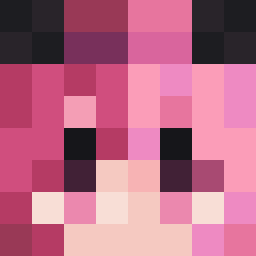
Current Minecraft skin of the player africanbatman69, loaded from the official Mojang API. Rotate the 3D model with your mouse or finger, then download the skin as a PNG file and use it in Minecraft: Bedrock Edition or Java Edition for free. When africanbatman69 changes their skin, this page updates automatically and the old skin stays in the history below.
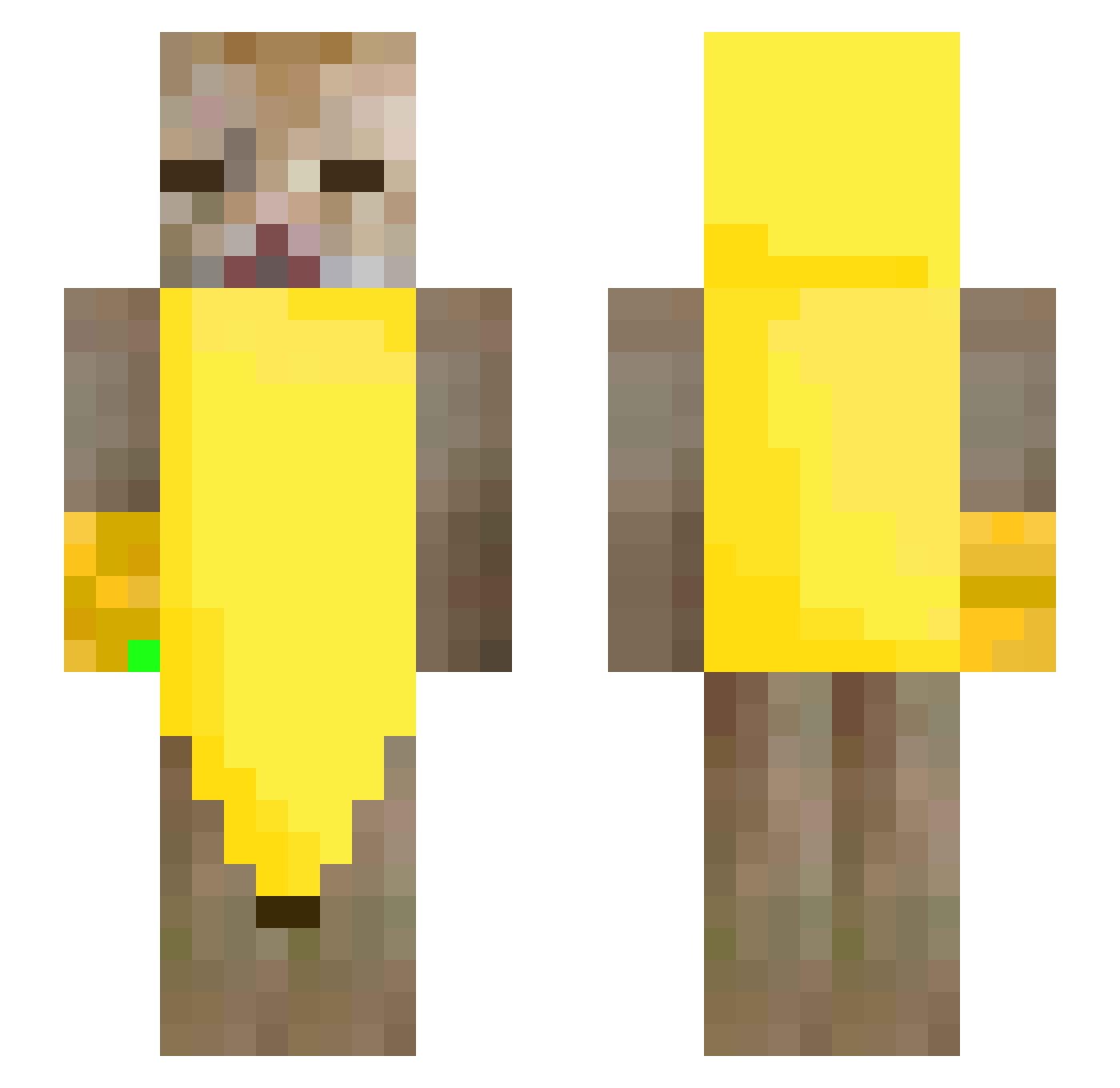
Other players with this skin (247)
africanbatman69 was the 82nd player we have seen with this skin, first spotted on 27.08.2026. The same skin was seen on these players. Open a nickname to see their current skin and skin history.
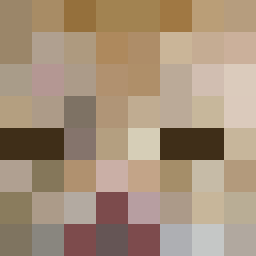 SupraTheGoat
 mvrclvca Hyper07123 CreativeName01 Bokutooooo meyonaz_ usdcnt KobaLaTGreg janfee2_bdg voidrunner01 EdwinTiger hajunationalpark iceplays27 CruzadoVie chittaphonyuri J0KEST3R ssussuk Catsup22
 Alkuwari9 XXUAN66669 warpatw_ RwL12 l1verfailure
 Happyinbed auraFarmerNeo Maniv_ iaryi poggeduplucas Reddragonx2112 Kaczu_ yawnzzz_ go_fish_ hellosteve007 thepianocat kiddo8611 PizzaPro152 Cragz1x Follicular Andreas7633 67labubusigma Dominox_KOX wwb13147 Blxnde
 Sebax5502 Ruxlad MASITA013 Polaire2006 Syd Mr_jmk xteaqre Wan_E9 Kavunchyk Raconx rimurix zacChoi FaZe_cichy BlackAndWhiteZ ik_6557 psilyrogue BoskiDiego
More Banana Minecraft skins
How to install the africanbatman69 skin
- Press the Download button above to save the skin as a PNG file.
- Minecraft: Bedrock Edition (PE): open the Dressing Room from the main menu (or tap your character → Edit Character), go to Classic Skins → Owned, press the + (new skin) button, choose the downloaded PNG and pick the Slim (Alex) model. Works on PC and mobile; consoles cannot import custom skins.
- Minecraft: Java Edition: open the Minecraft Launcher, go to the Skins tab, click New Skin, load the PNG, pick the Slim (Alex) model and press Save & Use. You can also upload it at minecraft.net → Profile → Change Skin.
The skin does not show up after import - what should I do?
Restart Minecraft and open the Dressing Room again - imported skins sometimes appear only after a restart. Also make sure you selected the imported skin and picked the Slim (Alex) model.
Which model should I choose, Classic or Slim?
This skin is designed for the Slim (Alex) model. If you pick the wrong model, the arms of the skin will look stretched or squeezed.
Is the skin of africanbatman69 free to download?
Yes. Press Download, save the PNG file and use it in Minecraft: Bedrock Edition or Java Edition - no payment or registration needed. The skin also works on multiplayer servers and Realms.
More skins
Looking for more? Go back to all Minecraft skins and check the top skins of the week, month and all time, or find any player's skin by nickname.