
_ofer - Minecraft Skins & Skin History
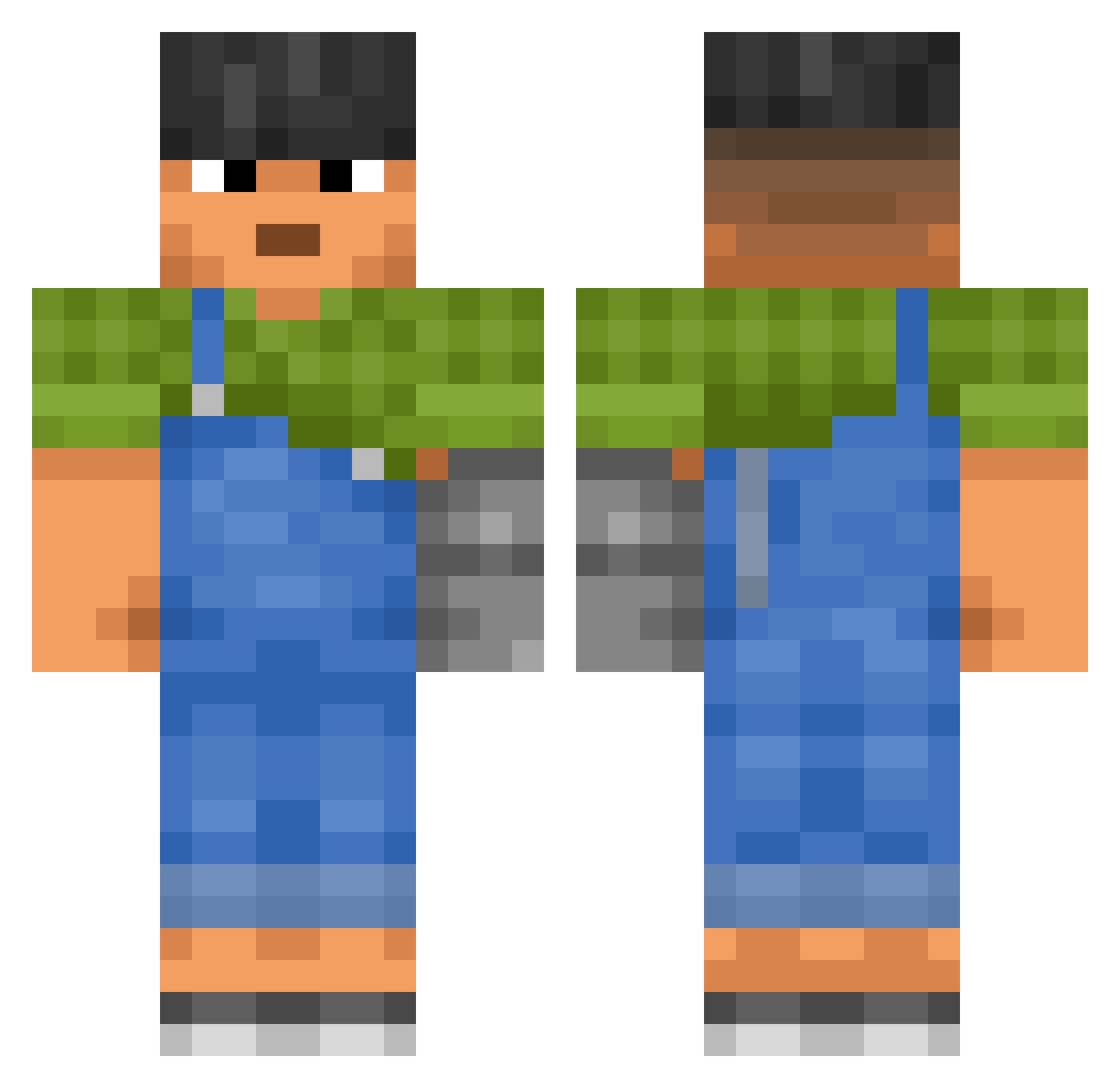
Current Minecraft skin of the player _ofer, loaded from the official Mojang API. Rotate the 3D model with your mouse or finger, then download the skin as a PNG file and use it in Minecraft: Bedrock Edition or Java Edition for free. When _ofer changes their skin, this page updates automatically and the old skin stays in the history below.
Other players with this skin (3442)
_ofer was the 3302nd player we have seen with this skin, first spotted on 11.11.2026. The same skin was seen on these players. Open a nickname to see their current skin and skin history.
 APPO33 Filiooox1 _lainx Stop_smoking Great_AMRr ramisi4 Leonidas123456 Calamarr Jobbur DimLYC Kokarri LucceP AkiraMarcos outbackpoophouse muluki Showful NeedBailMoney Iguaa chamaerops Hy_kim Dyzio_YFL Unkid sheckster neghtheo peise Pououm yuddn Readymade TheJupiterOne YetiSquatch ppay2115 Trammel snail_piles SlainZ bellahadidd xParcelex bruja BigDaddyIxire Searlian Dang1244 Eradiated miserabilism Teind Aspect_of_MeroDi gal_king Unclamp xcarrotx SullyHansen lengthways eatwater Variag KirKing Paelos1981 wzfsg Vulgarized Michaelszn GooochGobbler Vermil CreamyKiwii teff
More Prosthetic Arm Minecraft skins
See all 80 Prosthetic Arm skins
How to install the _ofer skin
- Press the Download button above to save the skin as a PNG file.
- Minecraft: Bedrock Edition (PE): open the Dressing Room from the main menu (or tap your character → Edit Character), go to Classic Skins → Owned, press the + (new skin) button, choose the downloaded PNG and pick the Classic (Steve) model. Works on PC and mobile; consoles cannot import custom skins.
- Minecraft: Java Edition: open the Minecraft Launcher, go to the Skins tab, click New Skin, load the PNG, pick the Classic (Steve) model and press Save & Use. You can also upload it at minecraft.net → Profile → Change Skin.
The skin does not show up after import - what should I do?
Restart Minecraft and open the Dressing Room again - imported skins sometimes appear only after a restart. Also make sure you selected the imported skin and picked the Classic (Steve) model.
Which model should I choose, Classic or Slim?
This skin is designed for the Classic (Steve) model. If you pick the wrong model, the arms of the skin will look stretched or squeezed.
Is the skin of _ofer free to download?
Yes. Press Download, save the PNG file and use it in Minecraft: Bedrock Edition or Java Edition - no payment or registration needed. The skin also works on multiplayer servers and Realms.
More skins
Looking for more? Go back to all Minecraft skins and check the top skins of the week, month and all time, or find any player's skin by nickname.