
_cooperg_ - Minecraft Skins & Skin History
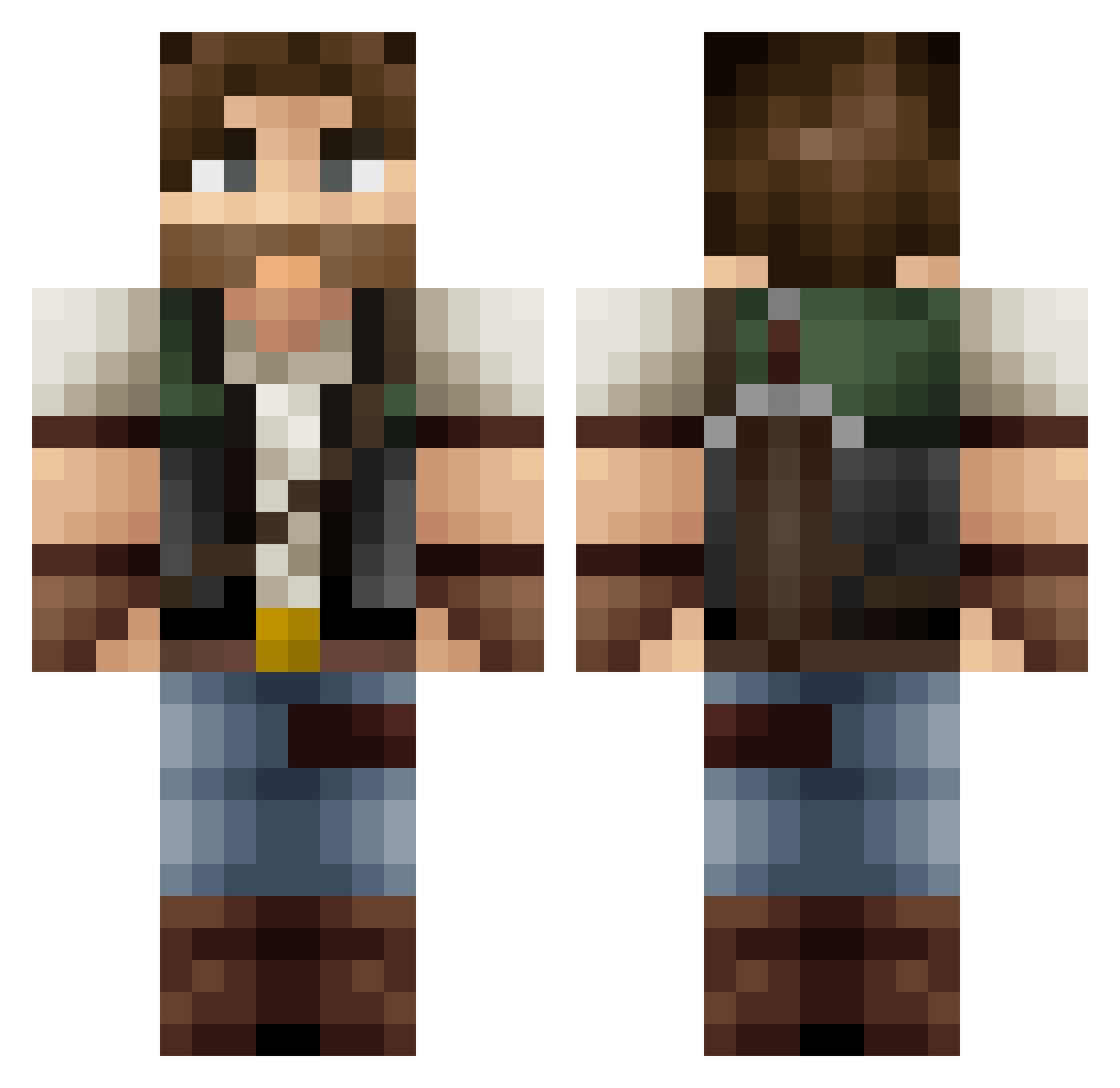
Current Minecraft skin of the player _cooperg_, loaded from the official Mojang API. Rotate the 3D model with your mouse or finger, then download the skin as a PNG file and use it in Minecraft: Bedrock Edition or Java Edition for free. When _cooperg_ changes their skin, this page updates automatically and the old skin stays in the history below.
Other players with this skin (446)
_cooperg_ was the 364th player we have seen with this skin, first spotted on 30.10.2026. The same skin was seen on these players. Open a nickname to see their current skin and skin history.
 Reborn696 PsychFour DastarRock beatman007 AtomZz8560 TheCharlieKill NiuZS Alpha_Jess2112 Skygears KBell98 Pliboux Naax Grannyspam69 Larwan Shnider2015 Knolivier llSosall sneakyget Destetry N18E07S jamjag2a zentist Vulgaz ReGu_02 DL2177 gnasher155 urban_7 michellinbaby KaarKatan Pipp0Saur0 VanCardboardbox SirGrilzalot Avokada Prom3theus_ AeroNova98 Avarens HudsonHawk007 dadouf32 Exile118 madness058 _Ricoks_ Maggolein Mada_2 robin024 Juralion RasorG pyro24 RaakaArska00 ScrubLuck Errisu1 xGu1lh3rmex kkiamblue jcr4ft Aphotika Dharq NotoriousZRP P0P_EYE Tortillastrijder CelestialOrion Holmaes
More Hunter Minecraft skins
How to install the _cooperg_ skin
- Press the Download button above to save the skin as a PNG file.
- Minecraft: Bedrock Edition (PE): open the Dressing Room from the main menu (or tap your character → Edit Character), go to Classic Skins → Owned, press the + (new skin) button, choose the downloaded PNG and pick the Classic (Steve) model. Works on PC and mobile; consoles cannot import custom skins.
- Minecraft: Java Edition: open the Minecraft Launcher, go to the Skins tab, click New Skin, load the PNG, pick the Classic (Steve) model and press Save & Use. You can also upload it at minecraft.net → Profile → Change Skin.
The skin does not show up after import - what should I do?
Restart Minecraft and open the Dressing Room again - imported skins sometimes appear only after a restart. Also make sure you selected the imported skin and picked the Classic (Steve) model.
Which model should I choose, Classic or Slim?
This skin is designed for the Classic (Steve) model. If you pick the wrong model, the arms of the skin will look stretched or squeezed.
Is the skin of _cooperg_ free to download?
Yes. Press Download, save the PNG file and use it in Minecraft: Bedrock Edition or Java Edition - no payment or registration needed. The skin also works on multiplayer servers and Realms.
More skins
Looking for more? Go back to all Minecraft skins and check the top skins of the week, month and all time, or find any player's skin by nickname.