
_Yummi - Minecraft Skins & Skin History
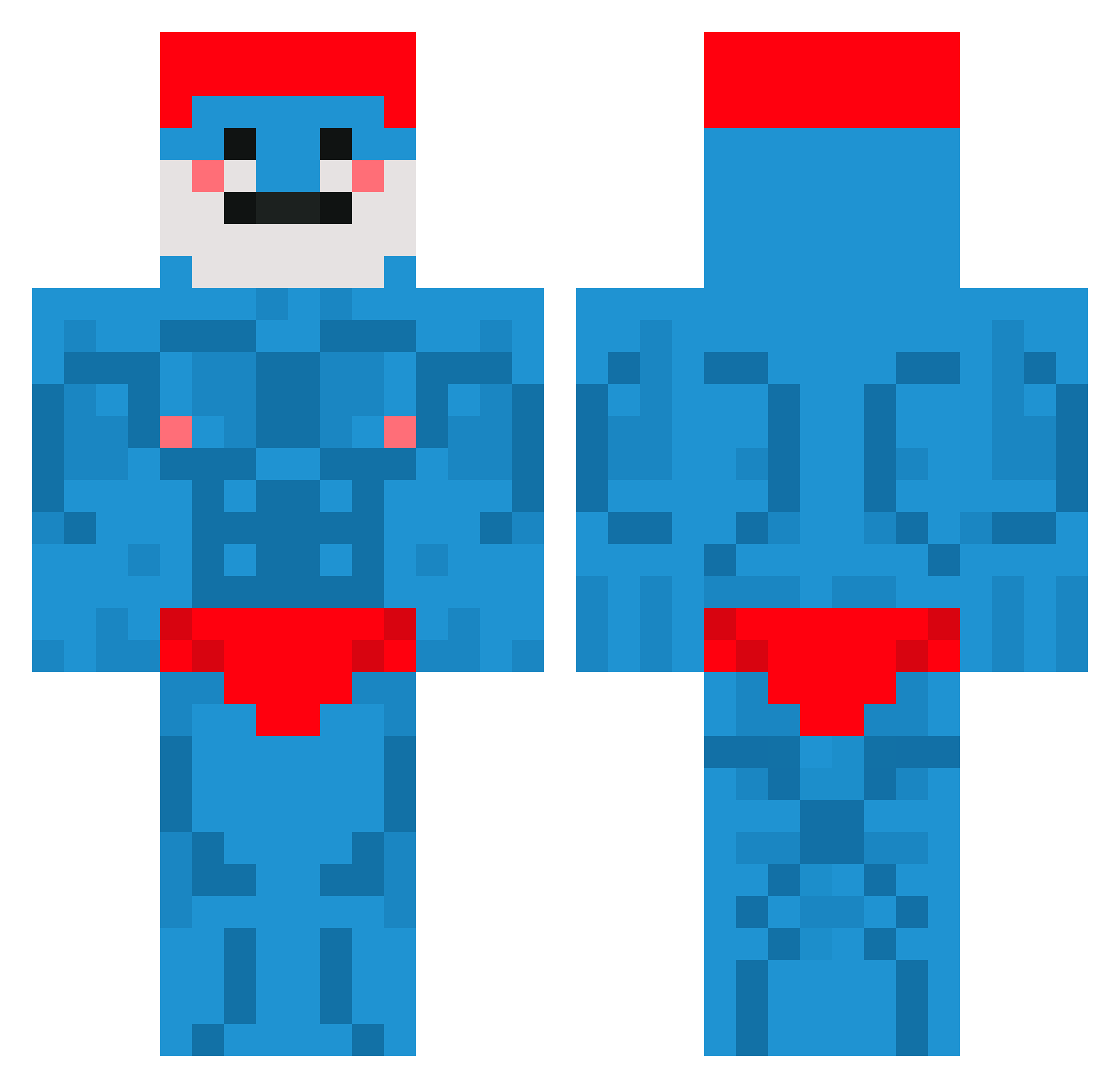
Current Minecraft skin of the player _Yummi, loaded from the official Mojang API. Rotate the 3D model with your mouse or finger, then download the skin as a PNG file and use it in Minecraft: Bedrock Edition or Java Edition for free. When _Yummi changes their skin, this page updates automatically and the old skin stays in the history below.
Other players with this skin (660)
_Yummi was the 474th player we have seen with this skin, first spotted on 05.10.2026. The same skin was seen on these players. Open a nickname to see their current skin and skin history.
 BrikirB bleach_boi DonJacc Icwtse Audrick333 CAL1BRE PapaSmurf02496 iFly krystalt LiteralTrash618 RafPVP GracuHovyy pavidloid SpineApplez tstodge Pr_Platypus HoezBmad Thegoddobby OneThirdJam ghw_Cosmic_cnm DutchProKiller Dagrmka Rishower gertgames2 Marcelloolaf White_shadows_3 Borealiisa nyanmp4 rubentheslayer5 funkotron_king Firedoxy GosmMixa SueNano everything42 JokkeKN Humildon skyline69 _Twilly Brihihi LemonDude0_o Grewper Gustafoslav CouillesPoilues Pssychapper bEeMoOo xAlperBey piyomoon19 Thijsdwit Natu223 ForageFrostbite Ventilator69 DKSuper hotrod7891 _soggy_eel ScorchiePoo EGE_T39 JORDONDAK Qu4rtz_ MightyAndru grzmotass
More Bodybuilder Minecraft skins
See all 1174 Bodybuilder skins
How to install the _Yummi skin
- Press the Download button above to save the skin as a PNG file.
- Minecraft: Bedrock Edition (PE): open the Dressing Room from the main menu (or tap your character → Edit Character), go to Classic Skins → Owned, press the + (new skin) button, choose the downloaded PNG and pick the Classic (Steve) model. Works on PC and mobile; consoles cannot import custom skins.
- Minecraft: Java Edition: open the Minecraft Launcher, go to the Skins tab, click New Skin, load the PNG, pick the Classic (Steve) model and press Save & Use. You can also upload it at minecraft.net → Profile → Change Skin.
The skin does not show up after import - what should I do?
Restart Minecraft and open the Dressing Room again - imported skins sometimes appear only after a restart. Also make sure you selected the imported skin and picked the Classic (Steve) model.
Which model should I choose, Classic or Slim?
This skin is designed for the Classic (Steve) model. If you pick the wrong model, the arms of the skin will look stretched or squeezed.
Is the skin of _Yummi free to download?
Yes. Press Download, save the PNG file and use it in Minecraft: Bedrock Edition or Java Edition - no payment or registration needed. The skin also works on multiplayer servers and Realms.
More skins
Looking for more? Go back to all Minecraft skins and check the top skins of the week, month and all time, or find any player's skin by nickname.