
_Miell - Minecraft Skins & Skin History
Current Minecraft skin of the player _Miell, loaded from the official Mojang API. Rotate the 3D model with your mouse or finger, then download the skin as a PNG file and use it in Minecraft: Bedrock Edition or Java Edition for free. When _Miell changes their skin, this page updates automatically and the old skin stays in the history below.
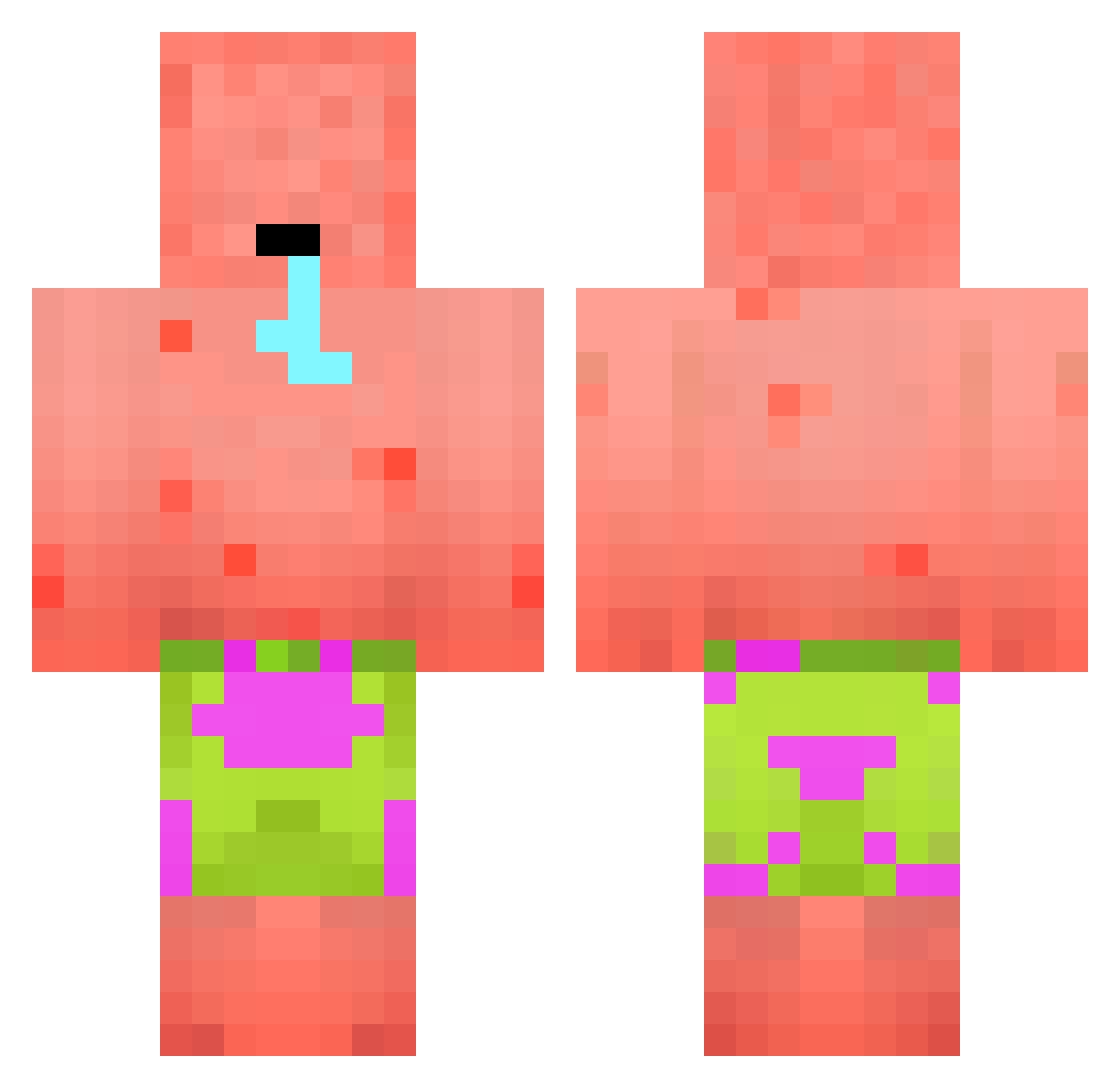
Other players with this skin (394)
_Miell was the 311th player we have seen with this skin, first spotted on 13.10.2026. The same skin was seen on these players. Open a nickname to see their current skin and skin history.
 Dylan_Willson Vilce_ fosna3 AnimeTwiddles aQuuK WiNNiE0202 Queraxx FredFritz8 Capba thanhmc247 EbukaHatTermin Mpavs19 RainbowApricot TomTomKilla Cher_c0 YTCLASSIFIED873 Hellifox Hero_Killerr Forrrrrtnite Chucky_Monkey Dabure MrWonday kiop996 claroonce Bustur456 HatunaMatata nosaram7 SianSex Zicek GXblack Fantasman37 Quickzeiro Conniconnect idodoo Theborix33 tinkalii Sknyd AlbeniChocolate Nathanthepro123 AnimeOtakuBoy messoud_lgang Yiizle208 Antzzz Sam694200 CoconutPalmz SirS1mp dabriqshaw tatsumine yapalefeu SPIDEX_LUMINEX suckmick kaiwen890 Rehab_JK Boritz37 KaaSji KLOMPEDOMP47 Leonie9 AlphaWolfie49 kyleedot frivikz
More Patrick Star Minecraft skins
See all 612 Patrick Star skins
How to install the _Miell skin
- Press the Download button above to save the skin as a PNG file.
- Minecraft: Bedrock Edition (PE): open the Dressing Room from the main menu (or tap your character → Edit Character), go to Classic Skins → Owned, press the + (new skin) button, choose the downloaded PNG and pick the Classic (Steve) model. Works on PC and mobile; consoles cannot import custom skins.
- Minecraft: Java Edition: open the Minecraft Launcher, go to the Skins tab, click New Skin, load the PNG, pick the Classic (Steve) model and press Save & Use. You can also upload it at minecraft.net → Profile → Change Skin.
The skin does not show up after import - what should I do?
Restart Minecraft and open the Dressing Room again - imported skins sometimes appear only after a restart. Also make sure you selected the imported skin and picked the Classic (Steve) model.
Which model should I choose, Classic or Slim?
This skin is designed for the Classic (Steve) model. If you pick the wrong model, the arms of the skin will look stretched or squeezed.
Is the skin of _Miell free to download?
Yes. Press Download, save the PNG file and use it in Minecraft: Bedrock Edition or Java Edition - no payment or registration needed. The skin also works on multiplayer servers and Realms.
More skins
Looking for more? Go back to all Minecraft skins and check the top skins of the week, month and all time, or find any player's skin by nickname.