
_LGBTQ - Minecraft Skins & Skin History
Current Minecraft skin of the player _LGBTQ, loaded from the official Mojang API. Rotate the 3D model with your mouse or finger, then download the skin as a PNG file and use it in Minecraft: Bedrock Edition or Java Edition for free. When _LGBTQ changes their skin, this page updates automatically and the old skin stays in the history below.
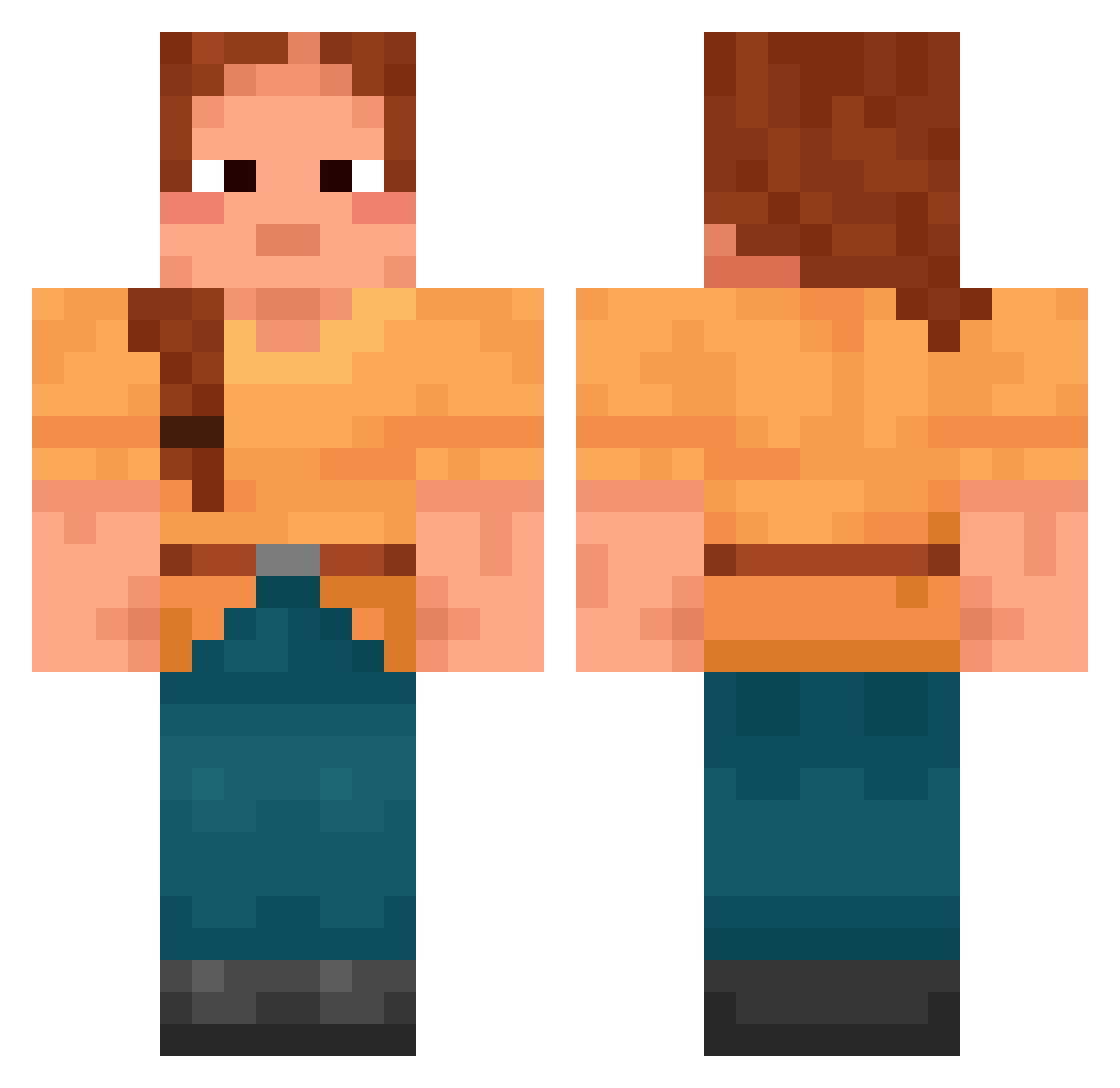
Other players with this skin (1695)
_LGBTQ was the 989th player we have seen with this skin, first spotted on 27.09.2026. The same skin was seen on these players. Open a nickname to see their current skin and skin history.
 hatmaker kaceykoolkat Bullety RoundWood iTrq DroneShards Hrimfaxi FA_NTOM Philippa INFP123 mutely Maxyboi francopipo jamesjules Villacrafter uraomo Purlieus Catechism Silly_Goose_9712 MegWalker PrepN bgtruther Ascidiate Queue cartway Savmay11 meowjordeth Amkaaa Zoophagous hoho123 Bristol NoelTheDude Dario9494 _Jappie Yapp1i dbsdndud00 Gleeman _Norik MesLen dead_channels Pistoles Abannition SubAtomicPenguin BIOscientist quarta Kytula Kuuruoo CarlosStyle Nilam003 nhmg YumYumSmuckers 000000069 Barathrum sombrely Unfaceable jdluvluv Maedolenne PeenanBeenan2844 ygger CumCatcher
More Cottagecore Minecraft skins
See all 6452 Cottagecore skins
How to install the _LGBTQ skin
- Press the Download button above to save the skin as a PNG file.
- Minecraft: Bedrock Edition (PE): open the Dressing Room from the main menu (or tap your character → Edit Character), go to Classic Skins → Owned, press the + (new skin) button, choose the downloaded PNG and pick the Classic (Steve) model. Works on PC and mobile; consoles cannot import custom skins.
- Minecraft: Java Edition: open the Minecraft Launcher, go to the Skins tab, click New Skin, load the PNG, pick the Classic (Steve) model and press Save & Use. You can also upload it at minecraft.net → Profile → Change Skin.
The skin does not show up after import - what should I do?
Restart Minecraft and open the Dressing Room again - imported skins sometimes appear only after a restart. Also make sure you selected the imported skin and picked the Classic (Steve) model.
Which model should I choose, Classic or Slim?
This skin is designed for the Classic (Steve) model. If you pick the wrong model, the arms of the skin will look stretched or squeezed.
Is the skin of _LGBTQ free to download?
Yes. Press Download, save the PNG file and use it in Minecraft: Bedrock Edition or Java Edition - no payment or registration needed. The skin also works on multiplayer servers and Realms.
More skins
Looking for more? Go back to all Minecraft skins and check the top skins of the week, month and all time, or find any player's skin by nickname.