
_ItsJishua_ - Minecraft Skins & Skin History
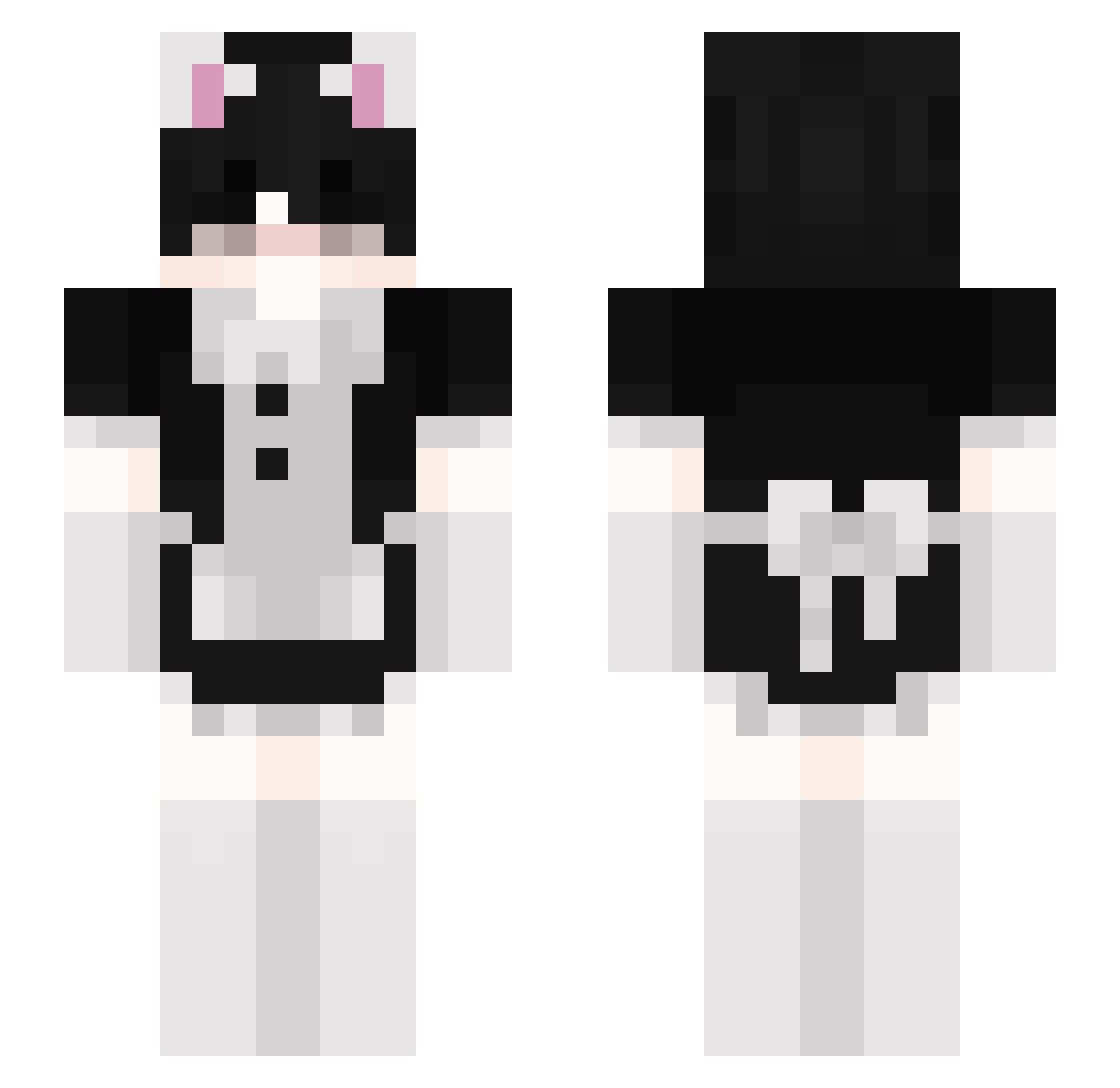
Current Minecraft skin of the player _ItsJishua_, loaded from the official Mojang API. Rotate the 3D model with your mouse or finger, then download the skin as a PNG file and use it in Minecraft: Bedrock Edition or Java Edition for free. When _ItsJishua_ changes their skin, this page updates automatically and the old skin stays in the history below.
Other players with this skin (155)
_ItsJishua_ was the 58th player we have seen with this skin, first spotted on 03.09.2026. The same skin was seen on these players. Open a nickname to see their current skin and skin history.
 Gozila2013
 SelenesLight MrChocolatada XxEnderKindxX emolord420 S0UPY_BOI Pyrass Local_Peachy xxMilchBubiHDxx kubai452 PituKiller KING_KRIM nyuukuu Wolf01796 YIMI_YIM jestem_przemek Gazzalinga AAArtLeGG king_supreme yjaek
 Clxrr niewiemczm AnshBurger Arthur_carente PrettyBXBE SupakaidenYT GayTwink Mumbo91 StianKStra Venezios99 luzuli 6_sandwich_6 wFemboy HFH_Mouse Charlottereezy robbietherat NextDone Kailox WollahYeeters skzsnow desterysmith pavshiypsiblade Vomaxz DanDev YTMAXGAME_YT _Suu_ airomer Moshinico cloudyq47 N1gx danielsenpai nakkkaa Chazzzzzzzzzza IronXsoldier jonathan6005 Tonestar123 Bl00dyPvPpro Tyszka13 iristf GerroeBlokker
More Maid Minecraft skins
How to install the _ItsJishua_ skin
- Press the Download button above to save the skin as a PNG file.
- Minecraft: Bedrock Edition (PE): open the Dressing Room from the main menu (or tap your character → Edit Character), go to Classic Skins → Owned, press the + (new skin) button, choose the downloaded PNG and pick the Slim (Alex) model. Works on PC and mobile; consoles cannot import custom skins.
- Minecraft: Java Edition: open the Minecraft Launcher, go to the Skins tab, click New Skin, load the PNG, pick the Slim (Alex) model and press Save & Use. You can also upload it at minecraft.net → Profile → Change Skin.
The skin does not show up after import - what should I do?
Restart Minecraft and open the Dressing Room again - imported skins sometimes appear only after a restart. Also make sure you selected the imported skin and picked the Slim (Alex) model.
Which model should I choose, Classic or Slim?
This skin is designed for the Slim (Alex) model. If you pick the wrong model, the arms of the skin will look stretched or squeezed.
Is the skin of _ItsJishua_ free to download?
Yes. Press Download, save the PNG file and use it in Minecraft: Bedrock Edition or Java Edition - no payment or registration needed. The skin also works on multiplayer servers and Realms.
More skins
Looking for more? Go back to all Minecraft skins and check the top skins of the week, month and all time, or find any player's skin by nickname.