
_Fresh_Jeka_ - Minecraft Skins & Skin History
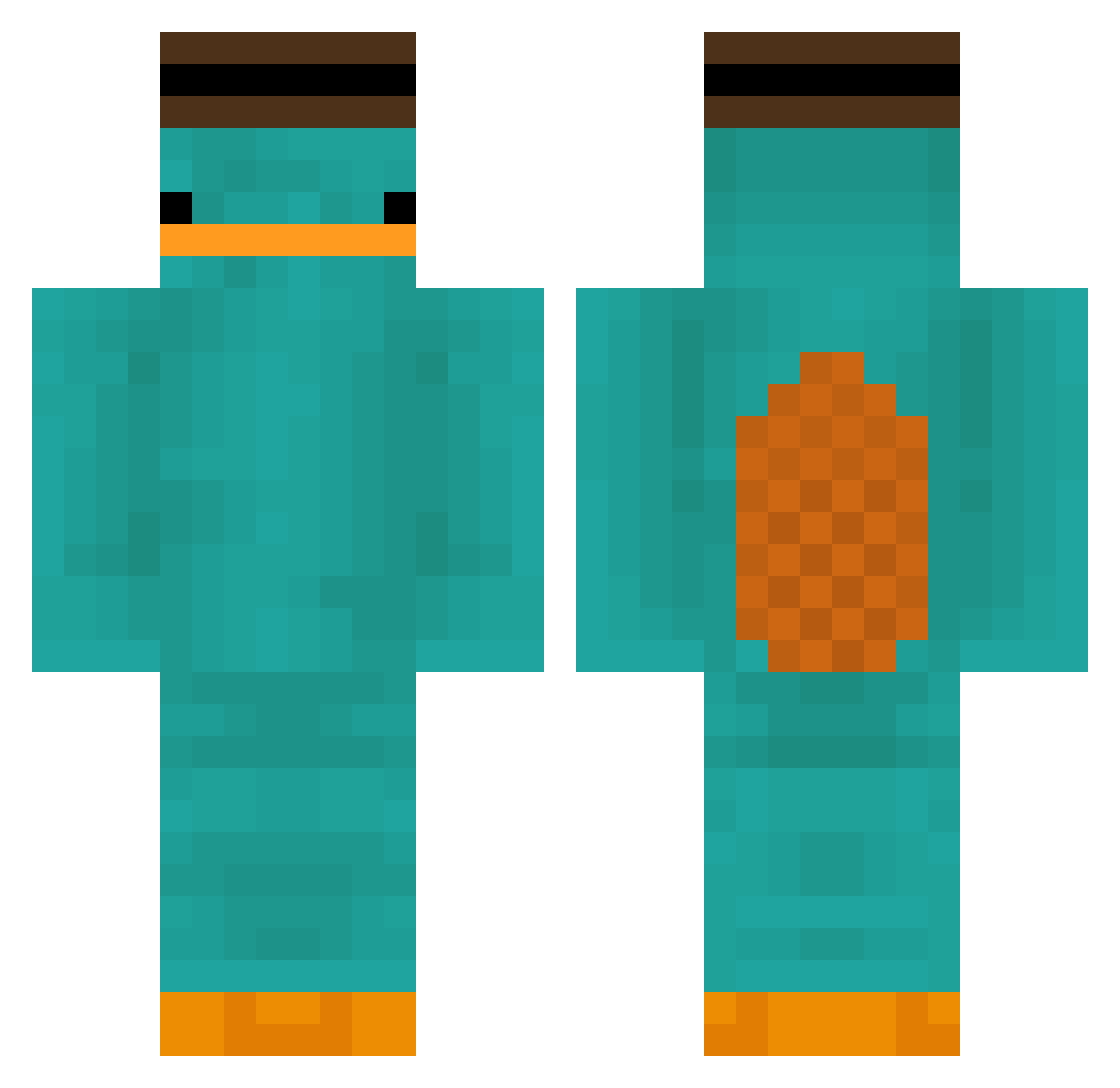
Current Minecraft skin of the player _Fresh_Jeka_, loaded from the official Mojang API. Rotate the 3D model with your mouse or finger, then download the skin as a PNG file and use it in Minecraft: Bedrock Edition or Java Edition for free. When _Fresh_Jeka_ changes their skin, this page updates automatically and the old skin stays in the history below.
Other players with this skin (207)
_Fresh_Jeka_ was the 198th player we have seen with this skin, first spotted on 14.11.2026. The same skin was seen on these players. Open a nickname to see their current skin and skin history.
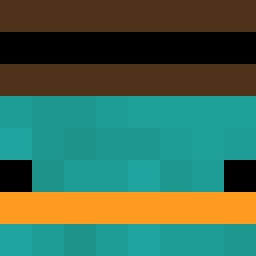 Jonghyun_614 carcho_91 Ferkelratte1 Kouesro SickDarky RickOnSteroids1 Venatata anmoi featherdixie radioaxtive xOlcia KGGeX clowncharly basicman69 o_oLaser Toadin emrsnnn Mr_Empirico RaidenTempest Rainn_1764 Sinlestro Aytiic Entitilo_OweBL Ringo55 aless1240 kjs205712 IYEBAGS Sduck Havoc1205 Ellis_Mito Eldirlol Muri_Boll Sef_5 PappaEdward Darragh_or brendoXmaster 2Illusional buba00 whdzxxg Panta_ GomGomu hiface74 TwichTTV Dufferinboy1566 Titiramisiu Solmaj7 ElClgringo7 Daneng_ Esben_L 1infame Badboy_tw BagOFChaps Glaurse mini_dino_gamer Kond0mski TIMOTHY3333 jayr16 RaeBans Floopers__ nojuiceleft
More Platypus Minecraft skins
How to install the _Fresh_Jeka_ skin
- Press the Download button above to save the skin as a PNG file.
- Minecraft: Bedrock Edition (PE): open the Dressing Room from the main menu (or tap your character → Edit Character), go to Classic Skins → Owned, press the + (new skin) button, choose the downloaded PNG and pick the Classic (Steve) model. Works on PC and mobile; consoles cannot import custom skins.
- Minecraft: Java Edition: open the Minecraft Launcher, go to the Skins tab, click New Skin, load the PNG, pick the Classic (Steve) model and press Save & Use. You can also upload it at minecraft.net → Profile → Change Skin.
The skin does not show up after import - what should I do?
Restart Minecraft and open the Dressing Room again - imported skins sometimes appear only after a restart. Also make sure you selected the imported skin and picked the Classic (Steve) model.
Which model should I choose, Classic or Slim?
This skin is designed for the Classic (Steve) model. If you pick the wrong model, the arms of the skin will look stretched or squeezed.
Is the skin of _Fresh_Jeka_ free to download?
Yes. Press Download, save the PNG file and use it in Minecraft: Bedrock Edition or Java Edition - no payment or registration needed. The skin also works on multiplayer servers and Realms.
More skins
Looking for more? Go back to all Minecraft skins and check the top skins of the week, month and all time, or find any player's skin by nickname.